slAItor vs Translate.video
In the contest of slAItor vs Translate.video, which AI Translation tool is the champion? We evaluate pricing, alternatives, upvotes, features, reviews, and more.
If you had to choose between slAItor and Translate.video, which one would you go for?
When we examine slAItor and Translate.video, both of which are AI-enabled translation tools, what unique characteristics do we discover? The community has spoken, Translate.video leads with more upvotes. Translate.video has garnered 8 upvotes, and slAItor has garnered 6 upvotes.
You don't agree with the result? Cast your vote to help us decide!
slAItor

What is slAItor?
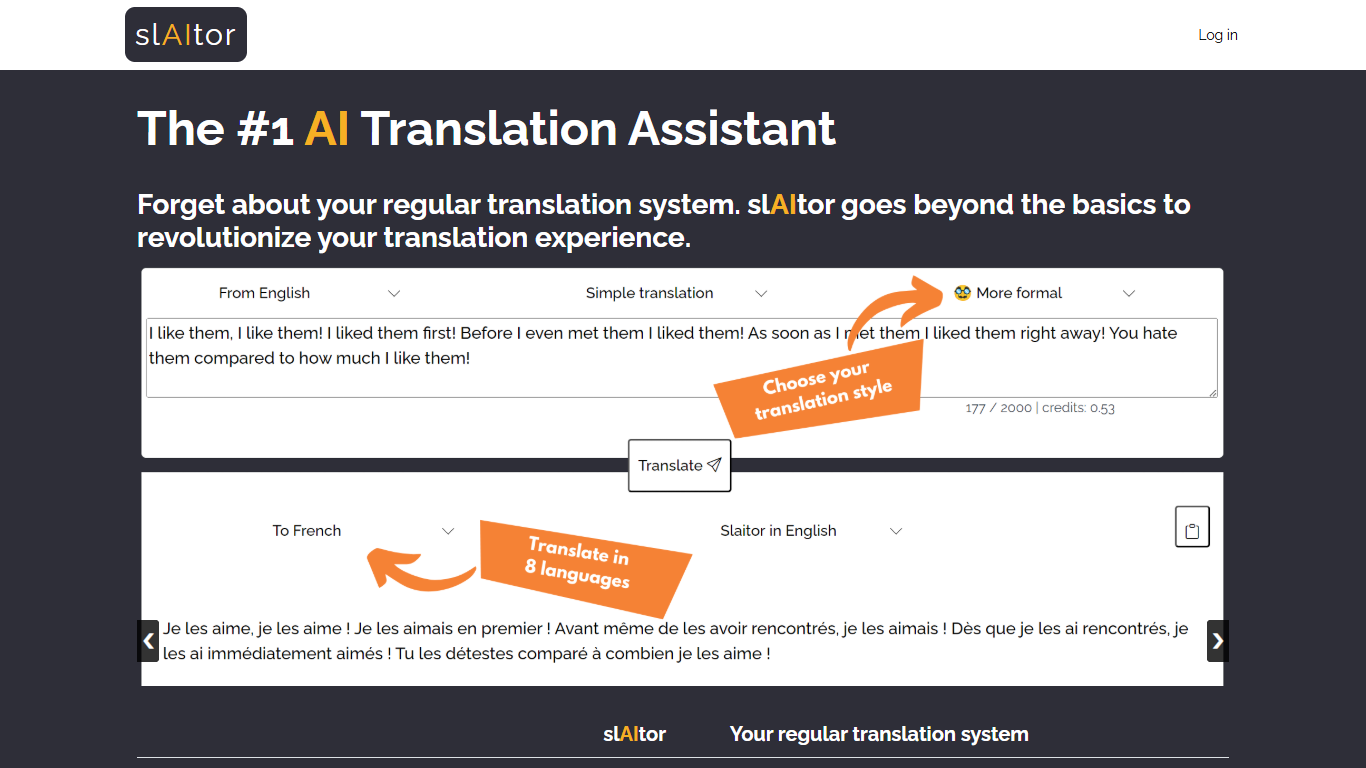
slAItor is an online translation assistant built around large language models from the GPT family, combined with standard machine translation pipelines. Instead of returning a single translated string, it is designed for people who want more context around a translation: explanations, alternatives, style adjustments, and error checking.
The product targets language learners, translators, and professionals who need more than a quick paste-and-go result. Benjamin Marie, who holds a Ph.D. in machine translation and has spent more than a decade in MT research, built slAItor to explore what becomes possible when GPT-style models sit at the center of a translation workflow.
slAItor supports 28 language pairs across Chinese, English, French, German, Italian, Japanese, Portuguese, and Spanish. The site is upfront that raw translation quality can trail established systems in some cases, but positions itself on price and on features like step-by-step explanations, paraphrasing, and a checker mode that reviews your own drafts.
Translate.video
What is Translate.video?
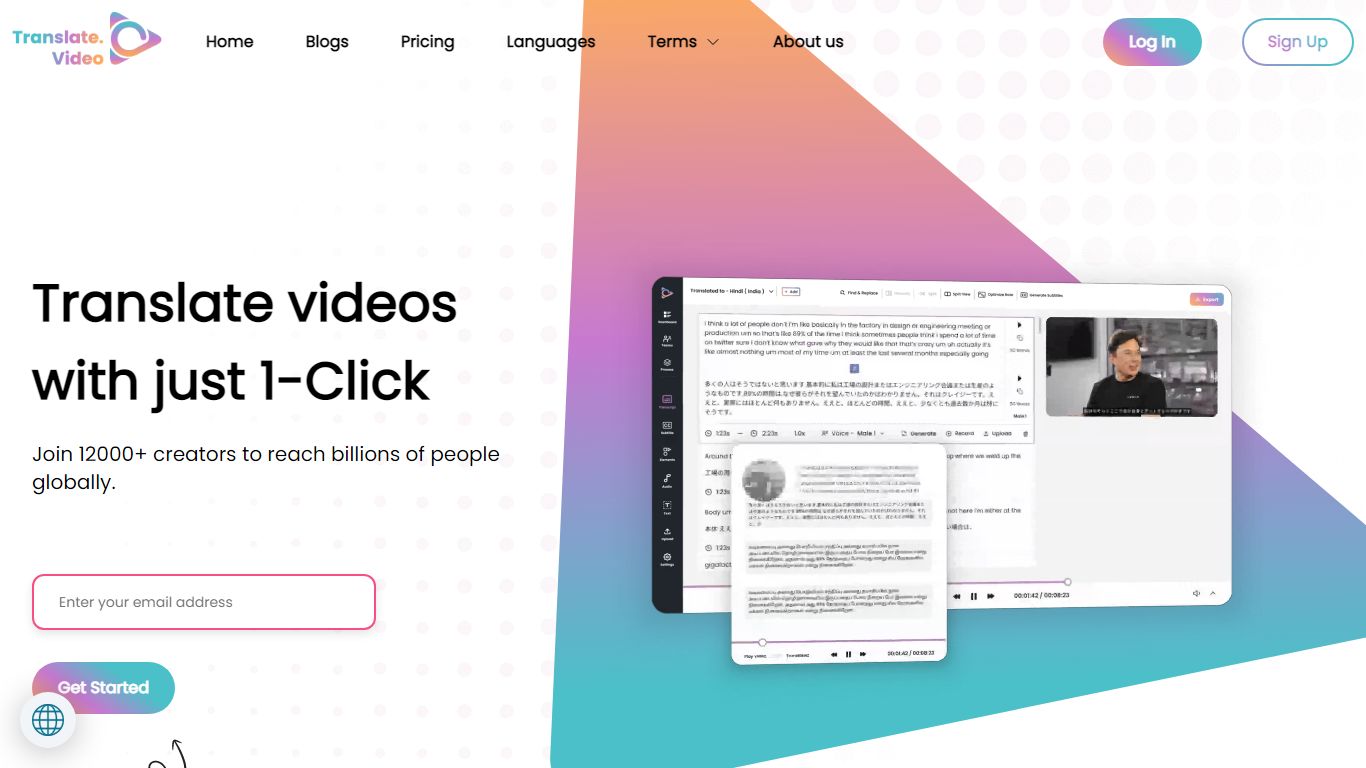
Publishing the same training clip in twelve languages usually means hiring voice actors or reshooting every scene. Translate.video is a video translation platform that dubs, captions, and lip-syncs footage into 75+ languages from one upload. Creators upload MP4, MOV, or WEBM files, pick target languages, and download localized versions with synced audio and optional mouth alignment.
Dedicated dubbing studios charge per minute and queue projects for days. Translate.video bundles dubbing minutes, text-to-speech, voice cloning, speaker diarization, and lip sync in browser workflows priced by monthly minute allowances. That trades studio polish for speed, though lip sync and multi-speaker diarization still cap out on English-only detection on lower tiers.
YouTube creators, course builders, and marketing teams use it to reach global audiences without rebuilding every edit. Pro and Premium plans add 81 languages per process, 1080p exports, animated subtitle styles, and direct publishing hooks for YouTube and Instagram.
slAItor Upvotes
Translate.video Upvotes
slAItor Top Features
Translates across 28 language pairs spanning eight major languages
Step-by-step and checker modes cost 3 credits per 1,000 characters
Monthly plan lists at $25 for 800 credits with commercial-use rights
Paraphraser and style calibrator offer up to five alternative phrasings
Minimum query cost is 0.1 credit per translation request
Translate.video Top Features
Translate and dub videos into 81 languages on paid plans
Lip sync aligns translated voiceover to speaker mouth movements
Pro includes 100 dubbing minutes and 10 lip sync minutes per month
Voice cloning and text-to-speech with instant clone voices
Exports 1080p video with 24 animated subtitle styles on Basic and above
Upload files up to 60 minutes long on Pro with 1 GB max file size
slAItor Category
- Translation
Translate.video Category
- Translation
slAItor Pricing Type
- Paid
Translate.video Pricing Type
- Freemium