SlashDreamer vs Prexi
Compare SlashDreamer vs Prexi and see which AI Image Generation tool is better when we compare features, reviews, pricing, alternatives, upvotes, etc.
Which one is better? SlashDreamer or Prexi?
When we compare SlashDreamer with Prexi, which are both AI-powered image generation tools, The upvote count favors Prexi, making it the clear winner. Prexi has 43 upvotes, and SlashDreamer has 6 upvotes.
You don't agree with the result? Cast your vote to help us decide!
SlashDreamer

What is SlashDreamer?
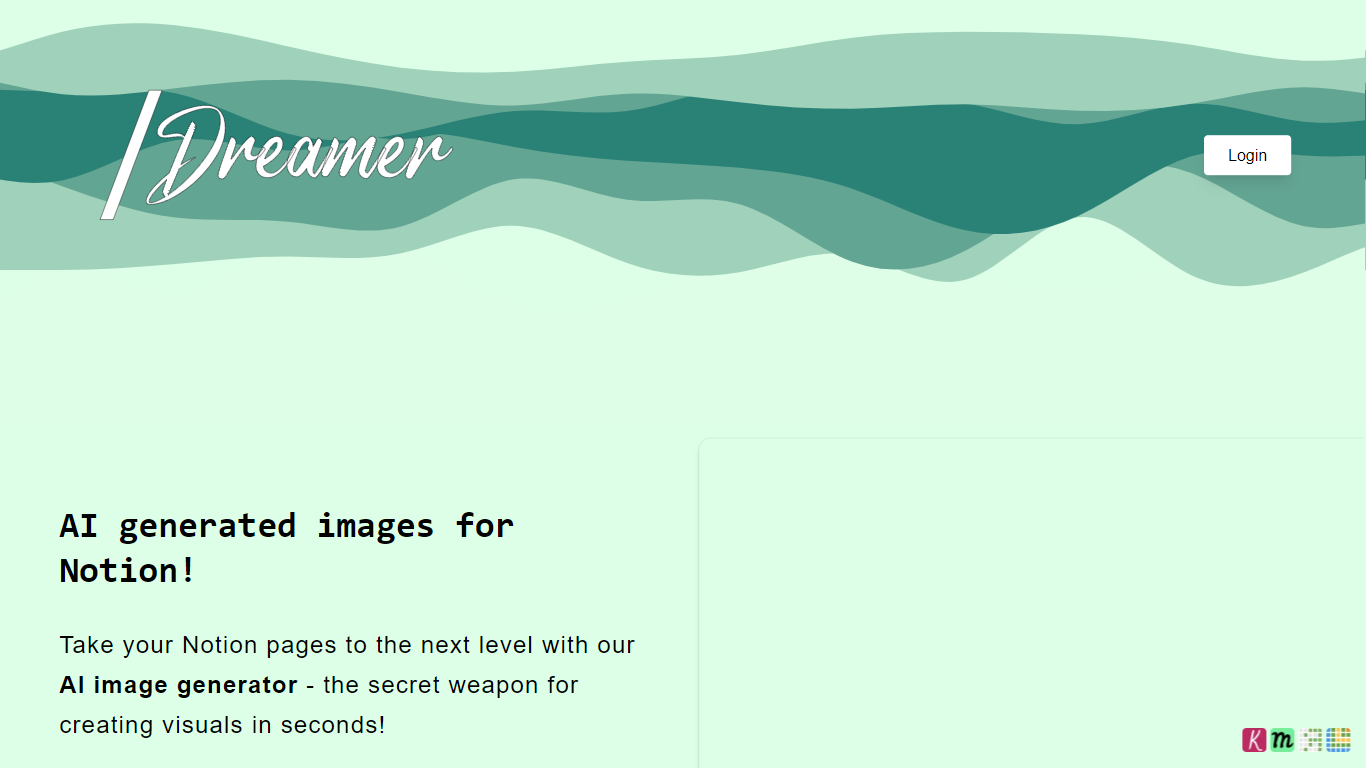
SlashDreamer connects to your Notion workspace and turns text prompts into inline images using a /dream slash command. You type /dream, describe what you want, end with a dot, and the generated picture replaces your prompt line on the same page.
Standalone image generators make you download files and upload them back into your notes. SlashDreamer stays inside Notion and turns prompts into images where you wrote them, using Stable Diffusion and other models like DALL-E. The trade-off is scope: it only works inside Notion, not as a general-purpose art studio.
Notion power users, bloggers, and product teams use SlashDreamer to add visuals to docs, wikis, and project pages without leaving their workspace. Plans scale from 15 images per month on the entry tier to 300 on Pro, with a 7-day trial on every subscription.
Prexi
What is Prexi?
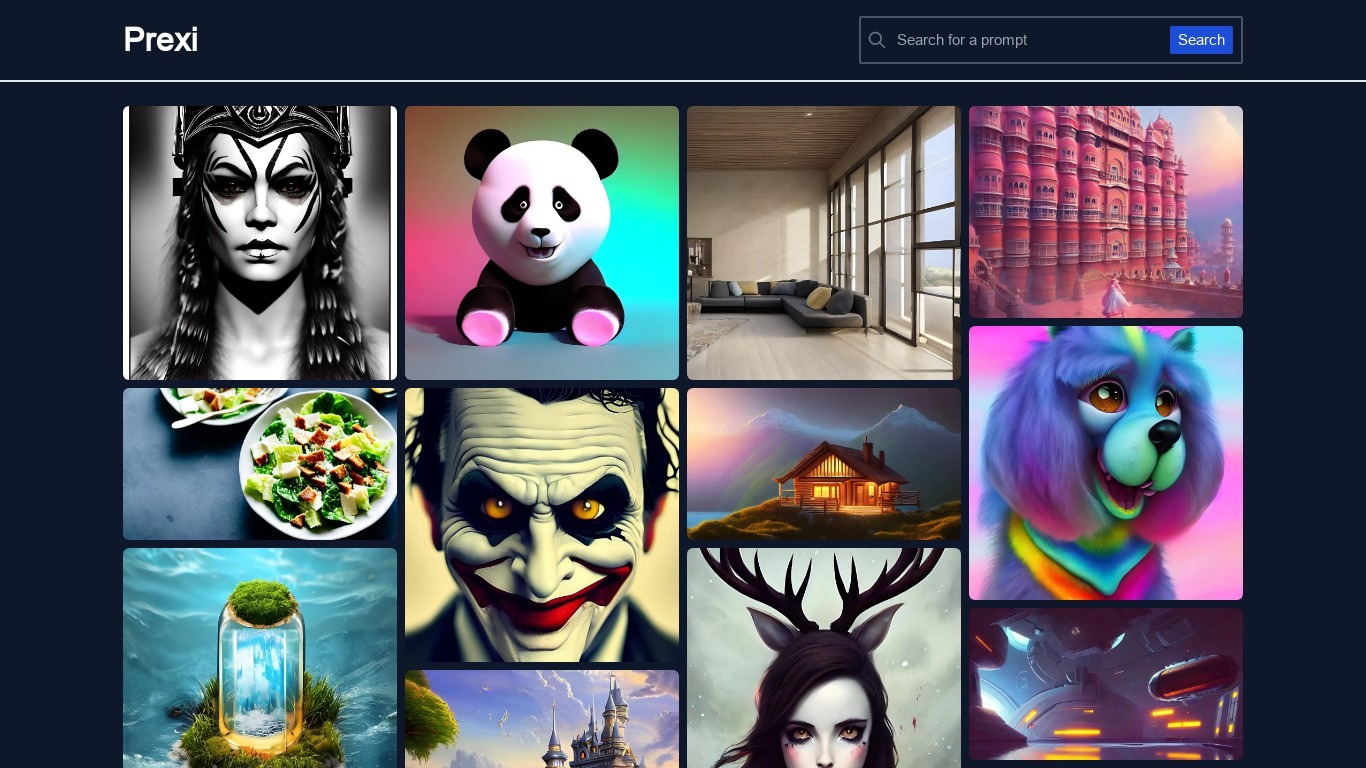
Prexi is a curated prompt library with 3,400+ image prompts tested by a three-person collective in Lisbon. You browse collections like Liminal Spaces or Tokyo Nights, copy prompts tuned for Flux 1.1 Pro, Midjourney v7, Nano Banana Pro, SD3.5, Seedance, and Veo, then remix variants without leaving the tab. Browsing and copying stay free, while Studio at $9 per month unlocks heavier generation limits.
Most prompt lists are scraped from forums and go stale when models update. Prexi re-tests batches by hand whenever Flux, Midjourney, or Nano Banana ships a new version, which matters if you need prompts that still render cleanly. The trade-off is a niche image prompt focus rather than general chat templates or video scripts.
Design directors, creative technologists, and music video directors use Prexi to pitch moodboards, paste model-specific prompts into fal.ai or Discord, and share collection URLs instead of Pinterest boards. Free accounts get one preview generation per day; Studio raises that to 100 daily preview generations.
SlashDreamer Upvotes
Prexi Upvotes
SlashDreamer Top Features
Type /dream followed by a prompt and a dot to generate an image in place
AI Artist Beginner plan includes 15 images per month at $0.99
AI Artist plan includes 100 images per month at $4.99
AI Artist Pro plan includes 300 images per month with 24-hour priority response
Uses Stable Diffusion and models like DALL-E for generation
Every plan includes a 7-day trial before billing starts
Prexi Top Features
3,400+ prompts tested on Flux 1.1 Pro, Midjourney v7, Nano Banana Pro, SD3.5, Seedance, and Veo
Free tier includes unlimited browsing, one-click copy, and 1 preview generation per day
Studio plan at $9 per month includes 100 preview generations per day and unlimited remixes
Collections group prompts into moodboards like Liminal Spaces with 43 curated entries
Remix workflow creates prompt variants in about three seconds from the library UI
Three-person Lisbon collective manually tests prompts before they publish to the library
SlashDreamer Category
- Image Generation
Prexi Category
- Image Generation
SlashDreamer Pricing Type
- Paid
Prexi Pricing Type
- Freemium