Softr vs Keep It Shot
In the battle of Softr vs Keep It Shot, which AI Assistant tool comes out on top? We compare reviews, pricing, alternatives, upvotes, features, and more.
Between Softr and Keep It Shot, which one is superior?
Upon comparing Softr with Keep It Shot, which are both AI-powered assistant tools, Keep It Shot stands out as the clear frontrunner in terms of upvotes. The number of upvotes for Keep It Shot stands at 7, and for Softr it's 6.
Does the result make you go "hmm"? Cast your vote and turn that frown upside down!
Softr

What is Softr?
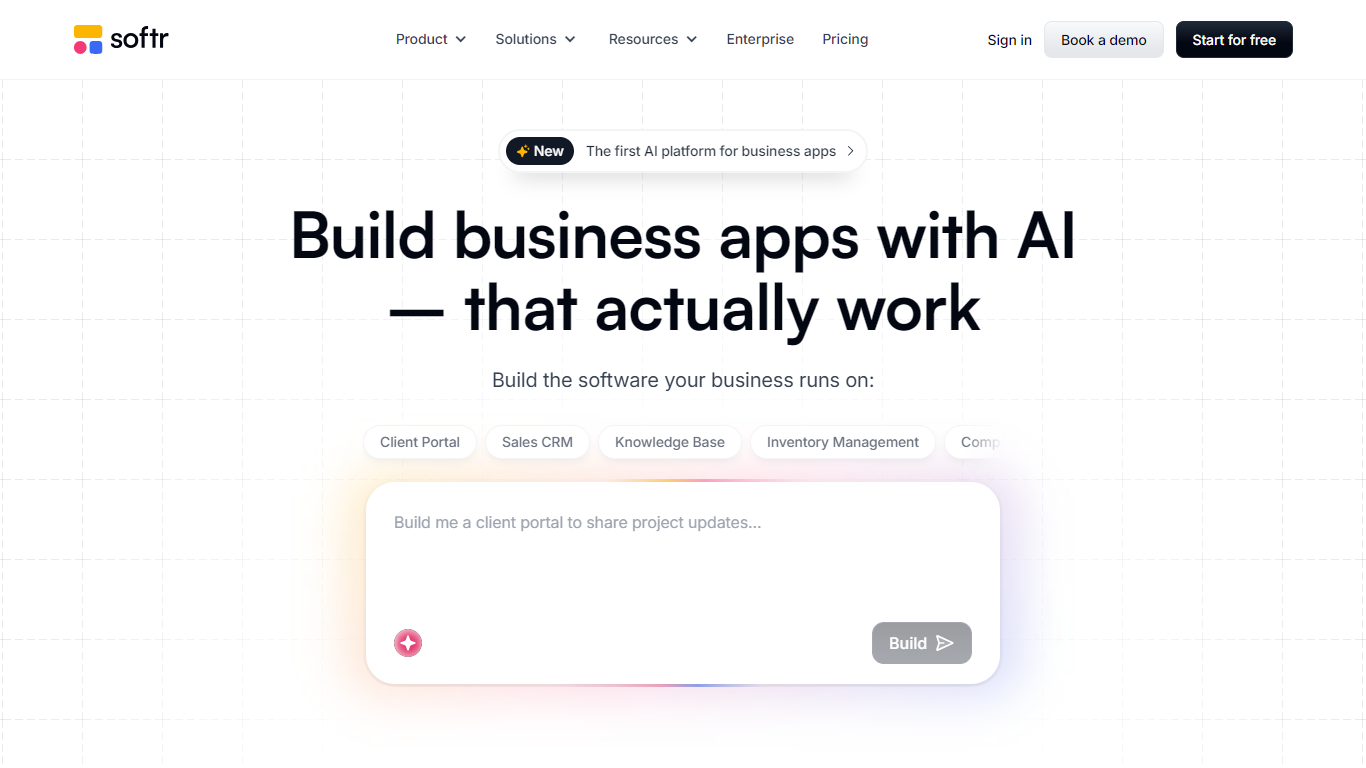
Softr is a no-code platform for building business apps with AI. You describe what you need, and it generates interfaces, databases, and workflows you can refine visually or keep iterating with AI. The product targets teams that want client portals, internal tools, CRMs, inventory systems, and knowledge bases without hiring developers.
The platform bundles apps, built-in databases, workflow automation, forms, mobile-ready PWAs, and integrations with data sources like Airtable, Notion, Google Sheets, HubSpot, PostgreSQL, and Supabase. Roles, permissions, and security controls stay in your hands while Softr handles hosting and publishing.
Softr says more than one million teams use the product, with customer stories from companies like Celonis and Urban's Group. It fits operations teams, SMBs, and enterprises that need custom software on a faster timeline than traditional development.
Keep It Shot
What is Keep It Shot?
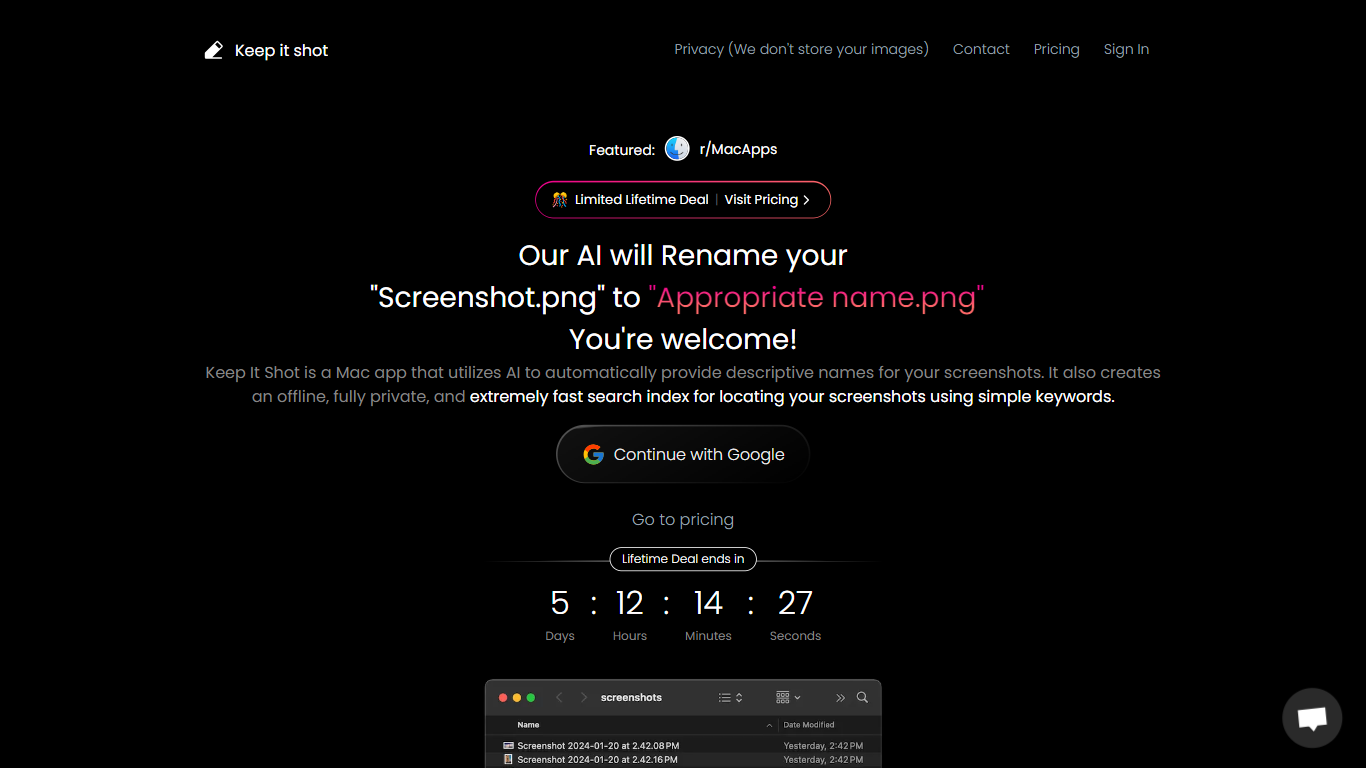
Keep It Shot is an innovative Mac application designed to enhance the way users manage their screenshots. It leverages AI technology to auto-generate descriptive names for screenshots, allowing for quick and easy identification. Moreover, it offers a powerful offline search feature, making it swift to locate specific screenshots using simple keywords. The application ensures complete privacy by not uploading any images to the cloud. It's optimized for speed and simplicity, allowing users to efficiently rename large batches of screenshots with minimal effort. Keep It Shot simplifies screenshot management, transforming it from a cluttered collection into a highly organized and accessible library.
Softr Upvotes
Keep It Shot Upvotes
Softr Top Features
Describe an app in plain language and let AI generate the interface, database, and workflows
Built-in databases, forms, and workflow automation without separate tools
Connect Airtable, Notion, Google Sheets, HubSpot, SQL databases, and REST APIs as live data sources
Publish client portals, CRMs, intranets, inventory trackers, and dashboards from templates or scratch
Control user groups, permissions, custom domains, and SSO on higher-tier plans
Turn published apps into mobile-friendly PWAs and embed payments via Stripe
Keep It Shot Top Features
Automated Descriptive Naming: Automatically provides descriptive names for screenshots using AI.
Offline and Private Search Index: Creates a fast local search index for screenshots using keywords, with complete privacy.
Bulk Rename in Two Clicks: Quickly rename large batches of screenshots with a progress bar to track changes.
Tailored Renaming Preferences: Customize naming conventions and automate renaming for new screenshots.
Easy Reversion: Single-click option to revert any changes and go back to the original screenshot names.
Softr Category
- Assistant
Keep It Shot Category
- Assistant
Softr Pricing Type
- Freemium
Keep It Shot Pricing Type
- Freemium