Softr vs Microsoft Copilot+ PC
In the clash of Softr vs Microsoft Copilot+ PC, which AI Assistant tool emerges victorious? We assess reviews, pricing, alternatives, features, upvotes, and more.
If you had to choose between Softr and Microsoft Copilot+ PC, which one would you go for?
Let's take a closer look at Softr and Microsoft Copilot+ PC, both of which are AI-driven assistant tools, and see what sets them apart. The upvote count reveals a draw, with both tools earning the same number of upvotes. Be a part of the decision-making process. Your vote could determine the winner.
Disagree with the result? Upvote your favorite tool and help it win!
Softr
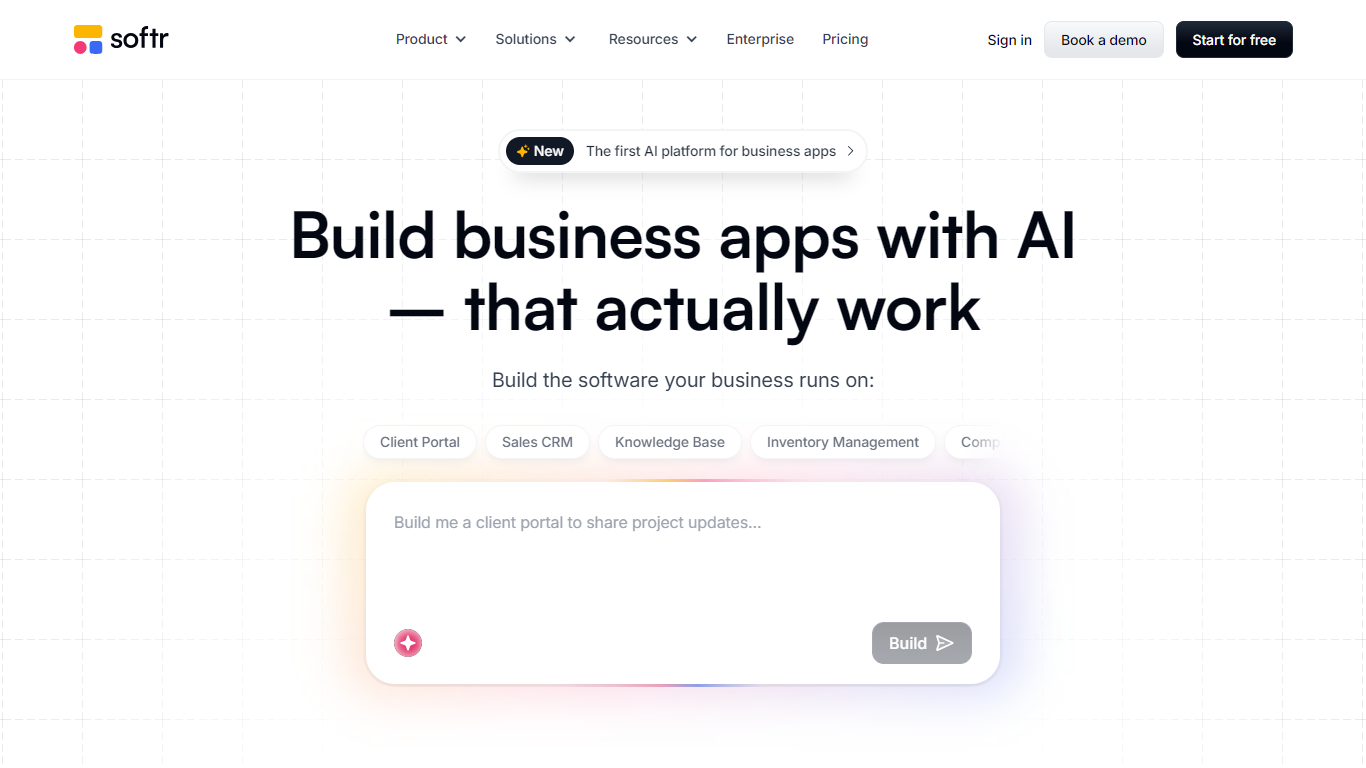

What is Softr?
Softr is a no-code platform for building business apps with AI. You describe what you need, and it generates interfaces, databases, and workflows you can refine visually or keep iterating with AI. The product targets teams that want client portals, internal tools, CRMs, inventory systems, and knowledge bases without hiring developers.
The platform bundles apps, built-in databases, workflow automation, forms, mobile-ready PWAs, and integrations with data sources like Airtable, Notion, Google Sheets, HubSpot, PostgreSQL, and Supabase. Roles, permissions, and security controls stay in your hands while Softr handles hosting and publishing.
Softr says more than one million teams use the product, with customer stories from companies like Celonis and Urban's Group. It fits operations teams, SMBs, and enterprises that need custom software on a faster timeline than traditional development.
Microsoft Copilot+ PC
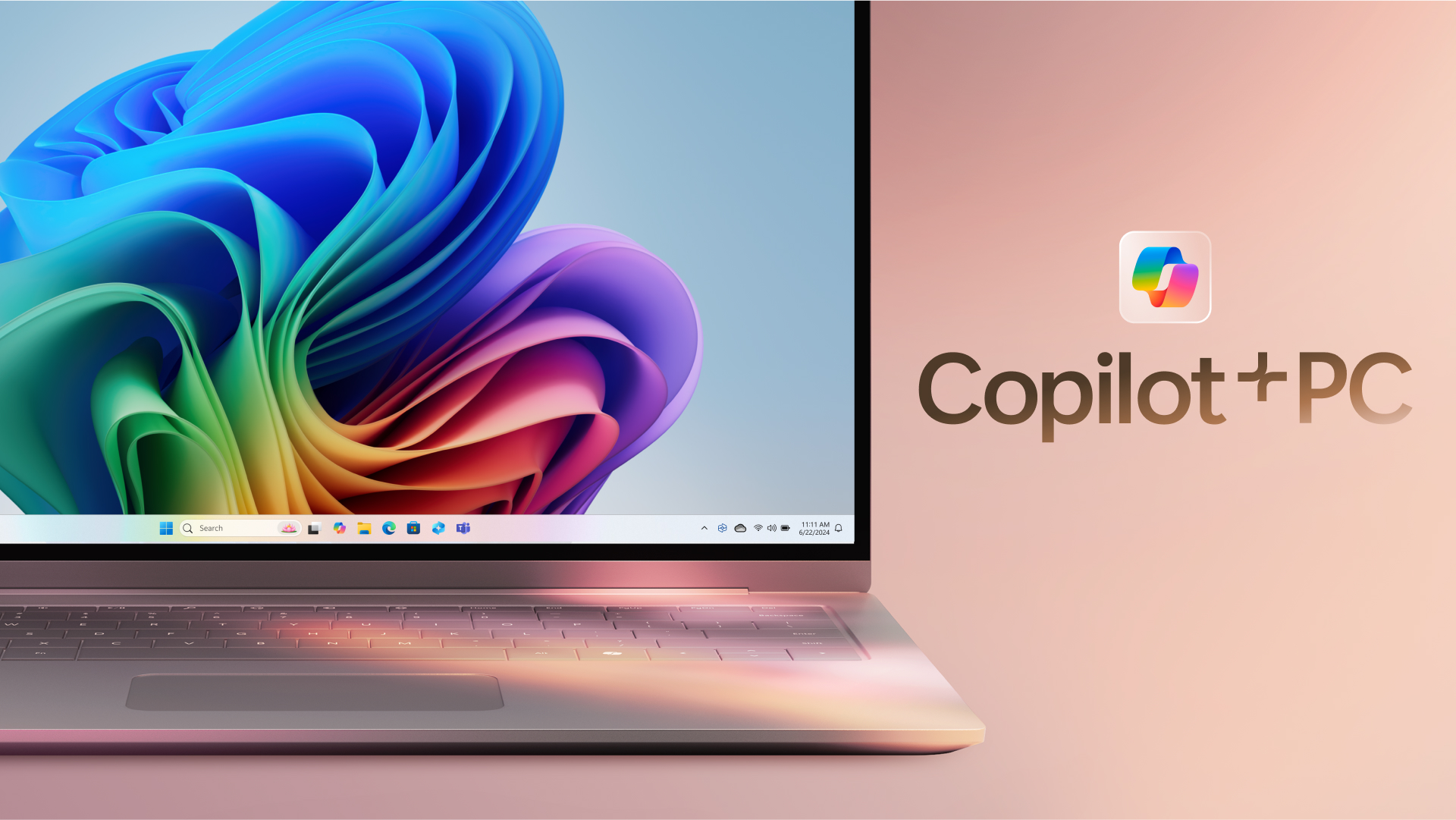
What is Microsoft Copilot+ PC?
Microsoft Copilot+ PC is a Windows PC category built around a dedicated Neural Processing Unit (NPU) for on-device AI workloads. Microsoft introduced the lineup in May 2024 as thin, light laptops and 2-in-1s from Surface and major OEM partners, with silicon that delivers 40+ trillion operations per second alongside all-day battery life.
The hardware pairs CPU, GPU, and NPU with Windows 11 experiences that run locally instead of relying only on the cloud. That includes Recall for finding past activity on your PC, Cocreator for near real-time image generation in Paint and Photos, Live Captions with translation from 40+ languages, Click to Do, improved Windows search, and Windows Studio Effects for video calls.
Copilot+ PCs target students, remote workers, creators, and anyone who wants Windows with built-in local AI. Devices are sold through Microsoft and retailers such as Dell, HP, Lenovo, Samsung, Acer, and ASUS, with Copilot+ PC experiences that vary by device, market, and software updates.
Softr Upvotes
Microsoft Copilot+ PC Upvotes
Softr Top Features
Describe an app in plain language and let AI generate the interface, database, and workflows
Built-in databases, forms, and workflow automation without separate tools
Connect Airtable, Notion, Google Sheets, HubSpot, SQL databases, and REST APIs as live data sources
Publish client portals, CRMs, intranets, inventory trackers, and dashboards from templates or scratch
Control user groups, permissions, custom domains, and SSO on higher-tier plans
Turn published apps into mobile-friendly PWAs and embed payments via Stripe
Microsoft Copilot+ PC Top Features
Dedicated NPU rated at 40+ TOPS for on-device AI workloads without constant cloud calls
Recall helps you find apps, sites, and documents you have already seen on your PC
Cocreator in Paint and Photos generates and refines images in near real time on the device
Live Captions translates audio from 40+ languages into English subtitles across apps
Click to Do and improved Windows search speed up common tasks on Copilot+ PCs
Softr Category
- Assistant
Microsoft Copilot+ PC Category
- Assistant
Softr Pricing Type
- Freemium
Microsoft Copilot+ PC Pricing Type
- Paid