Sora vs Supercreator AI
In the clash of Sora vs Supercreator AI, which AI Video Generation tool emerges victorious? We assess reviews, pricing, alternatives, features, upvotes, and more.
When we put Sora and Supercreator AI head to head, which one emerges as the victor?
Let's take a closer look at Sora and Supercreator AI, both of which are AI-driven video generation tools, and see what sets them apart. The users have made their preference clear, Supercreator AI leads in upvotes. The number of upvotes for Supercreator AI stands at 52, and for Sora it's 7.
Don't agree with the result? Cast your vote and be a part of the decision-making process!
Sora

What is Sora?
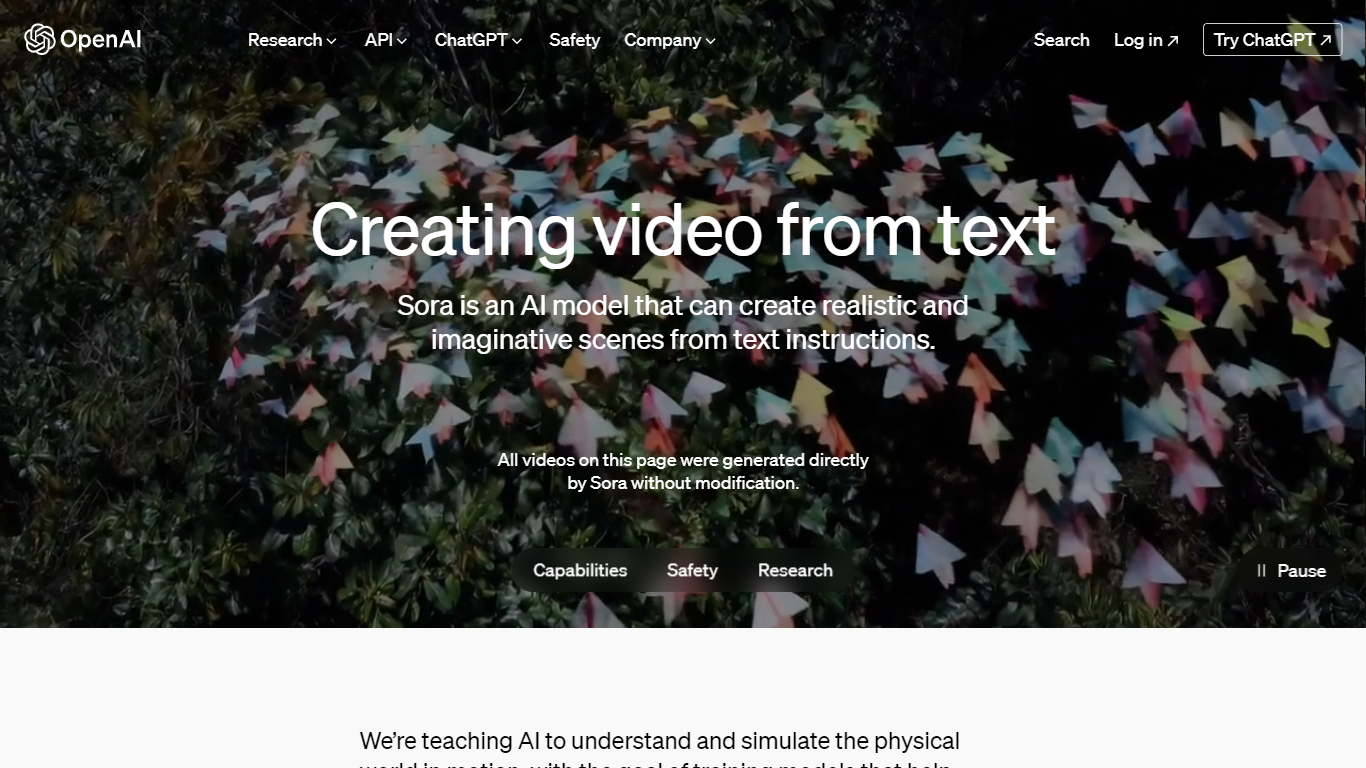
Sora is OpenAI's text-to-video model for turning prompts into short MP4 clips with synchronized audio. It runs through the OpenAI Videos API, where developers submit generation jobs, poll or webhook for completion, and download finished files once rendering finishes.
Where many video generators stop at a single render, Sora's API covers the full clip lifecycle: image-guided first frames, reusable character assets, extensions that stitch up to 120 seconds, and targeted edits on completed footage. OpenAI discontinued the Sora web and app experiences on April 26, 2026, so new work happens through the API until its scheduled shutdown on September 24, 2026.
Studios and developers reach for Sora when they want programmatic control over shot iteration, batch queues, and webhook-driven pipelines instead of a drag-and-drop interface. The sora-2 model favors fast 720p drafts, while sora-2-pro targets sharper 1080p exports when render time and per-second cost matter less than polish.
Supercreator AI

What is Supercreator AI?
Supercreator AI lets you plan a short video scene by scene, record it with a scrolling teleprompter, then trim and caption the footage in the same browser workspace. Storyboarding, recording, timeline editing, and mini apps for AI media, talking avatars, and multi-shot sequences all sit on one home screen. You sign in to save creations, but every tool is listed before you start.
Where many video editors assume you already have footage, Supercreator AI front-loads scripting and recording. The storyboard maps scenes before capture, the recorder scrolls your script while you film, and one-click templates plus AI captions sit beside standalone tools like a Reel transcriber and clip editor. That workflow keeps scripting, capture, and polish in one tab instead of three separate apps.
It fits creators who publish to TikTok, Reels, and Shorts and want scripting, capture, and caption polish without switching tools. Founders, educators, and on-camera marketers get teleprompter support, visual aids, and reusable identity presets across projects.
Sora Upvotes
Supercreator AI Upvotes
Sora Top Features
sora-2 renders 720p clips at $0.10 per second on the Standard API tier
sora-2-pro reaches 1080p (1920x1080) at $0.70 per second on Standard API pricing
Each generation can run 16 or 20 seconds before extensions add more footage
Video extensions can chain up to six times for a 120-second maximum total length
Character uploads let non-human mascots or objects stay consistent across multiple shots
Batch API pricing runs at half the Standard rate with a 24-hour completion window
Image references lock the opening frame when size matches the target video resolution
Supercreator AI Top Features
Storyboard maps scripts scene by scene before you hit record
Built-in recorder pairs a teleprompter with visual aids and smart overlays
Timeline editor cuts clips and adds AI-generated stylized captions
One-click templates turn raw clips into scroll-stopping social videos
Script Trainer collects high-performing videos, transcribes them, and drafts new scripts
Avatars mini app builds talking-head videos with AI voices
Super Director stitches multi-shot AI video sequences from one workspace
Sora Category
- Video Generation
Supercreator AI Category
- Video Generation
Sora Pricing Type
- Paid
Supercreator AI Pricing Type
- Freemium