Speaks vs Bing Microsoft AI Translator
In the clash of Speaks vs Bing Microsoft AI Translator, which AI Translation tool emerges victorious? We assess reviews, pricing, alternatives, features, upvotes, and more.
If you had to choose between Speaks and Bing Microsoft AI Translator, which one would you go for?
Let's take a closer look at Speaks and Bing Microsoft AI Translator, both of which are AI-driven translation tools, and see what sets them apart. The upvote count shows a clear preference for Bing Microsoft AI Translator. Bing Microsoft AI Translator has attracted 10 upvotes from aitools.fyi users, and Speaks has attracted 6 upvotes.
Want to flip the script? Upvote your favorite tool and change the game!
Speaks
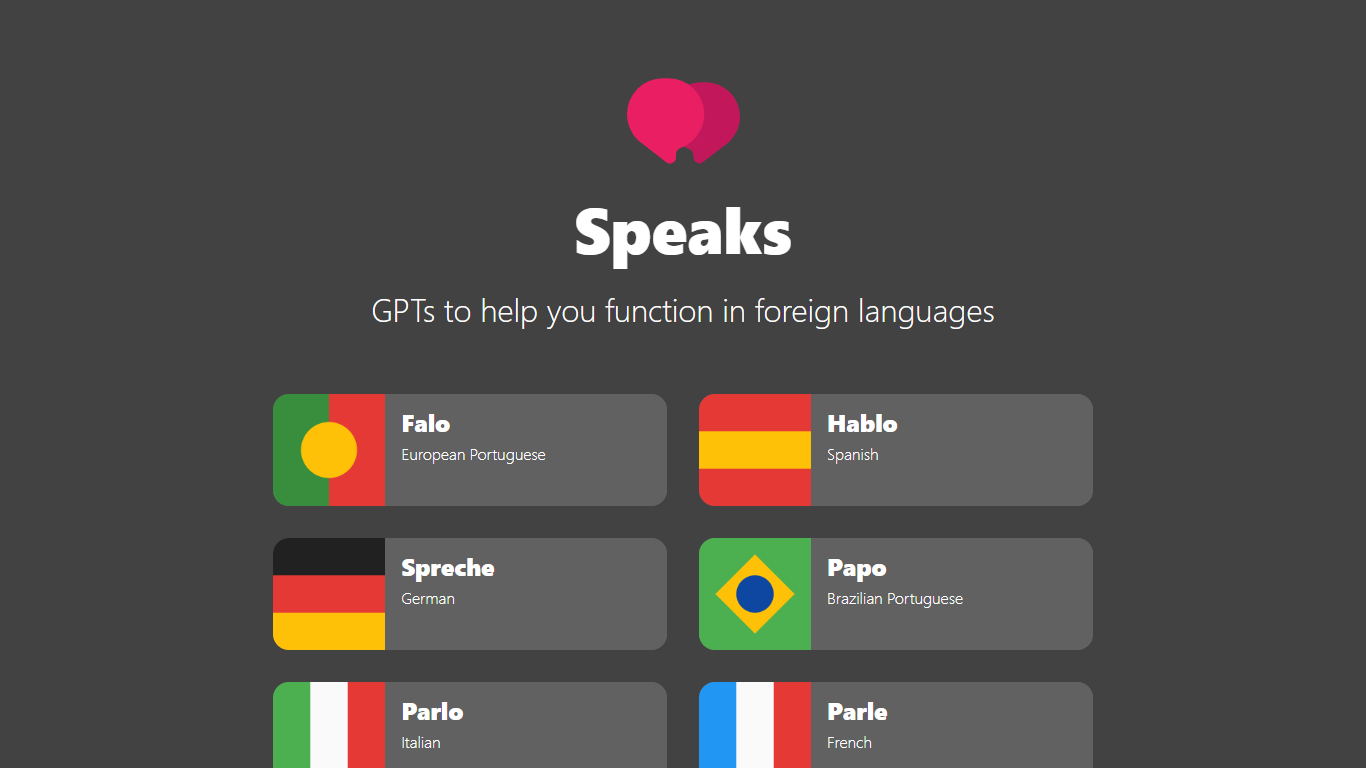

What is Speaks ?
Speaks is a collection of custom ChatGPT GPTs built to help you function in foreign languages. The site links to six language-specific bots: Falo for European Portuguese, Hablo for Spanish, Spreche for German, Papo for Brazilian Portuguese, Parlo for Italian, and Parle for French.
Each GPT goes beyond straight translation. Put text in quotes for a direct translation, or chat for broader language help. The bots correct grammar, explain their translations, and suggest idioms that fit the context. They show their workings so you can check that the output matches what you meant.
The project is aimed at learners who want more than a quick machine translation. Google Translate and DeepL are faster if you only need a literal result, but Speaks GPTs are for people who want to understand why a phrase works and pick up the language along the way.
Bing Microsoft AI Translator

What is Bing Microsoft AI Translator?
Microsoft Translator on Bing is a free web translator for turning words and phrases between English and more than 100 languages. Paste text, pick languages from long dropdown lists, or let the page auto-detect the source language before you translate.
The Bing interface adds practical extras beyond basic text swap. You can listen to a translation, open an on-screen keyboard, capture or upload an image to translate text in photos, and regenerate results in Standard, Casual, or Formal tone. A phrase helper surfaces common expressions grouped by topics like travel, dining, and emergencies.
It fits travelers, students, and anyone who needs a quick translation in the browser without installing software. Navigation on the page also points to separate Microsoft Translator experiences for live conversation, mobile apps, and business use.
Speaks Upvotes
Bing Microsoft AI Translator Upvotes
Speaks Top Features
Six GPTs covering European Portuguese, Spanish, German, Brazilian Portuguese, Italian, and French
Direct translation when you put text in quotes
Grammar corrections with explanations of each translation
Idiom suggestions when a literal phrase misses the mark
Shows its workings so you can verify meaning and context
Bing Microsoft AI Translator Top Features
Auto-detect source language across more than 100 listed language options
Each translation request accepts up to 1,000 characters of input text
Regenerate results in Standard, Casual, or Formal tone with one click
Capture or upload an image to translate text found in photos
Speak to translate when typing is awkward on mobile or desktop
Listen to translations read aloud from the results panel
Browse common phrase sets for travel, dining, and emergencies
Speaks Category
- Translation
Bing Microsoft AI Translator Category
- Translation
Speaks Pricing Type
- Free
Bing Microsoft AI Translator Pricing Type
- Free