Speech to Text vs Timebolt
Dive into the comparison of Speech to Text vs Timebolt and discover which AI Video Editing tool stands out. We examine alternatives, upvotes, features, reviews, pricing, and beyond.
In a comparison between Speech to Text and Timebolt, which one comes out on top?
When we compare Speech to Text and Timebolt, two exceptional video editing tools powered by artificial intelligence, and place them side by side, several key similarities and differences come to light. Timebolt stands out as the clear frontrunner in terms of upvotes. Timebolt has been upvoted 18 times by aitools.fyi users, and Speech to Text has been upvoted 7 times.
Not your cup of tea? Upvote your preferred tool and stir things up!
Speech to Text
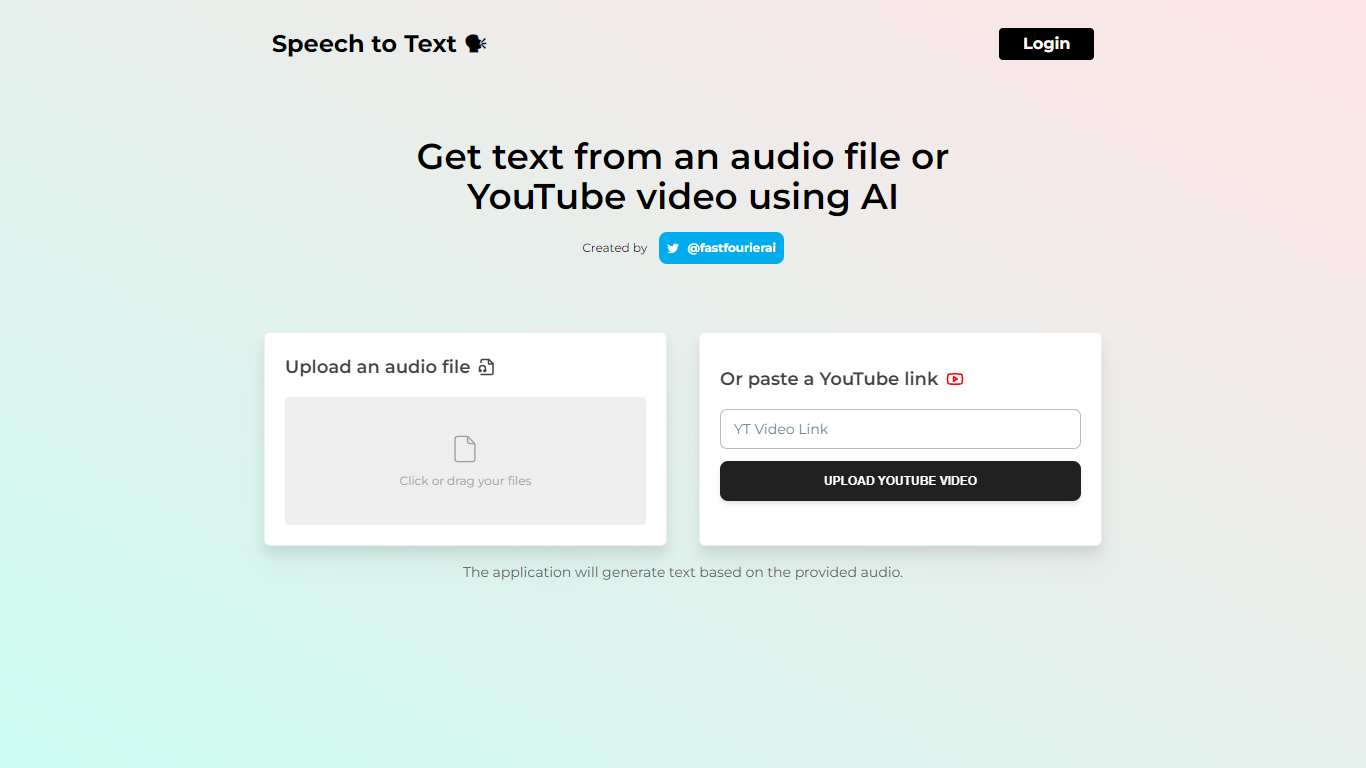

What is Speech to Text?
Transform your audio files and YouTube videos into text quickly and effortlessly with our Speech to Text service. Designed by @fastfourierai, our platform offers a seamless login process where users can easily upload their audio files or paste YouTube video links for transcription.
Our advanced AI algorithms ensure speedy and precise text generation from the spoken word, catering to professionals, students, and anyone in need of accurate transcriptions. The simplicity of our service means you can get text transcriptions without any technical knowledge. Just log in, upload, and receive your text - it's that simple!
Timebolt
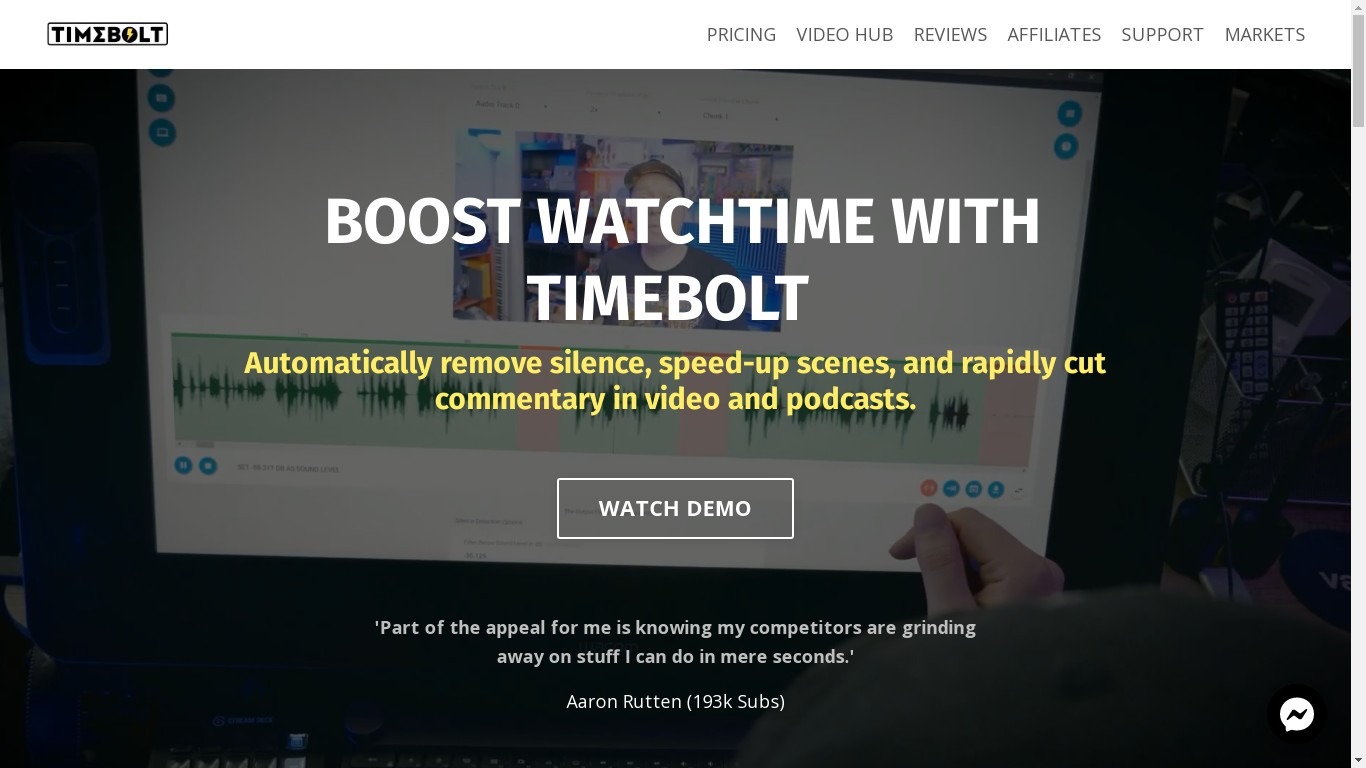
What is Timebolt?
Experience the future of video editing with TimeBolt.io. Automatically jump-cut videos to eliminate silences and awkward pauses, transforming lengthy content into engaging masterpieces. Whether you're editing podcasts or videos, TimeBolt ensures a seamless and rapid editing process, making you talk like a superhuman without the burnout.
Speech to Text Upvotes
Timebolt Upvotes
Speech to Text Top Features
Speech to Text Conversion: Convert spoken language into text with ease using AI.
Audio File Upload: Easily upload audio files for quick transcription.
YouTube Link Input: Paste a YouTube link to transcribe videos directly.
Fast Processing: Experience speedy transcription without lengthy wait times.
User-Friendly Interface: Enjoy a straightforward login and upload process.
Timebolt Top Features
Elimina automáticamente el silencio de vídeos y podcasts
Editor de vídeo rápido para Windows y MAC
Detección automática de silencio en vídeos.
Esculpir: Corta o conserva cualquier palabra o escena.
Opciones de exportación: Premiere, Final Cut Pro, DaVinci Resolve y Camtasia
Elimina las palabras de relleno automáticamente con Umcheck
Speech to Text Category
- Video Editing
Timebolt Category
- Video Editing
Speech to Text Pricing Type
- Freemium
Timebolt Pricing Type
- Paid