Sqlephant vs SQL Builder
When comparing Sqlephant vs SQL Builder, which AI SQL tool shines brighter? We look at pricing, alternatives, upvotes, features, reviews, and more.
In a comparison between Sqlephant and SQL Builder, which one comes out on top?
When we put Sqlephant and SQL Builder side by side, both being AI-powered sql tools, The upvote count reveals a draw, with both tools earning the same number of upvotes. Your vote matters! Help us decide the winner among aitools.fyi users by casting your vote.
You don't agree with the result? Cast your vote to help us decide!
Sqlephant

What is Sqlephant?
Sqlephant is a desktop SQL development companion from Kawansoft that turns short schema definitions into typed database code. You describe tables with a compact notation, and it predicts column types, builds DTOs, fixes broken SQL statements, and generates language-specific wrappers plus CRUD functions for C#, Java, PHP, and Python.
Where most SQL assistants stop at query completion, Sqlephant focuses on the codegen layer around your schema. Its patent-pending SQL injection fixer runs in Batch Mode so you can submit every application file in one click, and the tool works only on metadata so corporate row data never leaves your machine.
Backend and full-stack developers who maintain multi-language codebases get the most from Sqlephant. Windows, macOS, and Linux builds install without admin or root privileges, and the full-featured version is free with no credit card required.
SQL Builder
What is SQL Builder?
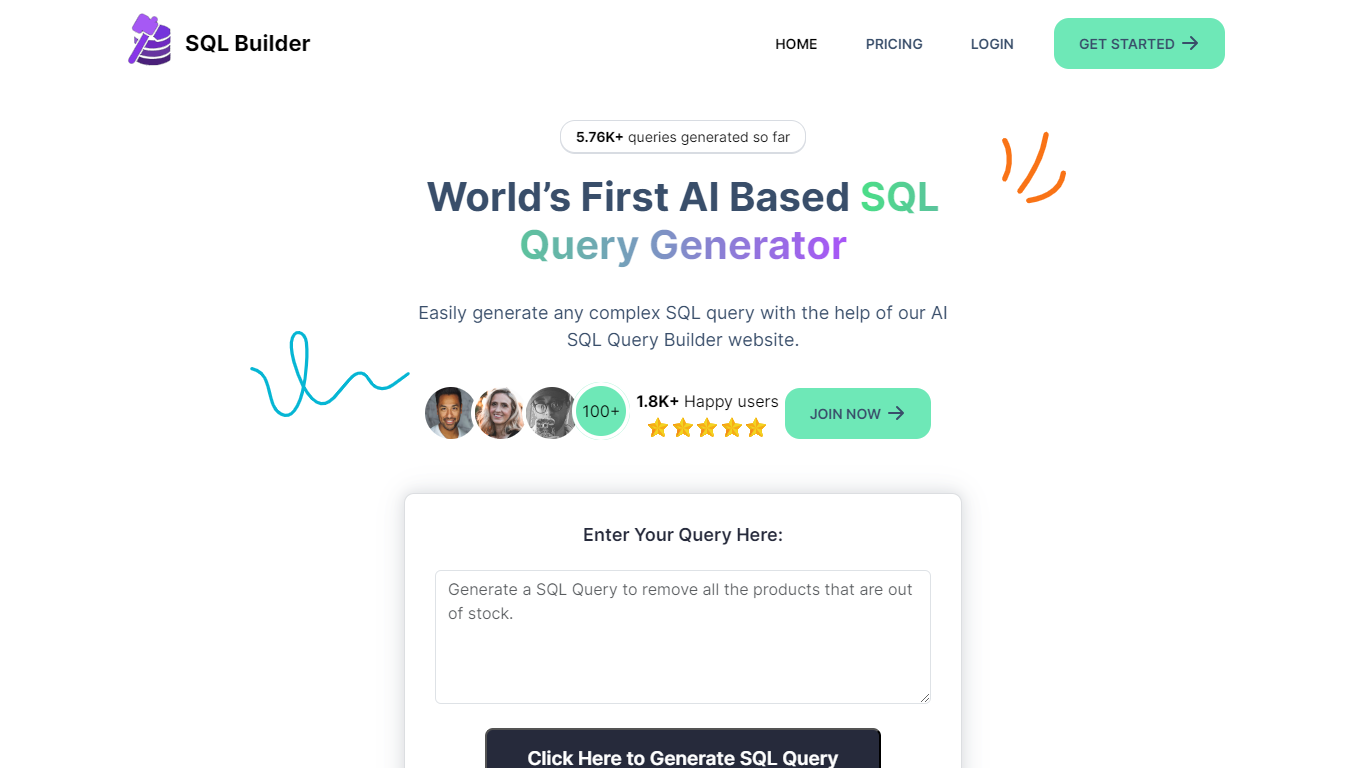
SQL Builder is an AI-powered platform that helps users generate complex SQL queries without needing to write code. It supports both technical and non-technical users by providing a no-code SQL builder that simplifies data exploration, report generation, and insight extraction. The tool also includes a SQL Syntax Explainer that breaks down queries step-by-step, making it easier to understand complex SQL statements. Additionally, SQL Builder offers an AI-driven SQL Optimizer that analyzes queries and suggests improvements to speed up execution and enhance efficiency. Users can also clean up their SQL code with the SQL Formatter, which organizes and beautifies queries for better readability. To reduce errors, the SQL Syntax Validator scans queries for syntax mistakes and provides detailed feedback to help users fix issues quickly. Beyond SQL, the platform supports NoSQL databases with a no-code query builder that simplifies interactions with databases like MongoDB. SQL Builder supports multiple natural languages for user prompts, broadening accessibility. It also offers an API for integration with existing systems. The platform is designed to boost productivity and accuracy in database operations, catering to a wide range of database types and user skill levels.
Sqlephant Upvotes
SQL Builder Upvotes
Sqlephant Top Features
Compact schema language uses t for CREATE TABLE, * for primary keys, and nn for NOT NULL while inferring column types automatically
Generates SQL wrappers with DTO mapping for C#, Java, PHP, and Python from queries dropped into the editor
Patent-pending SQL injection fixer includes Batch Mode to scan all application files with one click
CRUD generation produces Create, Read, Update, and Delete functions plus matching DTOs from a selected SQL table
Runs on Windows, macOS, and Linux without admin or root privileges
Processes only database metadata; requests are discarded after completion and corporate data is not sent
SQL Builder Top Features
🛠️ No-Code SQL Builder lets anyone create complex queries easily
🔍 SQL Syntax Explainer breaks down queries for clear understanding
⚡ SQL Optimizer speeds up queries by suggesting performance improvements
🎨 SQL Formatter cleans and organizes code for better readability
✅ SQL Syntax Validator finds errors and guides quick fixes
Sqlephant Category
- SQL
SQL Builder Category
- SQL
Sqlephant Pricing Type
- Free
SQL Builder Pricing Type
- Freemium