Starlens vs AskUI
In the battle of Starlens vs AskUI, which AI Developer tool comes out on top? We compare reviews, pricing, alternatives, upvotes, features, and more.
Between Starlens and AskUI, which one is superior?
Upon comparing Starlens with AskUI, which are both AI-powered developer tools, The community has spoken, Starlens leads with more upvotes. Starlens has garnered 7 upvotes, and AskUI has garnered 6 upvotes.
Think we got it wrong? Cast your vote and show us who's boss!
Starlens
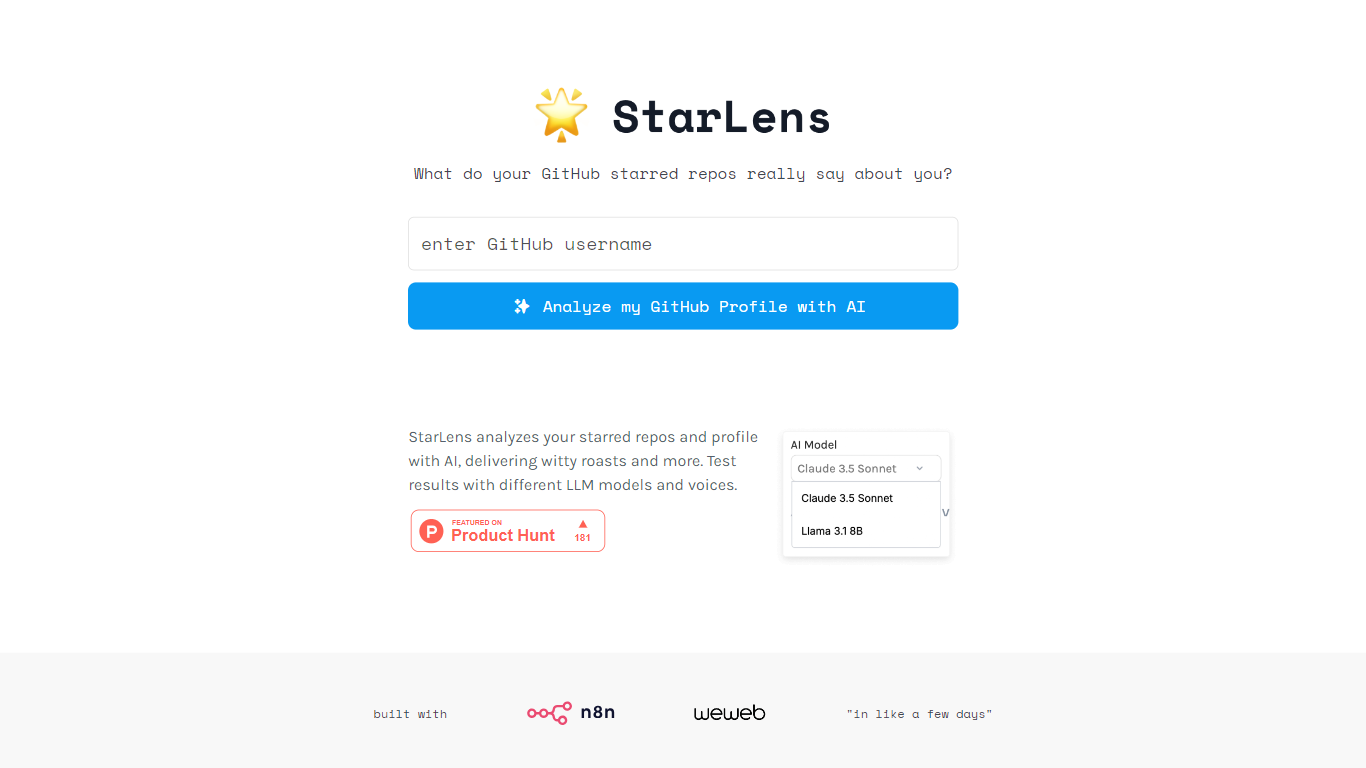

What is Starlens?
The website offers a comprehensive platform designed to enhance productivity and streamline workflows for professionals across various industries. Its core functionality revolves around task management, collaboration tools, and performance tracking, making it an essential tool for teams looking to optimize their operations. The target audience includes project managers, team leaders, and organizations seeking to improve efficiency and communication within their teams. The unique value proposition lies in its user-friendly interface combined with powerful features that cater to both small businesses and large enterprises. Key differentiators include real-time collaboration capabilities, customizable dashboards, and integration with popular third-party applications, setting it apart from competitors in the productivity software market.
AskUI
What is AskUI?
AskUI lets delivery teams automate real devices in plain English. You write a task as a Markdown file in Git, an AI agent runs it on desktop, web, mobile, or hardware displays, and returns a verdict plus a screenshot for every step.
Traditional test automation depends on DOM selectors and brittle scripts that break when UIs change. AskUI tests what is rendered on screen, including canvas apps, Citrix sessions, and QNX HMIs controlled through HDMI capture with nothing installed on the target. The trade-off is sales-led pricing quoted per concurrent agent after a scoping call, not self-serve monthly plans.
QA teams replace manual regression on legacy SAP portals and vendor RFQ systems. Automotive manufacturers run HMI regression across infotainment fleets. Operations teams generate audit evidence with screenshot-backed run reports from scheduled agent jobs.
Starlens Upvotes
AskUI Upvotes
Starlens Top Features
Real-Time Collaboration: Enables team members to work together simultaneously on projects, enhancing communication and reducing delays.
Customizable Dashboards: Users can tailor their dashboards to display relevant metrics and tasks, improving focus and efficiency.
Integration with Third-Party Applications: Seamlessly connects with tools like Slack, Google Drive, and Trello, allowing for a unified workflow.
Performance Tracking: Provides analytics and reporting features to monitor team performance and project progress, facilitating data-driven decision-making.
User-Friendly Interface: Designed with simplicity in mind, ensuring that users can navigate the platform easily without extensive training.
AskUI Top Features
Tasks are Markdown files in Git with no selectors or traditional test scripts
Agent runs on Windows, macOS, Linux, web, Android, and iOS simulators from one desktop app
Hardware HMI testing via HDMI capture and USB control with zero software on the target device
Each run returns a verdict and screenshot for every step as audit evidence
CLI runs the same agent engine headless in CI pipelines
Bring your own model with no inference fee on Enterprise deployments
ISO 27001 certified with on-premise and air-gapped deployment options
Starlens Category
- Developer
AskUI Category
- Developer
Starlens Pricing Type
- Freemium
AskUI Pricing Type
- Paid