Steve.AI vs Peech AI
In the face-off between Steve.AI vs Peech AI, which AI Video Editing tool takes the crown? We scrutinize features, alternatives, upvotes, reviews, pricing, and more.
In a face-off between Steve.AI and Peech AI, which one takes the crown?
If we were to analyze Steve.AI and Peech AI, both of which are AI-powered video editing tools, what would we find? With more upvotes, Steve.AI is the preferred choice. Steve.AI has 8 upvotes, and Peech AI has 5 upvotes.
Disagree with the result? Upvote your favorite tool and help it win!
Steve.AI

What is Steve.AI?
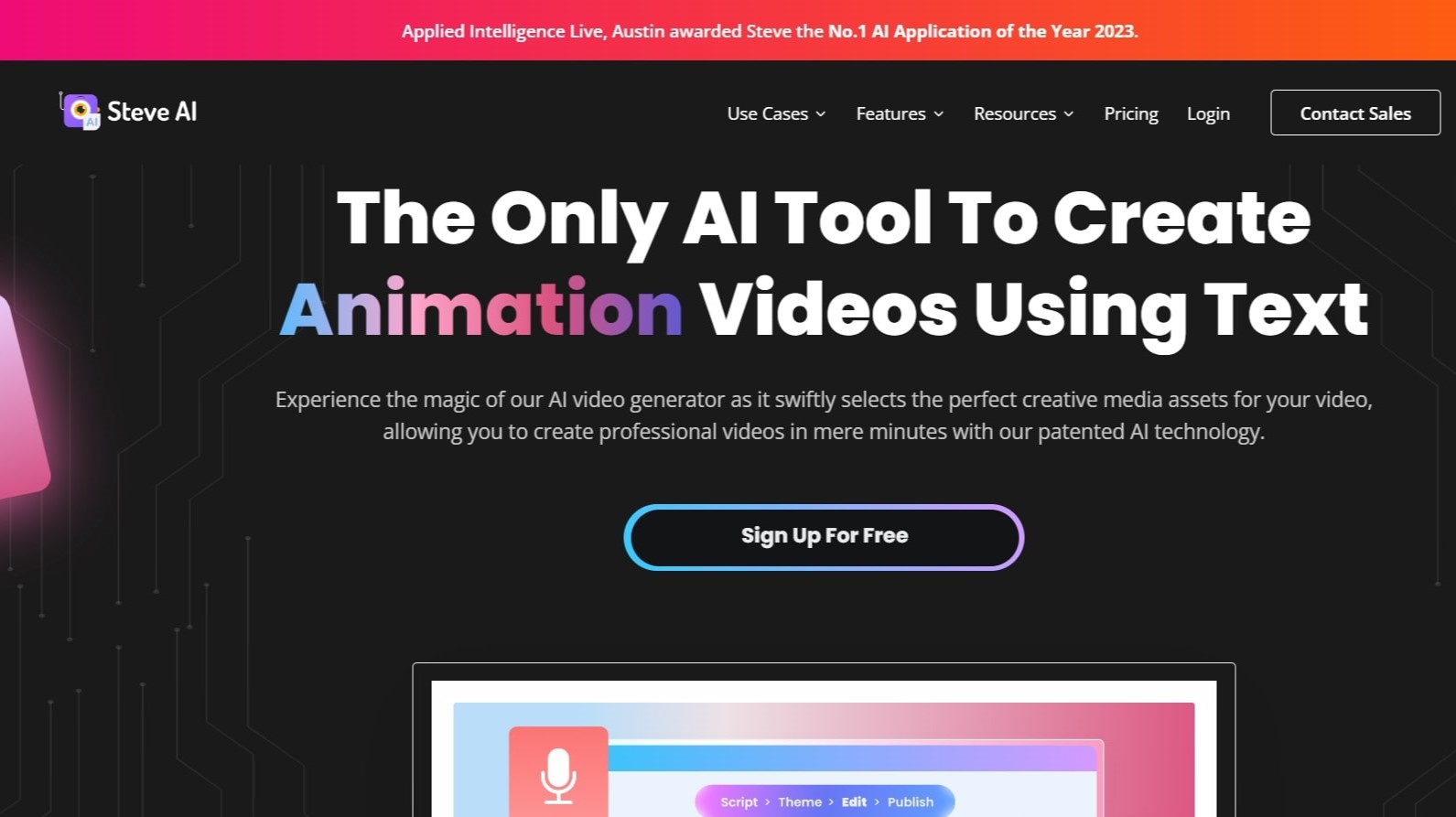
Steve.AI turns text, scripts, prompts, and audio into finished videos through a patented AI video creation platform. You describe an idea or paste a blog post, and Steve.AI builds a script, selects visuals, adds narration, and exports a video without traditional editing software. The platform supports 7+ output styles including animation, generative AI, and live action.
Most AI video tools lock you into one workflow. Steve.AI bundles prompt-to-video, script-to-video, audio-to-video, and image-to-video in one subscription, with access to multiple generative models including Google Veo 3. It comes from Animaker Inc., which built one of the top 50 design products globally, and carries 3 patents on its storytelling engine.
Marketers, YouTubers, faceless content creators, and L&D teams use Steve.AI for ads, training videos, explainer content, and social clips. The free plan includes 1,200 seconds of AI video per month. Paid Starter ($19/month), Pro ($39/month), and Generative AI ($99/month) plans add more minutes, higher resolution, and watermark-free exports. An iOS app lets creators work from mobile.
Peech AI

What is Peech AI?
Peech turns raw video footage into branded, platform-ready clips through automated post-production. Upload your content and the platform tags scenes, transcribes speech, applies your brand elements, and outputs resized versions for social, web, and ads. A text-to-video editor lets you trim clips and remove filler words as easily as editing a document.
Agency-style post-production usually means days of editor time for every batch of marketing videos. Peech automates transcription in 20+ languages, facial-recognition framing, aspect-ratio cropping, and highlight clip generation in one workflow. Media teams report cutting post-production time by up to 95% and design costs by over 80% compared to hiring external editors.
Marketing teams at B2B companies like Peerspot and Datarails use Peech to repurpose webinars and interviews into daily social clips. Media companies organize large footage libraries with automatic tagging and topic-based highlight recommendations. You can start free without a credit card, then scale to dozens of branded videos per month through the app at app.peech-ai.com.
Steve.AI Upvotes
Peech AI Upvotes
Steve.AI Top Features
Free plan includes 1,200 seconds of AI video and 200 credits for stock media generation per month
Starter plan at $19 per month includes 100 minutes of AI video and 1080p resolution exports
Converts text, scripts, prompts, and audio into 7+ video styles including generative AI and animation
Pro plan at $39 per month adds 300 minutes of AI video, 2K resolution, and 2,400 AI images monthly
Generative AI plan at $99 per month includes 15 minutes of generative credits and 400 video minutes
iOS app available on the App Store for mobile video creation and publishing
Peech AI Top Features
Real-time transcription and translation into 20+ languages with subtitle export
Text-to-video editor cuts clips and removes filler words like editing a doc
Automated brand elements applied across every output with one-click execution
Frame cropper centers speakers via facial recognition across aspect ratios
Clip Generator produces ready-to-publish social videos from long-form footage
Steve.AI Category
- Video Editing
Peech AI Category
- Video Editing
Steve.AI Pricing Type
- Freemium
Peech AI Pricing Type
- Freemium