Stockimg AI vs Magic Studio
Dive into the comparison of Stockimg AI vs Magic Studio and discover which AI Image Generation tool stands out. We examine alternatives, upvotes, features, reviews, pricing, and beyond.
In a comparison between Stockimg AI and Magic Studio, which one comes out on top?
When we compare Stockimg AI and Magic Studio, two exceptional image generation tools powered by artificial intelligence, and place them side by side, several key similarities and differences come to light. With more upvotes, Magic Studio is the preferred choice. The upvote count for Magic Studio is 128, and for Stockimg AI it's 5.
Does the result make you go "hmm"? Cast your vote and turn that frown upside down!
Stockimg AI
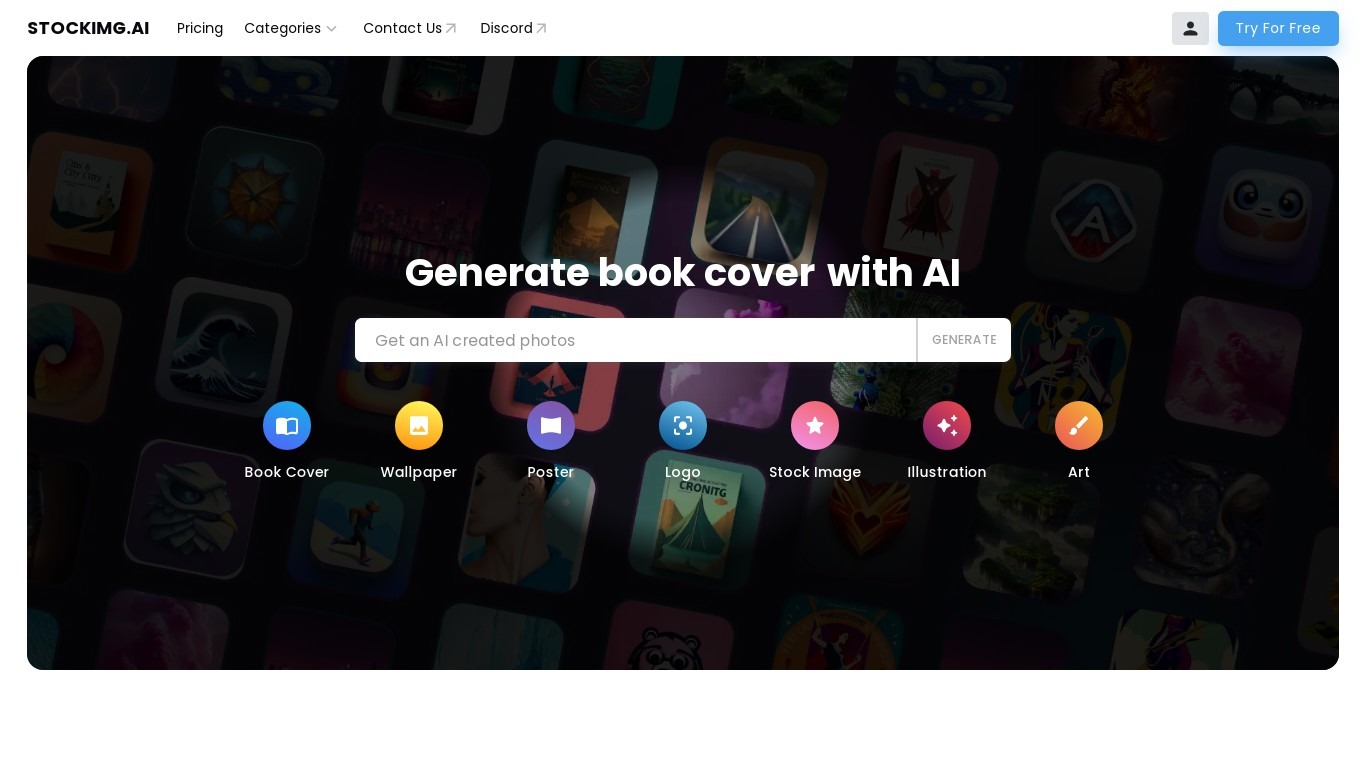

What is Stockimg AI?
Stockimg AI is an image generation and social media management platform that turns text prompts into logos, stock photos, illustrations, posters, wallpapers, and short-form videos. You pick a category (logo, Instagram post, TikTok reel, product photo, and more), describe what you want, and the tool generates visuals you can edit further in a canvas editor.
Where most image generators stop at a single picture, Stockimg AI bundles generation with post scheduling and connections to more than 10 social accounts. That makes it a better fit for marketers who need a feed of branded posts than for artists chasing one-off fine art renders. The trade-off is credit limits on lower tiers and a UI built around content categories rather than open-ended prompting.
Freelancers, agencies, e-commerce sellers, and influencers use it to skip Canva-style template work and publish across Instagram, TikTok, LinkedIn, Facebook, Pinterest, and X from one calendar. The REST API at api.stockimg.ai also lets developers embed 1024x1024 text-to-image generation into their own apps.
Magic Studio
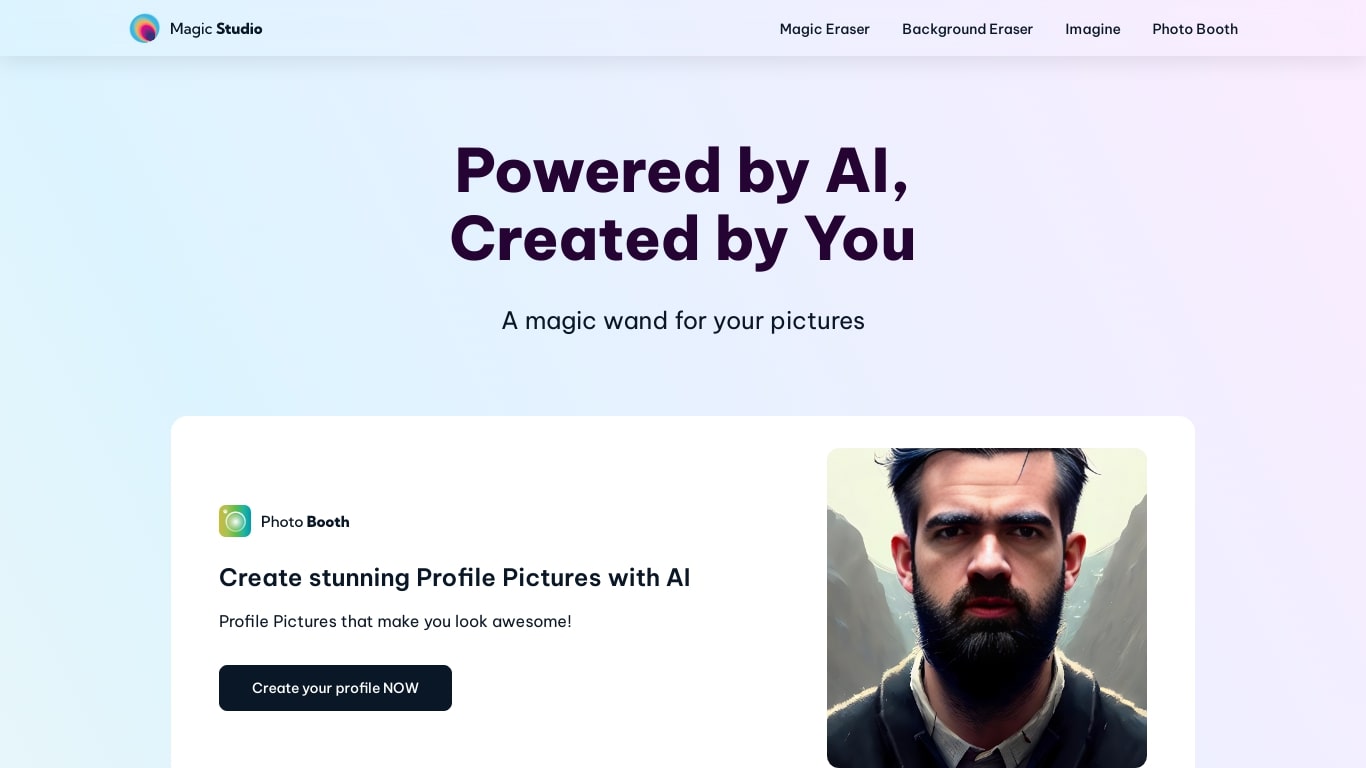
What is Magic Studio?
Magic Studio turns short text prompts and simple brush strokes into finished marketing images inside your browser. The product ships as one web studio plus iOS and Android apps, covering text-to-image generation, object removal, background replacement, upscaling to 4K, and common format conversions. Free accounts get 40 AI generations with basic web and mobile access. The company reports more than 20 million users and 150 million images edited on the homepage.
Where Adobe Photoshop or Canva expect layers and template libraries, Magic Studio bets on one-click edits and plain-language scene descriptions. Free users process one image at a time and download watermarked, limited-resolution files; PRO subscribers pay from $4.99 per month on annual billing for unlimited generations, high-resolution exports without watermarks, and bulk editing on select tools. That makes it a fit for quick product shots and social posts rather than detailed retouching sessions.
Ecommerce sellers, social media marketers, and small teams without dedicated designers reach for it when they need product pages, ads, and feed graphics fast. Uber, Unilever, and Booking.com logos appear on the customer strip. The standalone AI Image Generator page lets newcomers try 20 text-to-image creations with no credit card before signing up for the broader free account.
Stockimg AI Upvotes
Magic Studio Upvotes
Stockimg AI Top Features
Starter plan includes 300 image credits per month at $12 on monthly billing
Premium tier ships 1,500 credits per month at $24, marked as the most popular plan
Ultra plan offers unlimited credits per month at $48 on monthly billing
Connect and schedule posts across 10+ social platforms including Instagram, TikTok, and LinkedIn
REST API endpoint at api.stockimg.ai/v1/text-to-image defaults to 1024x1024 output
Built-in 4x AI upscaling and background removal on paid plans
Generate TikTok and Reels videos with audio and subtitles in about 30 seconds
Magic Studio Top Features
Free plan includes 40 AI generations across MagicStudio.com, iOS, and Android apps
PRO starts at $4.99 per month on annual billing, or $14.99 billed monthly
Magic Eraser removes objects, people, or text with a single brush stroke
Image Upscaler increases size up to 4K without losing quality
AI Image Generator supports square (1:1), landscape (2:1), and portrait (1:2) aspect ratios
Eight tools in one studio: eraser, background remover, generator, upscaler, blur, art generator, and two format converters
Stockimg AI Category
- Image Generation
Magic Studio Category
- Image Generation
Stockimg AI Pricing Type
- Freemium
Magic Studio Pricing Type
- Freemium