StockInvest.us AI Analysis vs Browse AI
Explore the showdown between StockInvest.us AI Analysis vs Browse AI and find out which AI Research tool wins. We analyze upvotes, features, reviews, pricing, alternatives, and more.
In a face-off between StockInvest.us AI Analysis and Browse AI, which one takes the crown?
When we contrast StockInvest.us AI Analysis with Browse AI, both of which are exceptional AI-operated research tools, and place them side by side, we can spot several crucial similarities and divergences. In the race for upvotes, Browse AI takes the trophy. Browse AI has garnered 25 upvotes, and StockInvest.us AI Analysis has garnered 9 upvotes.
Want to flip the script? Upvote your favorite tool and change the game!
StockInvest.us AI Analysis


What is StockInvest.us AI Analysis?
StockInvest.us AI Analysis adds GPT-4 stock writeups to the StockInvest.us research site for tickers you select. Pick a symbol, generate a report, and the tool pulls together earnings context, analyst views, market news, and the platform's own technical and fundamental signals. It is positioned as a premium add-on for investors who already use StockInvest.us screeners and trading ideas.
Plenty of charting apps show indicators but leave the narrative work to you. StockInvest.us bundles short-term scoring, Golden Star style signals, and this AI analyst in one subscription, with a trial window before you pay for premium access. The trade-off is that StockInvest.us terms describe the AI feature as experimental, so it should support your own due diligence rather than replace it.
Retail traders and swing investors who follow US equities use StockInvest.us to scan ideas, then run AI Analysis when they want a plain-language recap of risk, sentiment, and price drivers. The existing listing notes a 14-day trial for exploring premium tools before committing to a paid plan.
Browse AI
What is Browse AI?
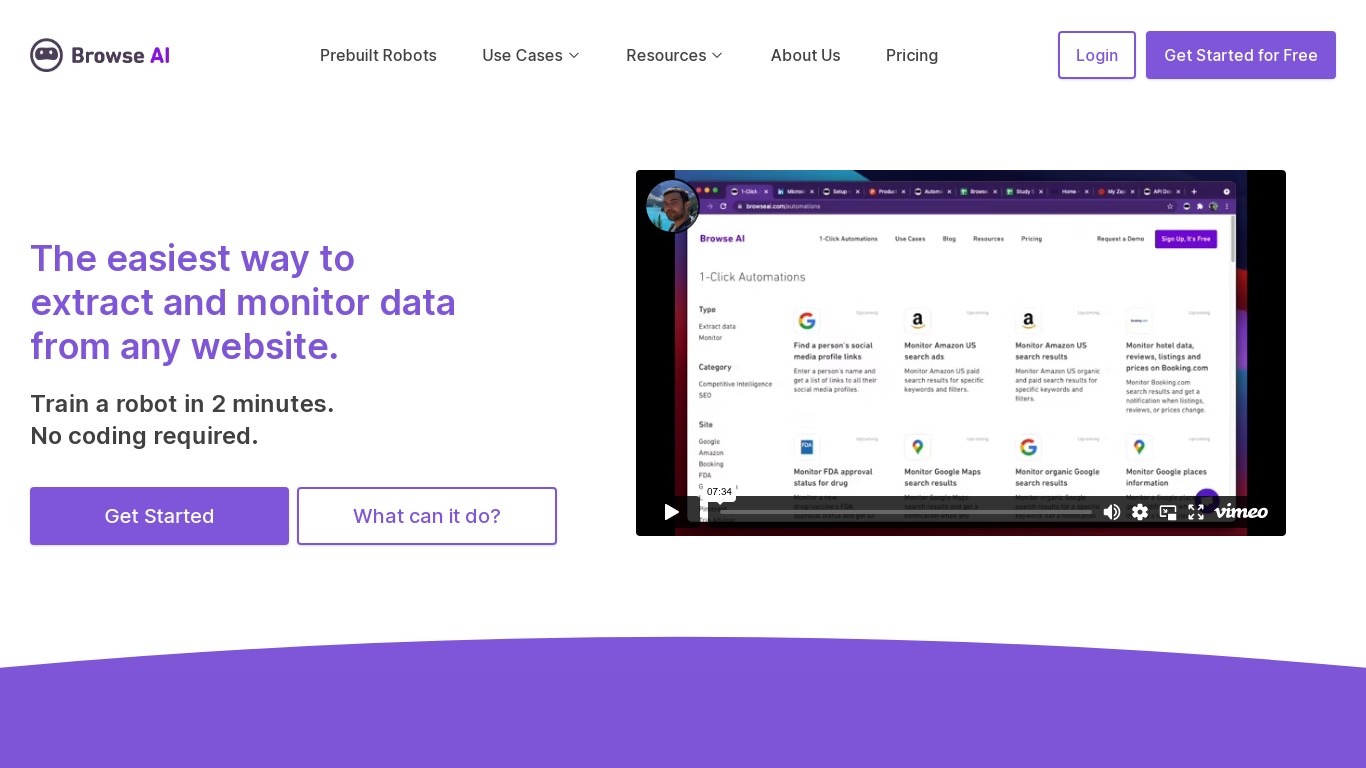
Browse AI is a no-code web scraping and website monitoring platform built for research teams that need structured data from sites they do not control. You train robots with point-and-click actions to extract lists, details, and screenshots, then schedule runs or set change alerts without writing scripts. The platform reports over 770,000 users and has delivered more than 10 billion rows of extracted data.
Where most scrapers break the moment a target site redesigns, Browse AI leans on adaptive change detection that adjusts robot selectors when layouts shift. That trade-off favors operators who monitor competitor pricing or job boards on a schedule and cannot babysit Python scripts every time a CSS class changes. You still get deep scraping workflows, bulk runs across up to 500,000 pages, and exports to Google Sheets, Airtable, Zapier, Make, webhooks, or a REST API.
Browse AI fits ecommerce analysts tracking catalogs, real estate teams pulling listings from Airbnb or Redfin, and growth operators building lead lists from directories. Over 250 prebuilt robots cover Amazon, Indeed, Google Maps, and other high-traffic sites. A Premium tier adds fully managed scraping with custom delivery for high-volume or complex pipelines.
StockInvest.us AI Analysis Upvotes
Browse AI Upvotes
StockInvest.us AI Analysis Top Features
Generate ticker-specific AI analysis with a three-step pick-ticker-and-run workflow
Combines earnings reports, analyst targets, news, and StockInvest.us technical scores
Evaluates financial health and market sentiment as part of each risk readout
Sits inside StockInvest.us alongside screeners, heatmaps, and trading idea lists
Premium access includes trial period before paid subscription billing begins
Powered by OpenAI GPT-4 according to StockInvest.us terms of use
Designed for short-term trading ideas rather than long-only portfolio planning alone
Browse AI Top Features
Point-and-click robot builder trains on any page with no code required
Adaptive change detection adjusts robots when target sites redesign layouts
250+ prebuilt robots for Amazon, Indeed, Google Maps, and other popular sites
Bulk extraction runs across up to 500,000 pages in a single operation
Paid plans monitor sites every 5 minutes; free plans allow hourly checks at minimum
Syncs to Google Sheets, Airtable, Zapier, Make, REST API, webhooks, or Amazon S3
StockInvest.us AI Analysis Category
- Research
Browse AI Category
- Research
StockInvest.us AI Analysis Pricing Type
- Freemium
Browse AI Pricing Type
- Freemium