storyflash vs Video To Blog
Compare storyflash vs Video To Blog and see which AI Content Creation tool is better when we compare features, reviews, pricing, alternatives, upvotes, etc.
Which one is better? storyflash or Video To Blog?
When we compare storyflash with Video To Blog, which are both AI-powered content creation tools, The upvote count reveals a draw, with both tools earning the same number of upvotes. Since other aitools.fyi users could decide the winner, the ball is in your court now to cast your vote and help us determine the winner.
Don't agree with the result? Cast your vote and be a part of the decision-making process!
storyflash

What is storyflash?
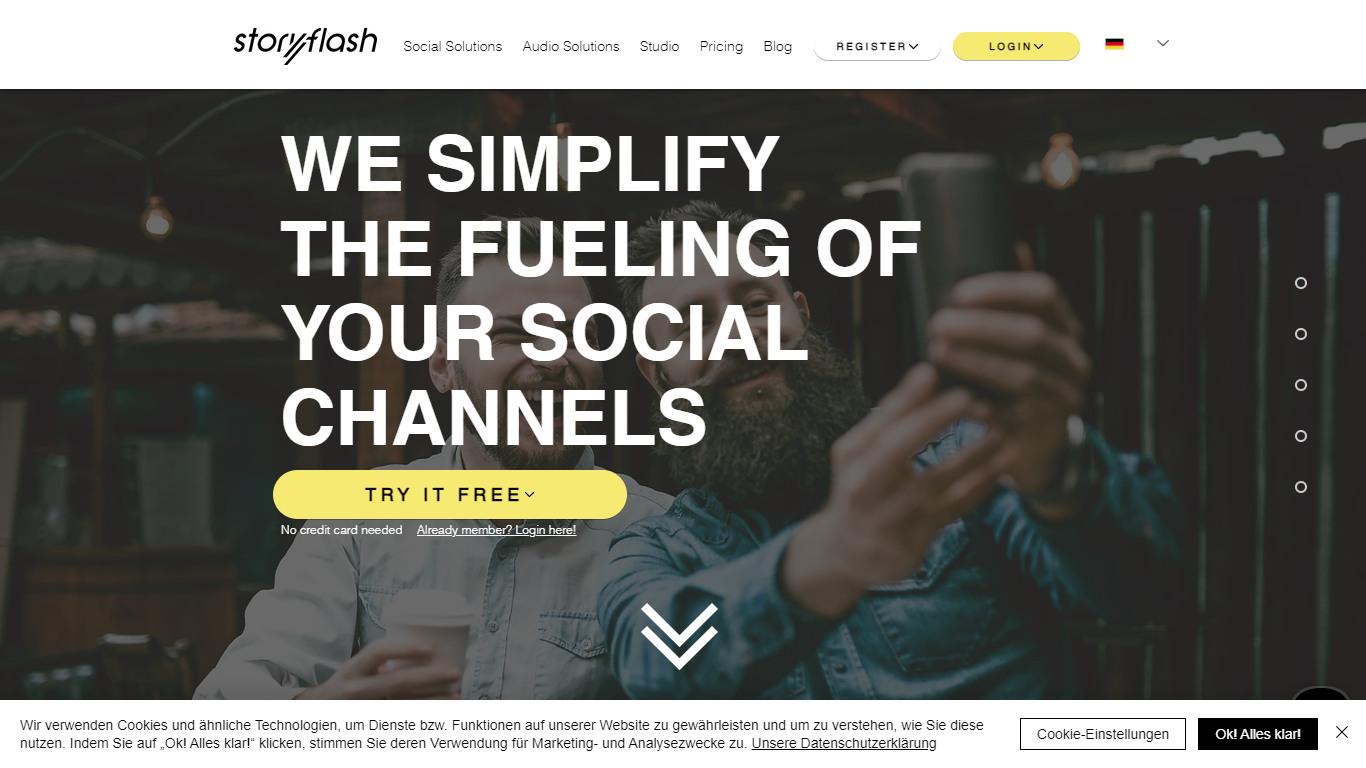
storyflash is a Pinterest marketing tool that automatically creates, schedules, and publishes Pins from your website content. It connects to your site or RSS feed, generates multiple Pin designs from a single article URL, and helps teams publish to multiple boards at once.
The platform includes a Pinterest Pin Generator, a Pinterest Planner for scheduling image and video Pins, and a Pinterest Autopilot that publishes content based on RSS feeds. storyflash integrates ChatGPT and Canva Connect, and the company is listed as an official Pinterest Partner.
Publishers such as InStyle Germany and Leben & Erziehen use storyflash to turn articles into Pinterest traffic without building every Pin manually. You can start free with no credit card required.
Video To Blog

What is Video To Blog?
Video To Blog turns spoken video and audio into publish-ready blog articles. Paste a YouTube link, upload a file, drop in a transcript, record audio, or connect a channel, and the service outputs structured posts with headings, screenshots, smart links, metadata, and calls to action you can send to a website, newsletter, or download as HTML, Markdown, PDF, or Word.
Transcript-to-ChatGPT workflows still leave you stitching screenshots, links, and publishing steps by hand. Video To Blog bundles those production tasks: auto screenshots from the source video, reusable CTA blocks, SEO and GEO formatting, YouTube upload automations, and a built-in Publications feature for hosting a blog plus email newsletter on a custom domain. The homepage cites 500,000+ articles created and a 4.8 average across 500+ reviews on Trustpilot, G2, and Capterra.
YouTube creators, podcasters, agencies, and teams publishing sermons or webinars are the target users. Pricing starts free with one monthly upload, scales to Business at $69 per month (yearly billing) for 50 videos, and every paid tier adds publications, website integrations, and longer runtime limits.
storyflash Upvotes
Video To Blog Upvotes
storyflash Top Features
Automatic Pinterest Pin creation from website article URLs in multiple designs
Pinterest Planner to schedule and publish image and video Pins to multiple boards
Pinterest Autopilot that publishes from RSS feeds with keyword targeting
ChatGPT integration and Canva Connect for design workflows
Official Pinterest Partner positioning with free signup and no credit card required
Video To Blog Top Features
Imports YouTube links, uploaded video/audio, transcripts, Google Drive files, and channel automations
Auto screenshots pull key visual moments from source videos into each article
Smart links and reusable CTA blocks insert internal and external links automatically
Publications host a blog, email newsletter, and custom domain without extra services
Free plan includes 1 monthly upload for videos up to 30 minutes with no credit card
Pro plan ($39/mo yearly) allows 15 monthly uploads up to 1.5 hours with 3 team members
Exports finished posts as HTML, Markdown, PDF, or Word and publishes to connected websites
storyflash Category
- Content Creation
Video To Blog Category
- Content Creation
storyflash Pricing Type
- Freemium
Video To Blog Pricing Type
- Freemium