StreamSlide (formerly Stream Slides) vs Timebolt
Compare StreamSlide (formerly Stream Slides) vs Timebolt and see which AI Video Editing tool is better when we compare features, reviews, pricing, alternatives, upvotes, etc.
Which one is better? StreamSlide (formerly Stream Slides) or Timebolt?
When we compare StreamSlide (formerly Stream Slides) with Timebolt, which are both AI-powered video editing tools, The users have made their preference clear, Timebolt leads in upvotes. Timebolt has garnered 18 upvotes, and StreamSlide (formerly Stream Slides) has garnered 6 upvotes.
Want to flip the script? Upvote your favorite tool and change the game!
StreamSlide (formerly Stream Slides)
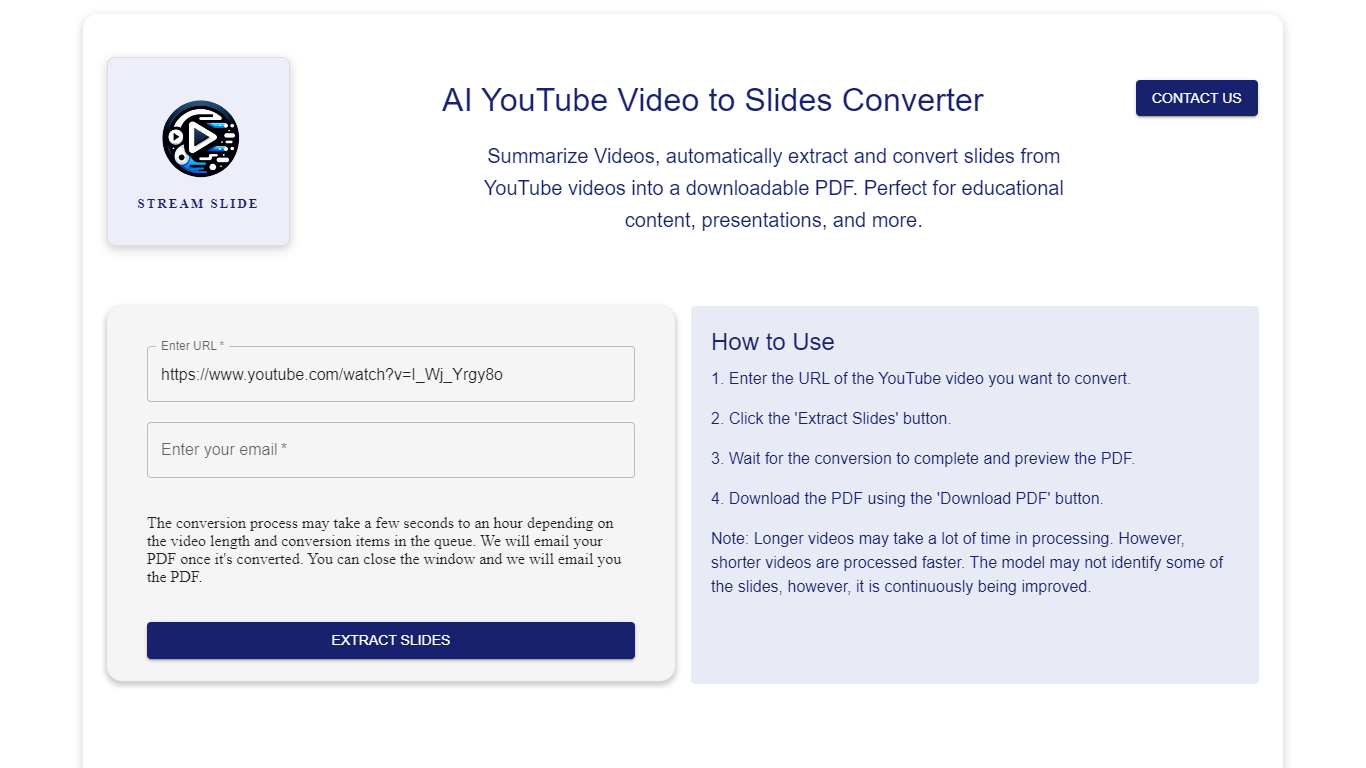

What is StreamSlide (formerly Stream Slides)?
StreamSlide is a productivity platform built around two tools: Video to Slides and Bot The Builder. The first converts lecture recordings, webinars, and uploaded videos into presentation slide decks you can download as PDF or PowerPoint.
Video to Slides uses computer vision to detect unique presentation frames in your footage. Upload MP4, AVI, MOV, MKV, or WebM files up to 500MB, or paste a YouTube link. The tool scans frame changes and packages the results for export.
Bot The Builder is the platform's second product, a no-code chatbot builder for customer support, lead capture, and internal workflows. Bots can go live on websites, Telegram, Slack, and WhatsApp with custom training data and real-time analytics.
StreamSlide suits educators turning lectures into study materials, professionals packaging webinar content, and teams that want conversational bots without writing code.
Timebolt

What is Timebolt?
Timebolt is a desktop video editor built around waveform-first jump cuts for podcasts, interviews, and screen recordings. It strips silence, filler words, and bad takes with 0.01 second cut control, then exports timelines to Premiere Pro, Final Cut Pro, DaVinci Resolve, or Camtasia without re-cutting by hand.
Most text-based AI editors guess where pauses live and leave hundreds of missed cuts per hour. Timebolt measures the audio waveform first, which is why its benchmark claims zero mistakes left per hour while rivals like Descript and Gling still need manual cleanup. That trade-off favors editors who want frame-tight cuts over a chat-style transcript workflow.
Podcasters, YouTubers, and course creators use Timebolt to shrink raw talking-head footage before publishing. Post-production teams also route Riverside multicam sessions through Timebolt XML exports so senior editors finish polish work in their preferred NLE.
StreamSlide (formerly Stream Slides) Upvotes
Timebolt Upvotes
StreamSlide (formerly Stream Slides) Top Features
Turn lectures and webinars into downloadable PDF or PowerPoint slide decks
Accepts MP4, AVI, MOV, MKV, and WebM uploads up to 500MB
Computer vision scans frames and pulls out unique presentation slides automatically
Bot The Builder deploys chatbots to websites, Telegram, Slack, and WhatsApp
Train bots on your own content and track conversations with real-time analytics
Timebolt Top Features
0.01 second cut control on waveform-based silence removal
Processes an hour of footage in about 13 seconds for jump cuts
Exports XML timelines to Premiere Pro, Final Cut Pro, and DaVinci Resolve
UMCHECK removes filler words automatically from recorded speech
Free 4K screen capture tool for Mac and Windows
Benchmark reports zero missed cuts per hour versus hundreds on rival AI editors
StreamSlide (formerly Stream Slides) Category
- Video Editing
Timebolt Category
- Video Editing
StreamSlide (formerly Stream Slides) Pricing Type
- Freemium
Timebolt Pricing Type
- Freemium