StreamSlide (formerly Stream Slides) vs Typeframes
Compare StreamSlide (formerly Stream Slides) vs Typeframes and see which AI Video Editing tool is better when we compare features, reviews, pricing, alternatives, upvotes, etc.
Which one is better? StreamSlide (formerly Stream Slides) or Typeframes?
When we compare StreamSlide (formerly Stream Slides) with Typeframes, which are both AI-powered video editing tools, Typeframes stands out as the clear frontrunner in terms of upvotes. The number of upvotes for Typeframes stands at 7, and for StreamSlide (formerly Stream Slides) it's 6.
Not your cup of tea? Upvote your preferred tool and stir things up!
StreamSlide (formerly Stream Slides)
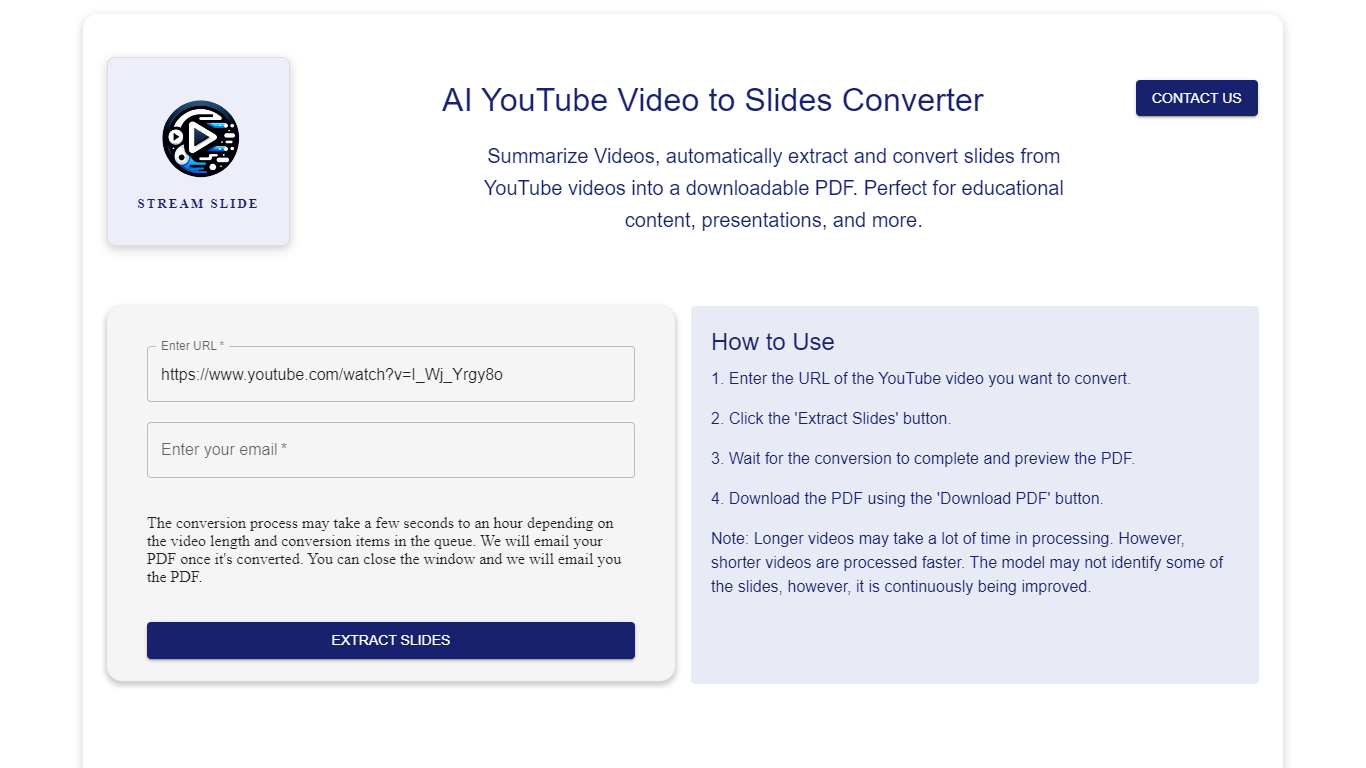

What is StreamSlide (formerly Stream Slides)?
StreamSlide is a productivity platform built around two tools: Video to Slides and Bot The Builder. The first converts lecture recordings, webinars, and uploaded videos into presentation slide decks you can download as PDF or PowerPoint.
Video to Slides uses computer vision to detect unique presentation frames in your footage. Upload MP4, AVI, MOV, MKV, or WebM files up to 500MB, or paste a YouTube link. The tool scans frame changes and packages the results for export.
Bot The Builder is the platform's second product, a no-code chatbot builder for customer support, lead capture, and internal workflows. Bots can go live on websites, Telegram, Slack, and WhatsApp with custom training data and real-time analytics.
StreamSlide suits educators turning lectures into study materials, professionals packaging webinar content, and teams that want conversational bots without writing code.
Typeframes

What is Typeframes?
Typeframes converts simple text prompts into engaging product videos optimized for social media platforms like YouTube, Instagram, and TikTok. It enables users to produce high-quality videos quickly without advanced video editing skills.
What sets Typeframes apart is its AI-driven approach that simplifies video production by offering customizable templates and automated suggestions to boost engagement. Unlike traditional video editors, it focuses on speed and ease of use, allowing creators to generate videos in minutes rather than hours.
The platform supports exporting videos in multiple resolutions tailored for different social media formats, including vertical videos. This makes Typeframes especially useful for content creators and marketers aiming to produce consistent, platform-optimized video content efficiently.
By streamlining the video creation process, Typeframes helps users save time and resources while enhancing their social media presence with visually appealing videos.
StreamSlide (formerly Stream Slides) Upvotes
Typeframes Upvotes
StreamSlide (formerly Stream Slides) Top Features
Turn lectures and webinars into downloadable PDF or PowerPoint slide decks
Accepts MP4, AVI, MOV, MKV, and WebM uploads up to 500MB
Computer vision scans frames and pulls out unique presentation slides automatically
Bot The Builder deploys chatbots to websites, Telegram, Slack, and WhatsApp
Train bots on your own content and track conversations with real-time analytics
Typeframes Top Features
Transform text prompts into engaging videos quickly
Customize templates to match your brand style easily
Create vertical videos optimized for social platforms
Simple interface requires no video editing skills
Export videos in multiple resolutions including high quality
AI-driven suggestions to boost video engagement
StreamSlide (formerly Stream Slides) Category
- Video Editing
Typeframes Category
- Video Editing
StreamSlide (formerly Stream Slides) Pricing Type
- Freemium
Typeframes Pricing Type
- Freemium