StudyShift vs LitGrades
In the battle of StudyShift vs LitGrades, which AI Education tool comes out on top? We compare reviews, pricing, alternatives, upvotes, features, and more.
Between StudyShift and LitGrades, which one is superior?
Upon comparing StudyShift with LitGrades, which are both AI-powered education tools, Neither tool takes the lead, as they both have the same upvote count. Be a part of the decision-making process. Your vote could determine the winner.
Disagree with the result? Upvote your favorite tool and help it win!
StudyShift
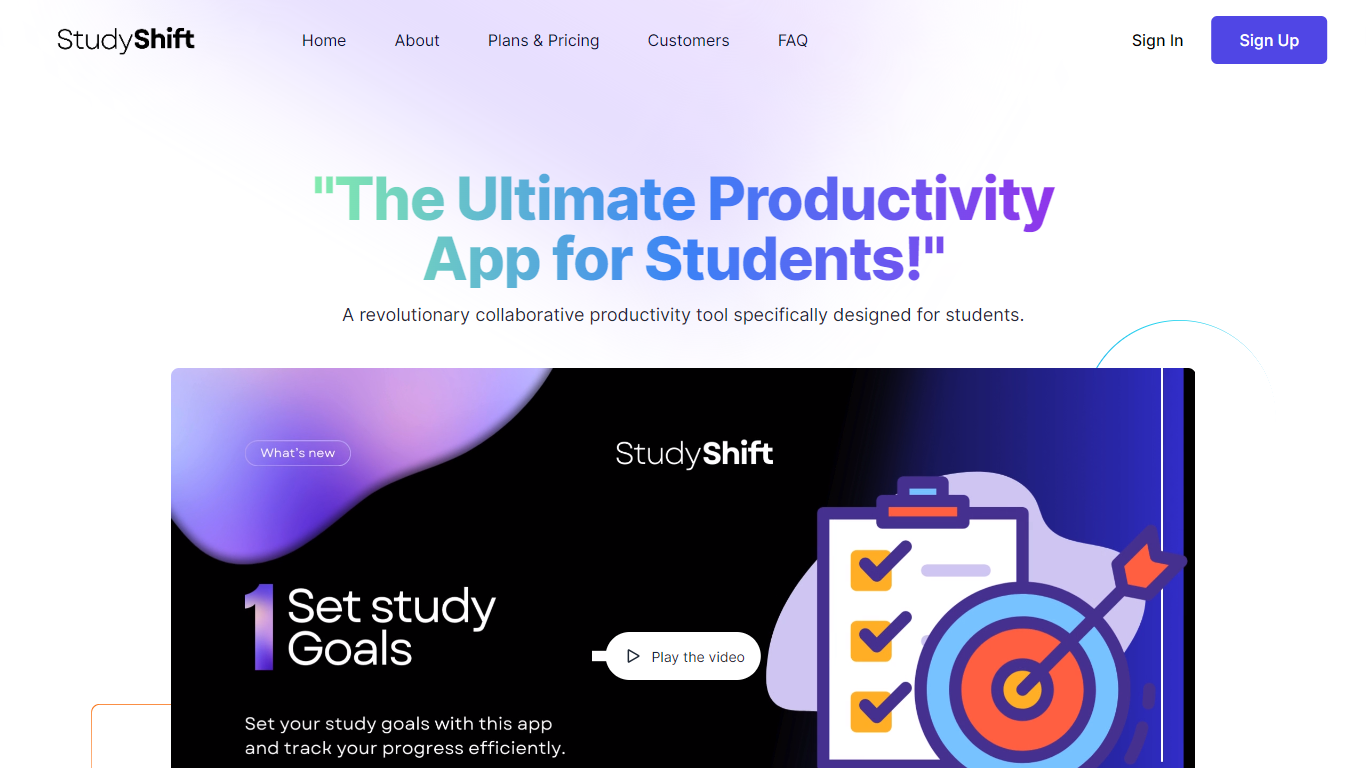

What is StudyShift?
StudyShift remains a versatile productivity app tailored for students, now enhanced with new features to support academic integrity and writing quality. Beyond managing study goals, assignments, and notes, it integrates tools to help students check their work for AI-generated content, reflecting the growing importance of ethical writing practices. The app supports seamless document collaboration and offers a clear overview of study progress across devices. It also provides access to resources that explain university-level AI detection methods, helping users understand how their texts might be evaluated. StudyShift's updated value lies in combining productivity with proactive academic compliance, making it a comprehensive companion for modern students. The platform ensures privacy and data security, with all processing done securely and anonymously. This focus on transparency and user control sets it apart from other study apps. While the core remains user-friendly task and note management, the addition of AI detection awareness tools addresses a critical need in today's academic environment.
LitGrades
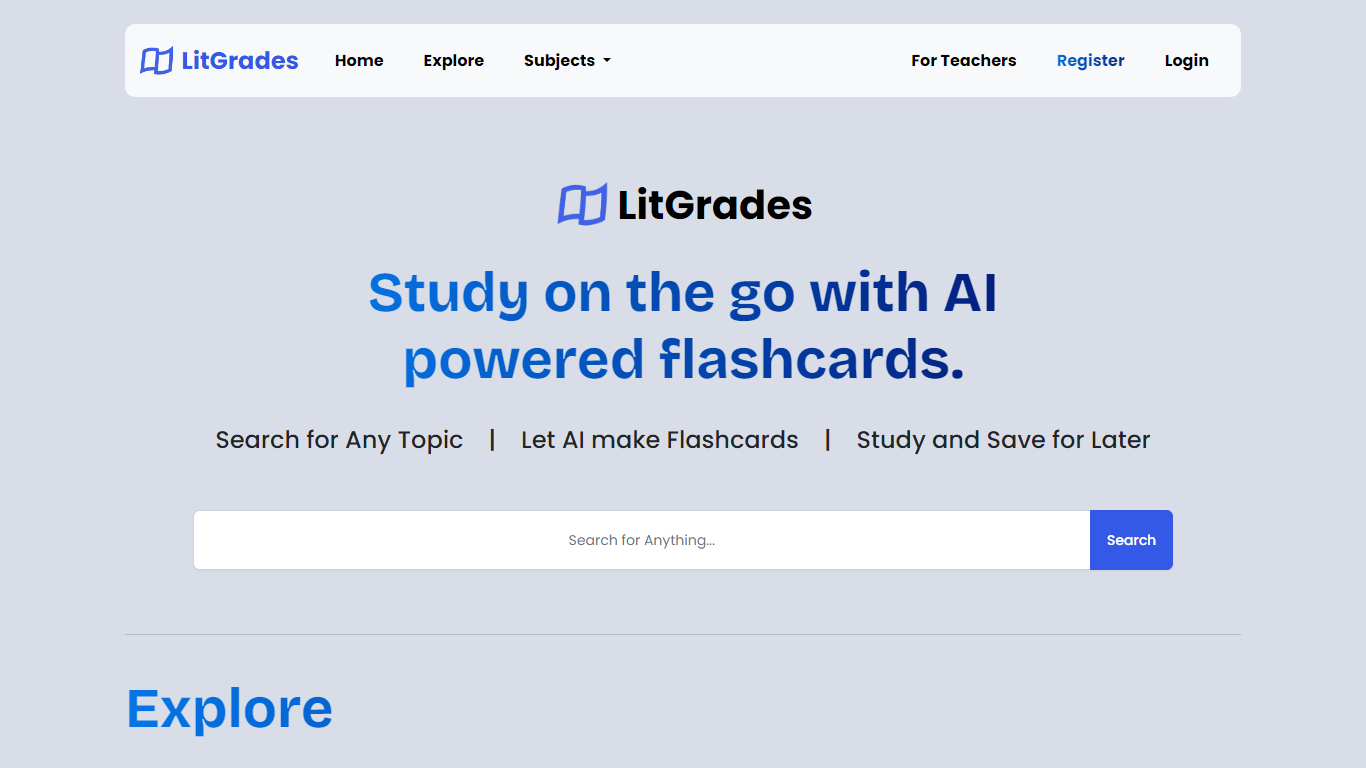
What is LitGrades?
LitGrades generates flashcards, study notes, worksheets, and quizzes for education through a chat workflow. You tell it what you want to learn, and it suggests subtopics to include before you pick a format. The site also indexes saved flashcards, worksheets, and notes through a homepage search bar.
Most flashcard apps expect you to paste text or build cards manually. LitGrades starts with the topic conversation, proposes key areas to cover, and only then asks which resource type you want. That structure fits exam prep when you know the subject but not how to split it into review chunks.
Students can spin up custom decks and practice sheets without hunting templates. Teachers can register, log in with Google or email, and organize outputs into folders. The stack includes MathJax for math notation, which helps science and math units that need formatted equations.
StudyShift Upvotes
LitGrades Upvotes
StudyShift Top Features
📚 Set and track personalized study goals to stay motivated
📝 Manage assignments with collaborative document editing
🔍 Check texts for AI-generated content to ensure originality
📊 Visual progress reports help monitor study effectiveness
🔒 Secure and anonymous processing protects your data
LitGrades Top Features
Chat workflow suggests subtopics (e.g. photosynthesis units) before you pick flashcards, notes, worksheets, or quizzes
Homepage search queries flashcards, worksheets, and notes through /api/search
Folder creation posts to /folders/create so you can name and describe saved study sets
MathJax 3 loaded for inline and display math in generated study content
Login supports Google OAuth alongside email and password at litgrades.com/login
Bootstrap 5.3.0-alpha1 UI with flashcard, worksheet, and note routes in site search
StudyShift Category
- Education
LitGrades Category
- Education
StudyShift Pricing Type
- Freemium
LitGrades Pricing Type
- Free