Sublayer vs Gorilla Terminal
When comparing Sublayer vs Gorilla Terminal, which AI Code Assistant tool shines brighter? We look at pricing, alternatives, upvotes, features, reviews, and more.
In a comparison between Sublayer and Gorilla Terminal, which one comes out on top?
When we put Sublayer and Gorilla Terminal side by side, both being AI-powered code assistant tools, There's no clear winner in terms of upvotes, as both tools have received the same number. Join the aitools.fyi users in deciding the winner by casting your vote.
Think we got it wrong? Cast your vote and show us who's boss!
Sublayer

What is Sublayer ?
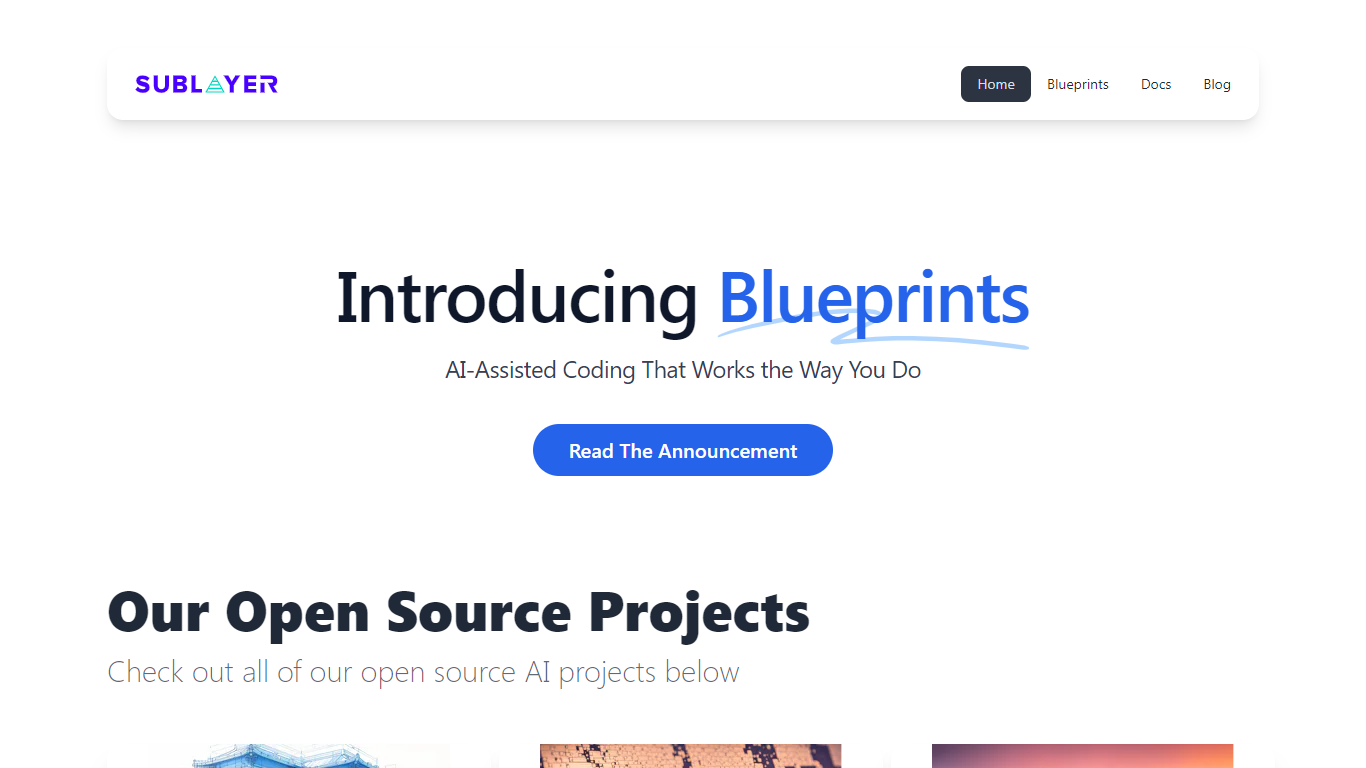
Sublayer is an AI native software studio and lab based in New York. The team builds products, open source tools, community programs, and writing that explore what happens when the cost of making software drops sharply.
Their public work spans shipped apps like Where Is Everyone (attendance intelligence for community organizers) and a catalog of open source Ruby projects on GitHub, including the Sublayer generative AI framework, Blueprints for pattern-based code generation, and CLAG for natural-language CLI commands.
Developers, community organizers, and builders curious about AI-assisted software creation will find experiments, source code, and a Discord community to follow along or contribute.
Gorilla Terminal

What is Gorilla Terminal?
Gorilla Terminal pulls stock data, SEC filings, macro indicators, and earnings call transcripts into one terminal-style dashboard in your browser. Search by ticker and you get charts, quarterly reports, insider trades, Twitter sentiment, and live futures without hopping between Bloomberg tabs and scattered finance sites.
Most research terminals either dump raw data tables or lean on generic summaries. Gorilla Terminal focuses on earnings calls: it runs sentiment analysis on what executives actually said, flags positive and negative statements, and lets you filter by quarter. That transcript-first angle is the trade-off. You get deeper call breakdowns than a charting site, but the product is built for equity research rather than crypto or forex.
Portfolio managers, solo investors, and finance students use this investment research tool to prep for earnings season, scan sector averages, and stress-test holdings with value-at-risk and regression tools. The macro panel covers CPI, unemployment, retail sales, and consumer sentiment in one click.
Sublayer Upvotes
Gorilla Terminal Upvotes
Sublayer Top Features
Runs as an AI native studio and lab with products, open source, writing, and community channels
Ships Where Is Everyone for predicting real event attendance vs RSVP counts
Maintains the open source Sublayer Ruby gem for building generators, actions, tasks, and agents
Offers Blueprints to generate code from patterns already in your codebase via editor plugins
Hosts 35+ public GitHub repos including CLAG, monkeyspaw, VSM, and airb
Publishes the Works on My Machine newsletter on software and AI on Substack
Runs an active Discord community for collaborators and contributors
Gorilla Terminal Top Features
Earnings call transcripts with AI sentiment scoring and positive/negative statement filters per quarter
Macro dashboard covering CPI, unemployment, retail sales, and consumer sentiment in one view
Stock search returns charts, 10-Ks, 10-Qs, insider buying, and Twitter sentiment on one page
Value-at-risk and regression analysis for portfolio risk modeling
Industry average metrics across revenue growth, margins, and tax rates by sector
Pro plan at $29 per month, down from a listed $49 per month on the pricing page
7-day pass at $9.99 for short-term access without a monthly commitment
Sublayer Category
- Code Assistant
Gorilla Terminal Category
- Code Assistant
Sublayer Pricing Type
- Free
Gorilla Terminal Pricing Type
- Paid