Sudowrite vs Notion AI
In the battle of Sudowrite vs Notion AI, which AI Writing Assistant tool comes out on top? We compare reviews, pricing, alternatives, upvotes, features, and more.
Which one is better? Sudowrite or Notion AI?
Upon comparing Sudowrite with Notion AI, which are both AI-powered writing assistant tools, Notion AI is the clear winner in terms of upvotes. Notion AI has 9 upvotes, and Sudowrite has 6 upvotes.
Does the result make you go "hmm"? Cast your vote and turn that frown upside down!
Sudowrite
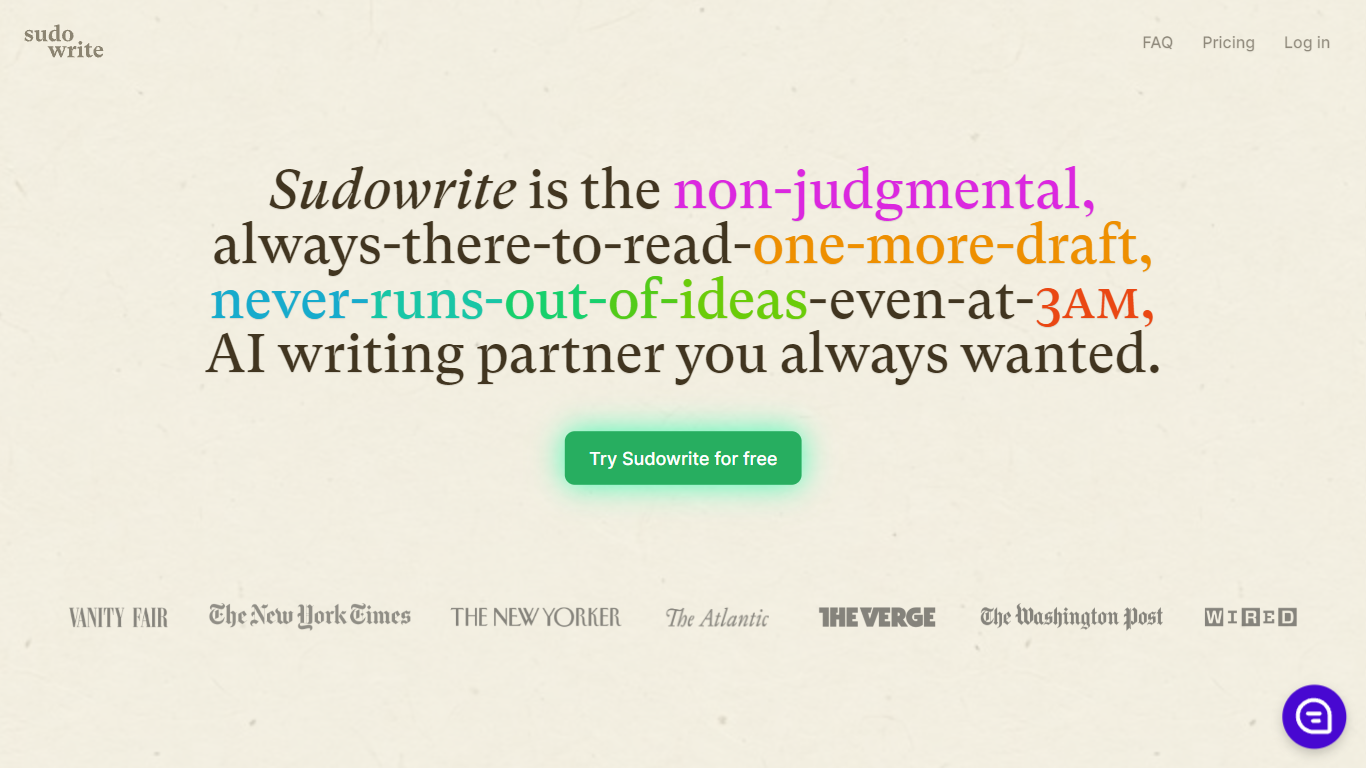

What is Sudowrite?
Sudowrite is an AI writing partner designed especially for novelists and creative writers. It helps you write faster and overcome writer's block by suggesting the next 300 words in your voice, expanding scenes, and providing vivid descriptions that bring your story to life. The tool guides you from idea to outline to full draft with features like Story Bible, Brainstorm, and Canvas, which help organize plot points, character arcs, and themes.
Sudowrite also offers revision assistance with Rewrite and actionable Feedback to improve your drafts. It supports over 30 languages and lets you visualize characters and worlds with AI-generated art. Created by writers for writers, Sudowrite aims to make storytelling more enjoyable and productive.
Notion AI
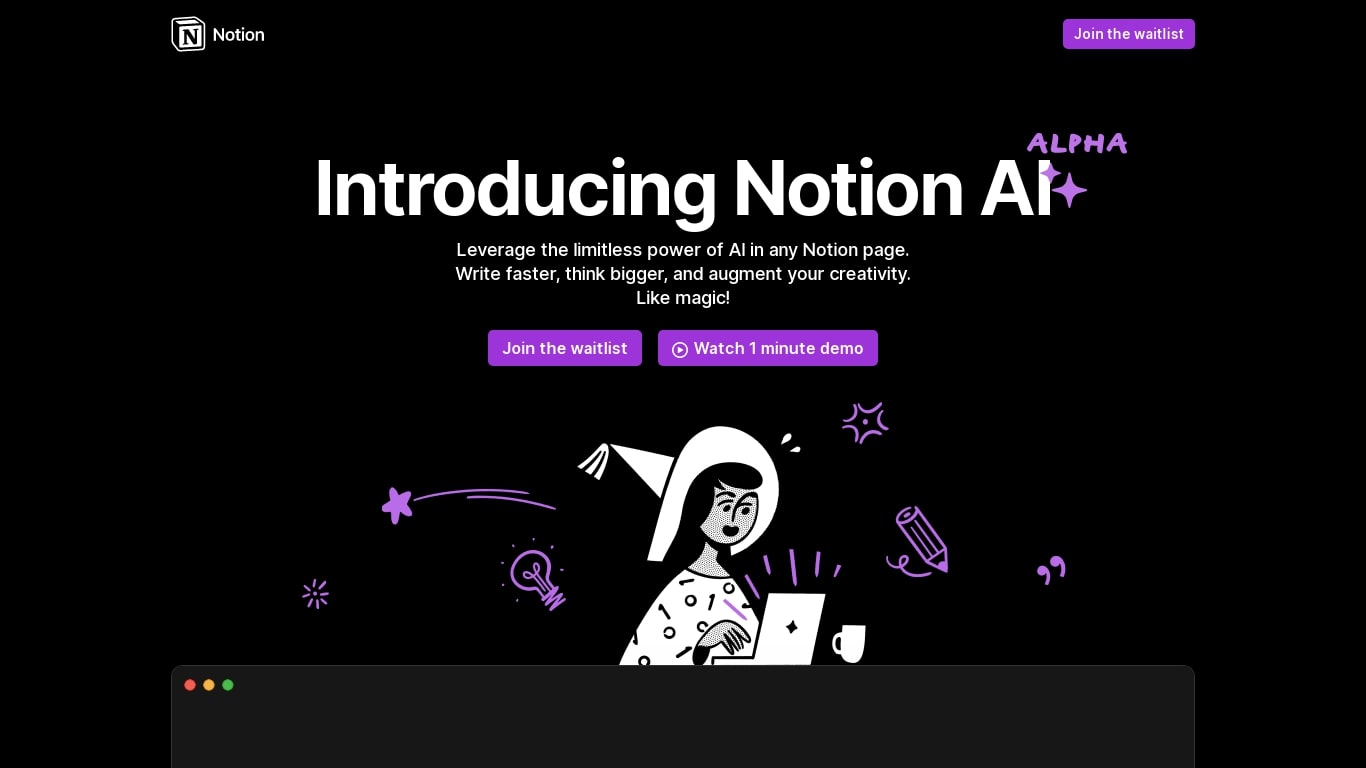
What is Notion AI?
Notion AI is a writing and workflow assistant built into Notion workspaces. It runs inside pages, docs, tasks, and databases so teams can draft content, search connected apps, and automate recurring work without leaving Notion.
Compared with standalone chat tools, Notion AI is tied to your workspace context. Notion Agent can build and edit pages, Custom Agents run on schedules or triggers across Slack and other connectors, and Enterprise Search pulls answers from Slack, Google Drive, and GitHub in seconds.
Business and Enterprise plans include core AI features like AI Meeting Notes and Enterprise Search. Custom Agents are free on those plans through May 3, 2026, then bill at $10 per 1,000 Notion credits. Free workspaces get trial AI usage for doc generation and database autofill.
Sudowrite Upvotes
Notion AI Upvotes
Sudowrite Top Features
📝 Write: Autocomplete that suggests the next 300 words in your style to keep your story flowing.
🌟 Expand: Build out scenes to improve pacing and add depth without losing momentum.
🎨 Visualize: Generate artwork from your character and world descriptions to bring your story to life.
🧠 Brainstorm: Infinite idea generator that learns your preferences to spark fresh plot points and character secrets.
🔄 Rewrite: Flexible revision tool that takes direction and helps you rephrase sentences effortlessly.
Notion AI Top Features
Notion Agent completes multi-step tasks using workspace and connected app context
Custom Agents automate Slack Q&A, task routing, and project updates on schedules
Enterprise Search queries Slack, Google Drive, GitHub, and other connected apps
AI Meeting Notes transcribe conversations and summarize follow-ups without a bot
Business plan at $20 per member per month includes Notion Agent and core AI features
Custom Agents priced at $10 per 1,000 credits starting May 4, 2026 on Business plans
Sudowrite Category
- Writing Assistant
Notion AI Category
- Writing Assistant
Sudowrite Pricing Type
- Paid
Notion AI Pricing Type
- Freemium