Sudowrite vs Saga AI
In the face-off between Sudowrite vs Saga AI, which AI Writing Assistant tool takes the crown? We scrutinize features, alternatives, upvotes, reviews, pricing, and more.
In a face-off between Sudowrite and Saga AI, which one takes the crown?
If we were to analyze Sudowrite and Saga AI, both of which are AI-powered writing assistant tools, what would we find? The upvote count favors Sudowrite, making it the clear winner. Sudowrite has been upvoted 6 times by aitools.fyi users, and Saga AI has been upvoted 4 times.
Disagree with the result? Upvote your favorite tool and help it win!
Sudowrite

What is Sudowrite?
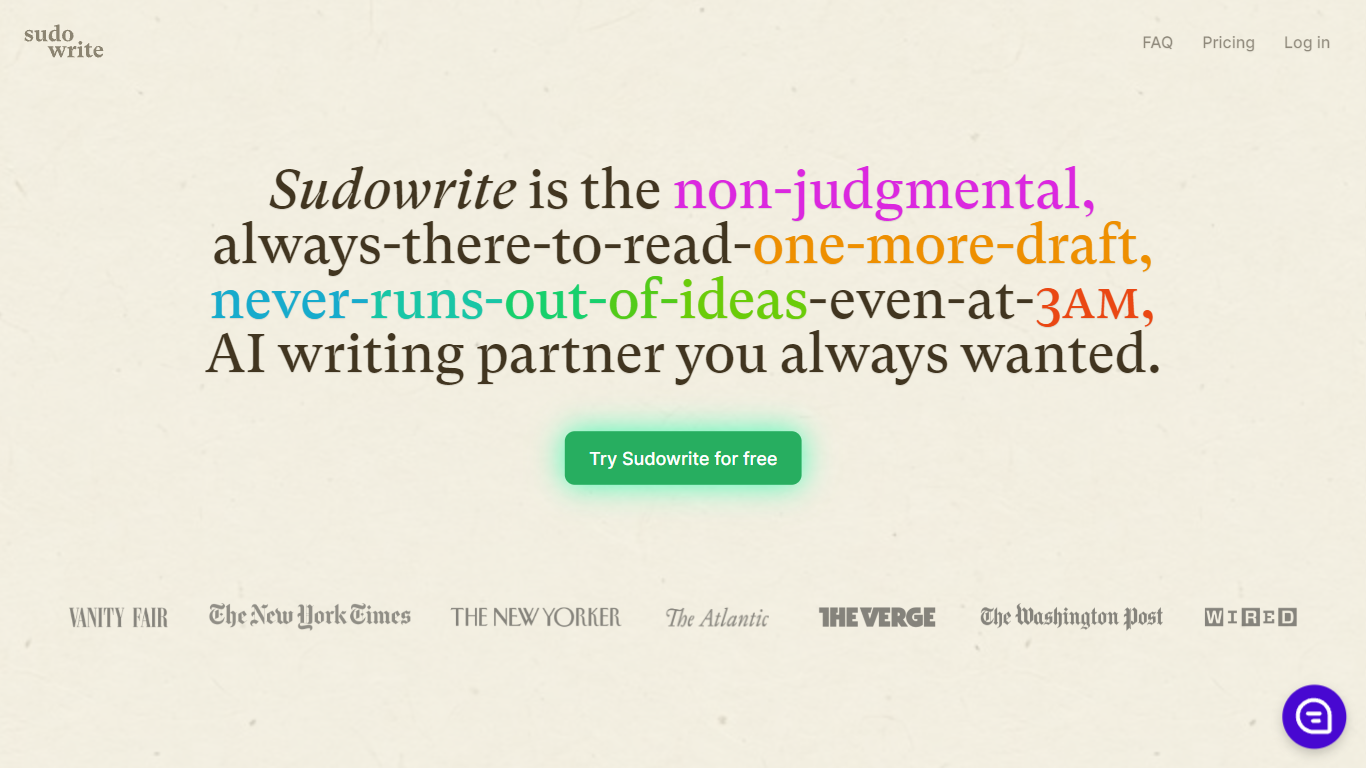
Sudowrite is an AI writing partner designed especially for novelists and creative writers. It helps you write faster and overcome writer's block by suggesting the next 300 words in your voice, expanding scenes, and providing vivid descriptions that bring your story to life. The tool guides you from idea to outline to full draft with features like Story Bible, Brainstorm, and Canvas, which help organize plot points, character arcs, and themes.
Sudowrite also offers revision assistance with Rewrite and actionable Feedback to improve your drafts. It supports over 30 languages and lets you visualize characters and worlds with AI-generated art. Created by writers for writers, Sudowrite aims to make storytelling more enjoyable and productive.
Saga AI
What is Saga AI?
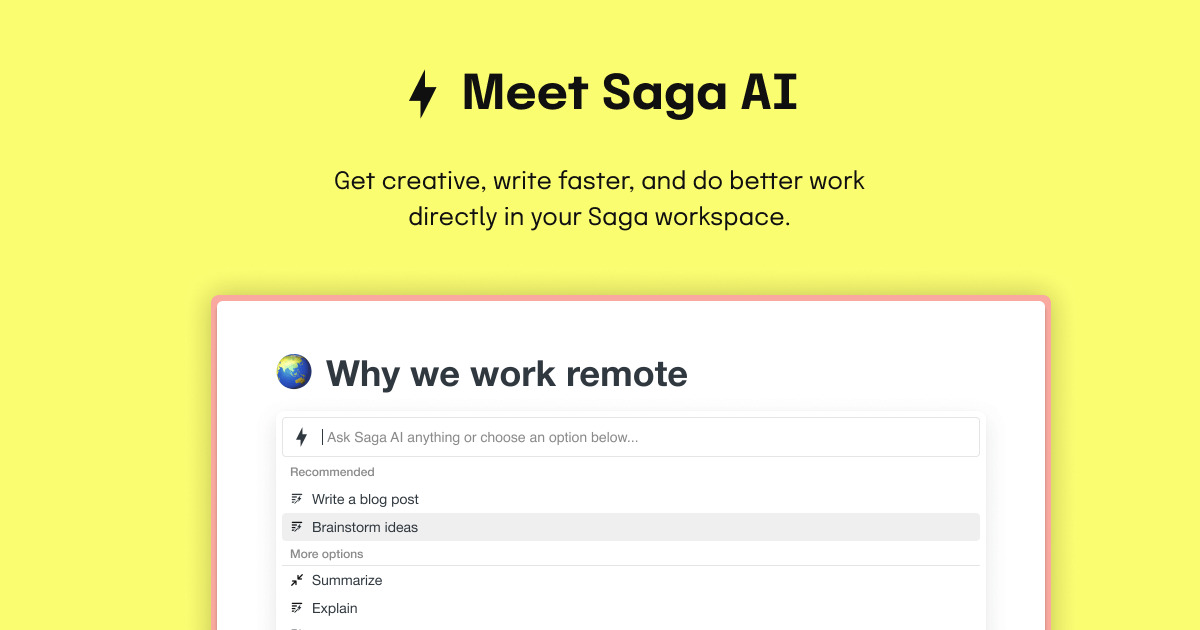
Saga AI is the built-in writing assistant inside Saga, a workspace for notes, documents, and tasks. You draft content, fix grammar, translate text, summarize pages, and ask questions without leaving the editor. Type @ or / to open Ask AI, or select text and run rewrite, summarize, or tone commands from the Saga AI menu.
Most writing assistants sit in a separate browser tab, which means copying context back and forth. Saga AI runs inside the same pages you already work in, and the page mention feature lets it read your existing notes to answer questions or rewrite in your style. That puts it closer to Notion AI than Grammarly, though Saga also ships Mac and Windows desktop apps and targets teams who want notes and AI in one place.
Product managers use it for meeting note summaries and project briefs. Marketing teams draft blogs, emails, and social posts. Students and remote teams lean on translation across 20+ languages and one-click grammar fixes. The free plan covers 5,000 AI words per month for workspaces with up to three members.
Sudowrite Upvotes
Saga AI Upvotes
Sudowrite Top Features
📝 Write: Autocomplete that suggests the next 300 words in your style to keep your story flowing.
🌟 Expand: Build out scenes to improve pacing and add depth without losing momentum.
🎨 Visualize: Generate artwork from your character and world descriptions to bring your story to life.
🧠 Brainstorm: Infinite idea generator that learns your preferences to spark fresh plot points and character secrets.
🔄 Rewrite: Flexible revision tool that takes direction and helps you rephrase sentences effortlessly.
Saga AI Top Features
Free plan includes 5,000 Saga AI words per month for workspaces with up to 3 members
Standard plan at $6 per member per month (billed annually) unlocks unlimited Saga AI
Translate selected text to 20+ languages in one click from the editor
Mention existing Saga pages so AI answers and rewrites use your workspace content
Each AI conversation supports up to about 16,000 words of input and output combined
Uses OpenAI and Anthropic models, with GPT-5.2 listed on the Saga AI product page
Sudowrite Category
- Writing Assistant
Saga AI Category
- Writing Assistant
Sudowrite Pricing Type
- Paid
Saga AI Pricing Type
- Freemium