Sudowrite vs Shakespeare Ai Toolbar
In the battle of Sudowrite vs Shakespeare Ai Toolbar, which AI Writing Assistant tool comes out on top? We compare reviews, pricing, alternatives, upvotes, features, and more.
Which one is better? Sudowrite or Shakespeare Ai Toolbar?
Upon comparing Sudowrite with Shakespeare Ai Toolbar, which are both AI-powered writing assistant tools, Sudowrite is the clear winner in terms of upvotes. Sudowrite has been upvoted 6 times by aitools.fyi users, and Shakespeare Ai Toolbar has been upvoted 5 times.
Feeling rebellious? Cast your vote and shake things up!
Sudowrite
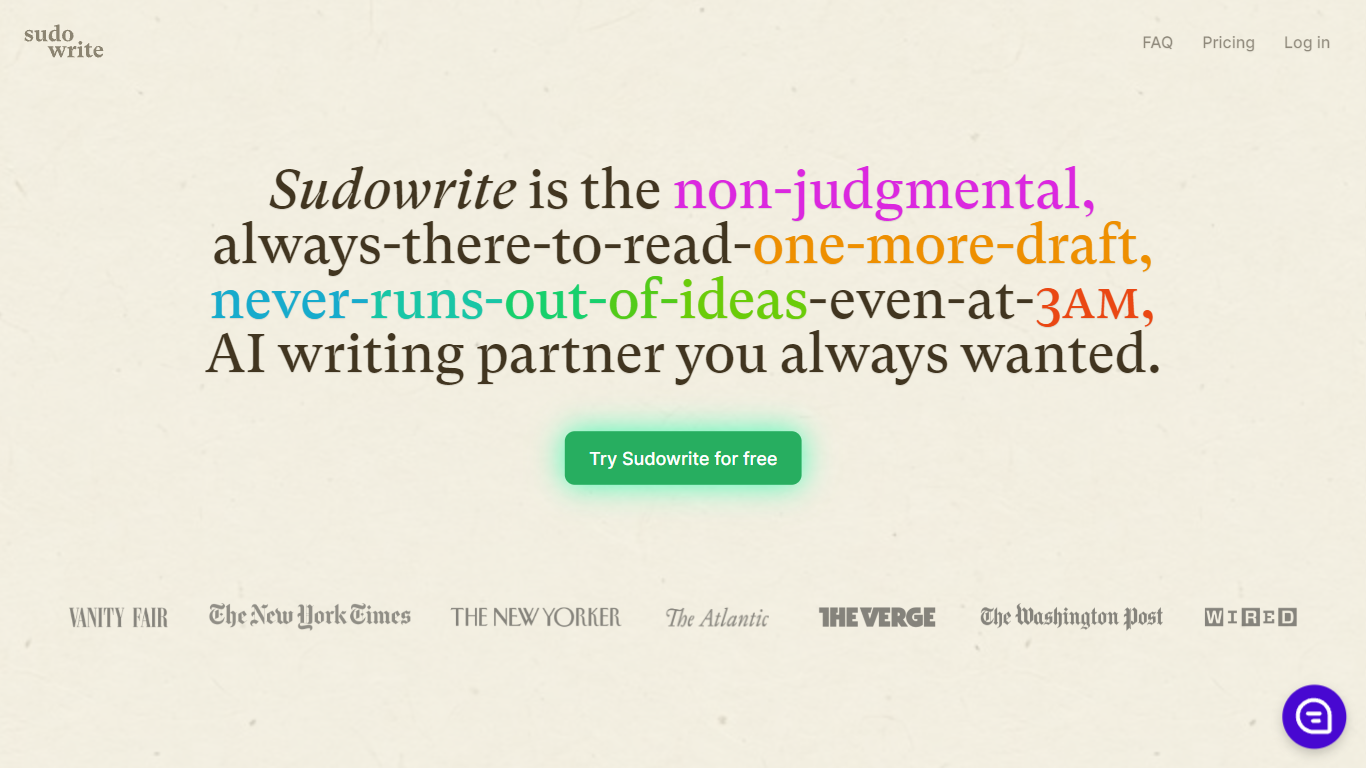

What is Sudowrite?
Sudowrite is a powerful AI tool designed to assist users in generating high-quality content effortlessly. Whether you need help with writing articles, essays, or even creative stories, Sudowrite has got you covered. With its advanced algorithms and vast database of information, Sudowrite can provide accurate and relevant suggestions to enhance your writing. It can generate creative ideas, improve grammar and vocabulary, and even help in structuring your thoughts. With Sudowrite, writing becomes a breeze, saving you time and effort in the process.
Shakespeare Ai Toolbar
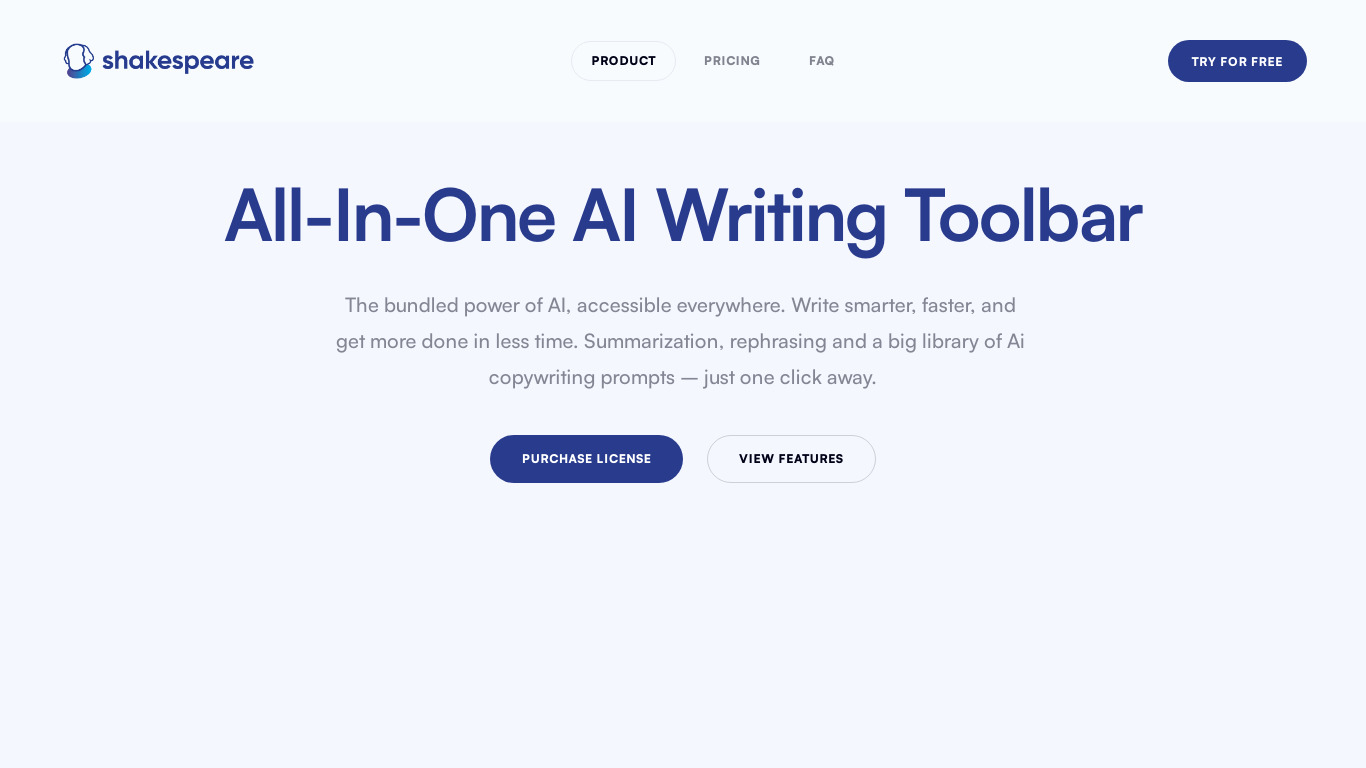
What is Shakespeare Ai Toolbar?
Shakespeare, the AI-powered writing toolbar that brings the power of ChatGPT directly to your browser. Seamlessly integrated and always accessible, Shakespeare enhances your writing process, allowing you to summarize, rephrase, and create engaging content on any platform. Experience the future of writing with an AI assistant that follows you everywhere.
Sudowrite Upvotes
Shakespeare Ai Toolbar Upvotes
Sudowrite Top Features
Smart Writing Suggestions: Sudowrite's intelligent algorithms provide personalized suggestions helping you enhance your writing style and improve the overall quality of your content.
Grammar and Vocabulary Enhancement: Sudowrite can assist you in refining your grammar and expanding your vocabulary making your writing more professional and engaging.
Creative Idea Generation: Stuck with writer's block? Sudowrite can help you overcome it by offering creative ideas and inspiration to kick-start your writing process.
Structuring Assistance: Sudowrite provides guidance in organizing your thoughts and creating a well-structured piece of writing ensuring clarity and coherence.
Time-saving Solution: With Sudowrite's efficient AI technology you can save valuable time and effort in generating high-quality content allowing you to focus on other important tasks.
Shakespeare Ai Toolbar Top Features
No top features listedSudowrite Category
- Writing Assistant
Shakespeare Ai Toolbar Category
- Writing Assistant
Sudowrite Pricing Type
- Freemium
Shakespeare Ai Toolbar Pricing Type
- Freemium