Summarize.ing vs Timebolt
In the face-off between Summarize.ing vs Timebolt, which AI Video Editing tool takes the crown? We scrutinize features, alternatives, upvotes, reviews, pricing, and more.
When we put Summarize.ing and Timebolt head to head, which one emerges as the victor?
If we were to analyze Summarize.ing and Timebolt, both of which are AI-powered video editing tools, what would we find? The users have made their preference clear, Timebolt leads in upvotes. Timebolt has garnered 18 upvotes, and Summarize.ing has garnered 6 upvotes.
You don't agree with the result? Cast your vote to help us decide!
Summarize.ing

What is Summarize.ing?
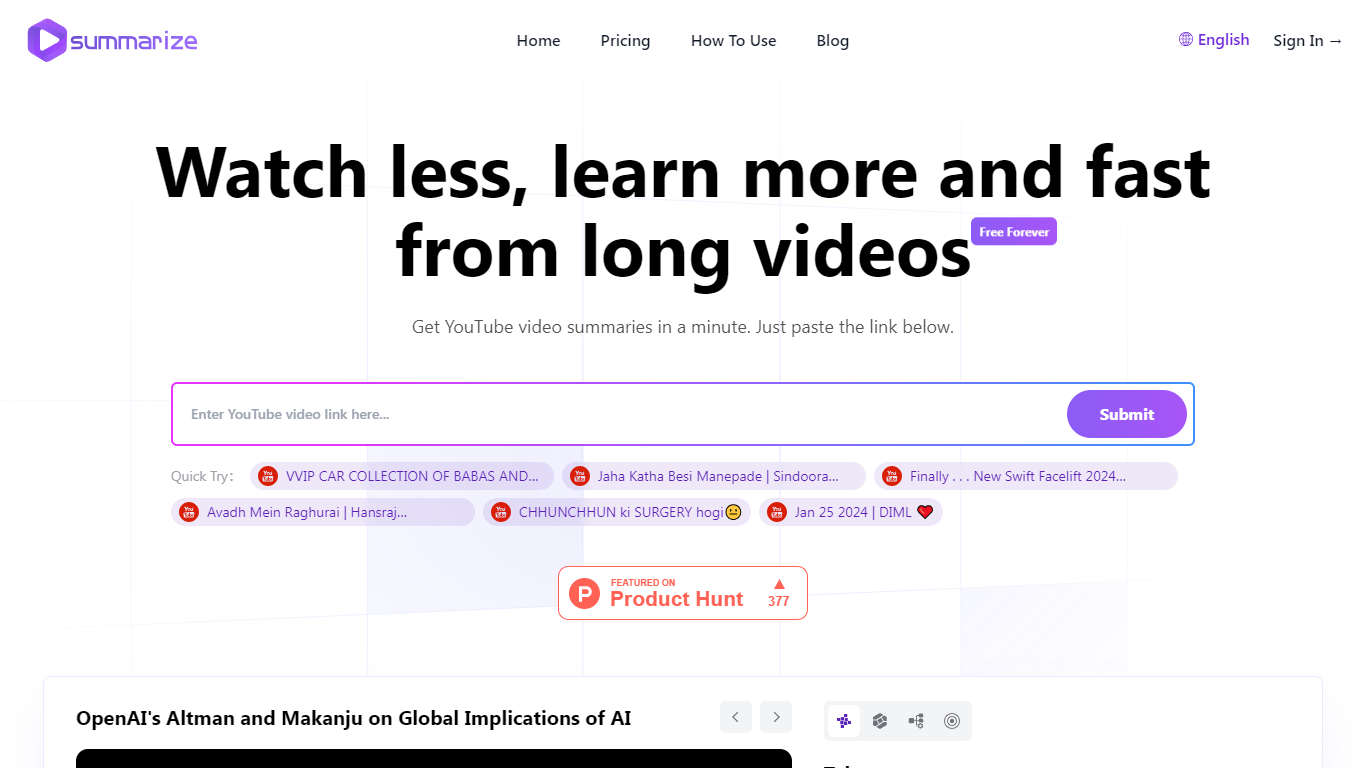
Summarize.ing turns long YouTube videos into short, readable digests. Paste a video link on the homepage and get a structured summary in about a minute, without sitting through the full runtime.
Output goes beyond a plain text recap. Summaries include segmented sections, detailed highlights, mind maps, extracted keywords, and 8-10 generated Q&A pairs. Paid tiers run on Claude 3.5 Sonnet, with a separate free tier powered by ChatGPT.
The site also hosts a free YouTube transcript generator with timestamps and TXT downloads. Summarize.ing targets anyone buried in long-form video, from lecture recordings and tutorials to interviews and explainers in tech, marketing, economics, and wellness.
Founded in December 2023 and launched in January 2024, the product positions itself around a simple promise: watch less, learn more, faster.
Timebolt

What is Timebolt?
Timebolt is a desktop video editor built around waveform-first jump cuts for podcasts, interviews, and screen recordings. It strips silence, filler words, and bad takes with 0.01 second cut control, then exports timelines to Premiere Pro, Final Cut Pro, DaVinci Resolve, or Camtasia without re-cutting by hand.
Most text-based AI editors guess where pauses live and leave hundreds of missed cuts per hour. Timebolt measures the audio waveform first, which is why its benchmark claims zero mistakes left per hour while rivals like Descript and Gling still need manual cleanup. That trade-off favors editors who want frame-tight cuts over a chat-style transcript workflow.
Podcasters, YouTubers, and course creators use Timebolt to shrink raw talking-head footage before publishing. Post-production teams also route Riverside multicam sessions through Timebolt XML exports so senior editors finish polish work in their preferred NLE.
Summarize.ing Upvotes
Timebolt Upvotes
Summarize.ing Top Features
Paste a YouTube URL and get a full summary in under a minute
Summaries include mind maps, highlights, and segmented breakdowns
Generates 8-10 key questions and answers from each video
Paid plans use Claude 3.5 Sonnet; the free tier runs on ChatGPT
Free transcript generator with timestamps and TXT downloads
Pick your output language before submitting a video link
Timebolt Top Features
0.01 second cut control on waveform-based silence removal
Processes an hour of footage in about 13 seconds for jump cuts
Exports XML timelines to Premiere Pro, Final Cut Pro, and DaVinci Resolve
UMCHECK removes filler words automatically from recorded speech
Free 4K screen capture tool for Mac and Windows
Benchmark reports zero missed cuts per hour versus hundreds on rival AI editors
Summarize.ing Category
- Video Editing
Timebolt Category
- Video Editing
Summarize.ing Pricing Type
- Freemium
Timebolt Pricing Type
- Freemium