Supercreator vs HeyEditor
In the contest of Supercreator vs HeyEditor, which AI Video Editing tool is the champion? We evaluate pricing, alternatives, upvotes, features, reviews, and more.
If you had to choose between Supercreator and HeyEditor, which one would you go for?
When we examine Supercreator and HeyEditor, both of which are AI-enabled video editing tools, what unique characteristics do we discover? With more upvotes, HeyEditor is the preferred choice. HeyEditor has 88 upvotes, and Supercreator has 6 upvotes.
Want to flip the script? Upvote your favorite tool and change the game!
Supercreator


What is Supercreator?
Supercreator.ai is a creator platform from CLB Creative that pairs AI-assisted scripting and video tools with templates, communities, and automations. The product is available through the web app at app.supercreator.ai and an iOS app where users sign in with Apple ID, pick interest categories, and move from idea to finished short-form content.
The public site positions Supercreator as an invitation-only entry point for creators and partners, while legal pages describe a broader ecosystem: registered users can browse template libraries, join free or paid communities, and publish creations after account review. Premium subscribers keep scripts and videos private; free users may have their generated content visible to others on the platform.
HeyEditor
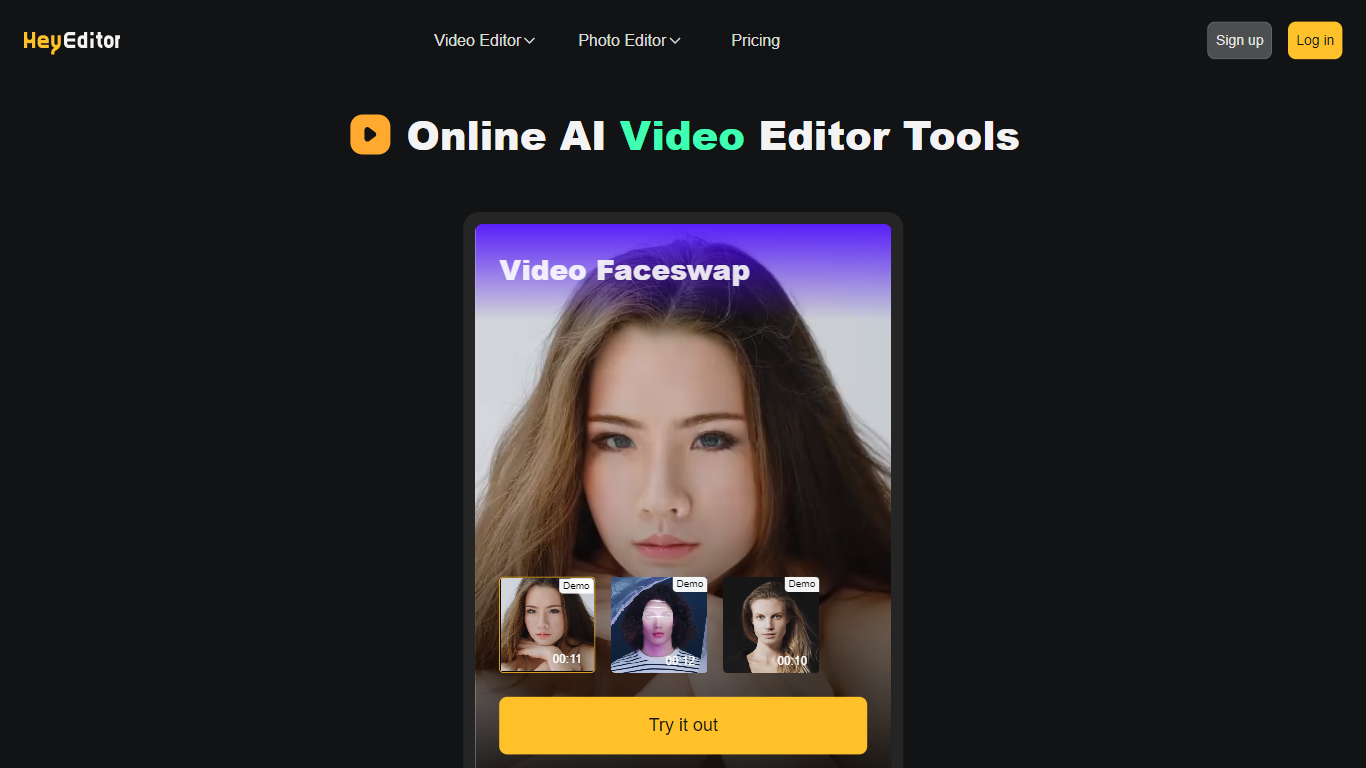
What is HeyEditor?
HeyEditor lets you edit videos and photos in the browser with AI tools like face swap, photo enhancement, and anime-style conversion. You upload a file on the site and run each effect from its own editor page, with no desktop software to install.
Unlike timeline editors built for long-form cuts, HeyEditor splits work into task-specific tools. Video face swap accepts files up to 10 minutes and 500 MB, while photo tools cap uploads at 10 MB and GIFs at 15 MB.
HeyEditor suits creators who want fast results for social posts, memes, or stylized images. You can browse the editors from the homepage, then sign up and add credits or a Pro plan when you need more usage.
Supercreator Upvotes
HeyEditor Upvotes
Supercreator Top Features
Generate video scripts with AI from your topics or existing source material
Record in-app with speech mode that turns spoken lines into on-screen text
Apply TrueDepth AR face masks and effects while filming on iPhone
Separate foreground subjects from backgrounds for green-screen style shots
Browse a template library to start projects faster
Join free or paid creator communities inside the platform
Choose interest categories such as sports, fashion, education, or finance for tailored suggestions
HeyEditor Top Features
Swap faces in videos up to 10 minutes (500 MB) or in still photos and GIFs up to 10 MB and 15 MB
Enhance photo resolution and detail with a dedicated AI photo enhancer
Turn uploaded photos into anime-style artwork from the browser
Buy credit packs from 100 to 3,000 credits or subscribe to Pro monthly or yearly
Pay with debit or credit card directly on the pricing page
Start with zero credits and add more when you need heavier usage
Supercreator Category
- Video Editing
HeyEditor Category
- Video Editing
Supercreator Pricing Type
- Freemium
HeyEditor Pricing Type
- Freemium