Supercreator vs Invideo AI
In the clash of Supercreator vs Invideo AI, which AI Video Editing tool emerges victorious? We assess reviews, pricing, alternatives, features, upvotes, and more.
When we put Supercreator and Invideo AI head to head, which one emerges as the victor?
Let's take a closer look at Supercreator and Invideo AI, both of which are AI-driven video editing tools, and see what sets them apart. Neither tool takes the lead, as they both have the same upvote count. You can help us determine the winner by casting your vote and tipping the scales in favor of one of the tools.
Not your cup of tea? Upvote your preferred tool and stir things up!
Supercreator


What is Supercreator?
Supercreator.ai is a creator platform from CLB Creative that pairs AI-assisted scripting and video tools with templates, communities, and automations. The product is available through the web app at app.supercreator.ai and an iOS app where users sign in with Apple ID, pick interest categories, and move from idea to finished short-form content.
The public site positions Supercreator as an invitation-only entry point for creators and partners, while legal pages describe a broader ecosystem: registered users can browse template libraries, join free or paid communities, and publish creations after account review. Premium subscribers keep scripts and videos private; free users may have their generated content visible to others on the platform.
Invideo AI
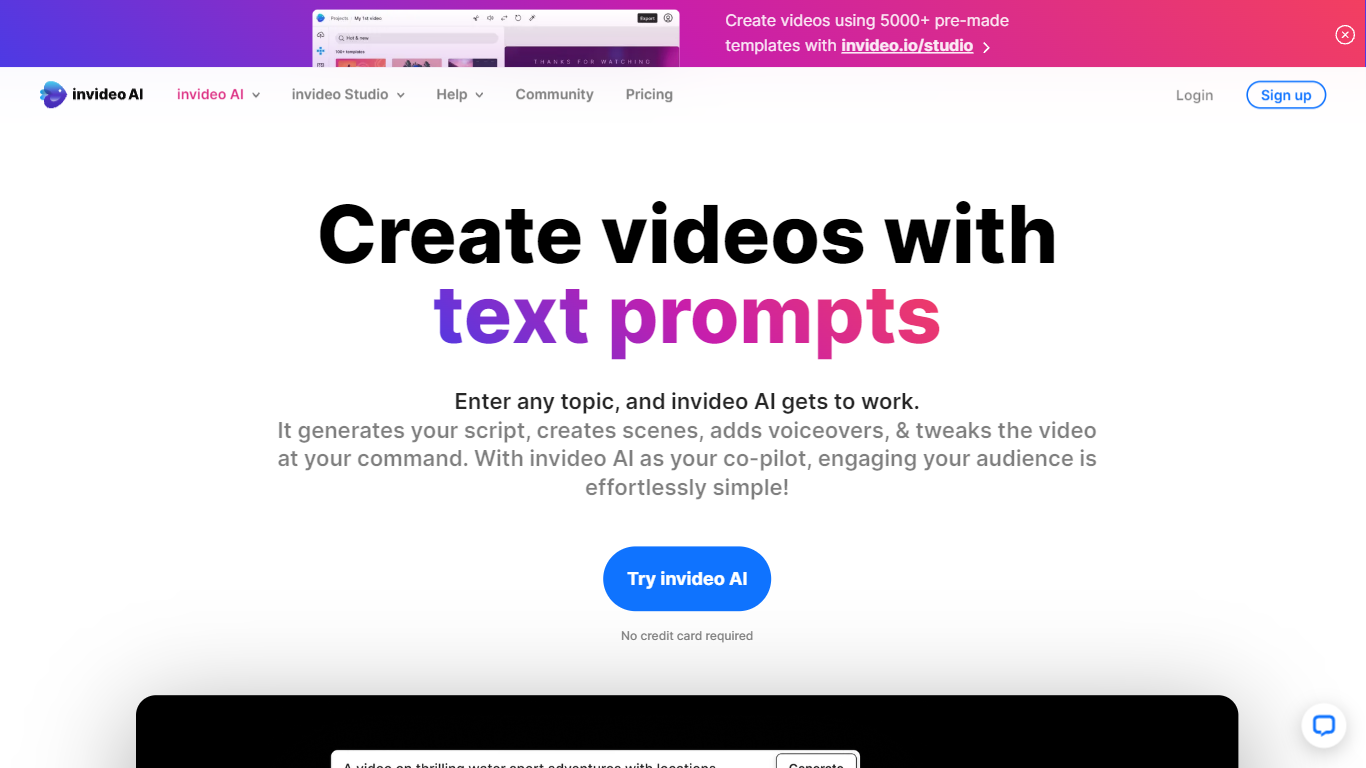
What is Invideo AI?
Invideo AI turns prompts into multi-scene films, ads, and microdramas through Agent Two, a crew of AI agents that remember your project's full context across shots. Characters, costumes, and locations stay consistent because agents store long-term memory instead of treating each clip as isolated. You can edit multiple clips at once, swap backdrops without regenerating entire scenes, and let agents pick the right model and write per-shot prompts for you.
Runway and Pika focus on single-clip generation. Invideo targets full productions with storyboarding from scripts, a timeline editor, multiplayer collaboration with live cursors, and custom agents for roles like cinematographer or music designer. Paid plans unlock 200+ generative models including Veo 3.1, Kling 3.0, and Seedance 2.0 plus stock from iStock and Storyblocks.
Filmmakers, ad teams, and social creators use Invideo when they need binge-worthy microdrama series or dozens of vertical cuts from one idea without babysitting every generation. Credits power AI actions while exports stay unlimited on paid tiers, though unused monthly credits do not roll over.
Supercreator Upvotes
Invideo AI Upvotes
Supercreator Top Features
Generate video scripts with AI from your topics or existing source material
Record in-app with speech mode that turns spoken lines into on-screen text
Apply TrueDepth AR face masks and effects while filming on iPhone
Separate foreground subjects from backgrounds for green-screen style shots
Browse a template library to start projects faster
Join free or paid creator communities inside the platform
Choose interest categories such as sports, fashion, education, or finance for tailored suggestions
Invideo AI Top Features
Agent Two maintains long-term project memory so characters and locations stay consistent across shots
Edit multiple clips at once to swap costumes, locations, or characters without full regeneration
Access 200+ image, video, audio, and music models including Veo 3.1, Kling 3.0, and Seedance 2.0
Storyboarding turns scripts into shot-by-shot plans before any generation starts
Timeline editor with multiplayer live cursors for real-time team collaboration
Plus plan at $20/mo includes 75 monthly credits and watermark-free unlimited exports
Stock footage from iStock and Storyblocks available alongside generative clip creation
Supercreator Category
- Video Editing
Invideo AI Category
- Video Editing
Supercreator Pricing Type
- Freemium
Invideo AI Pricing Type
- Freemium