Supercreator vs PixVerse
When comparing Supercreator vs PixVerse, which AI Video Editing tool shines brighter? We look at pricing, alternatives, upvotes, features, reviews, and more.
In a comparison between Supercreator and PixVerse, which one comes out on top?
When we put Supercreator and PixVerse side by side, both being AI-powered video editing tools, The upvote count is neck and neck for both Supercreator and PixVerse. The power is in your hands! Cast your vote and have a say in deciding the winner.
Does the result make you go "hmm"? Cast your vote and turn that frown upside down!
Supercreator
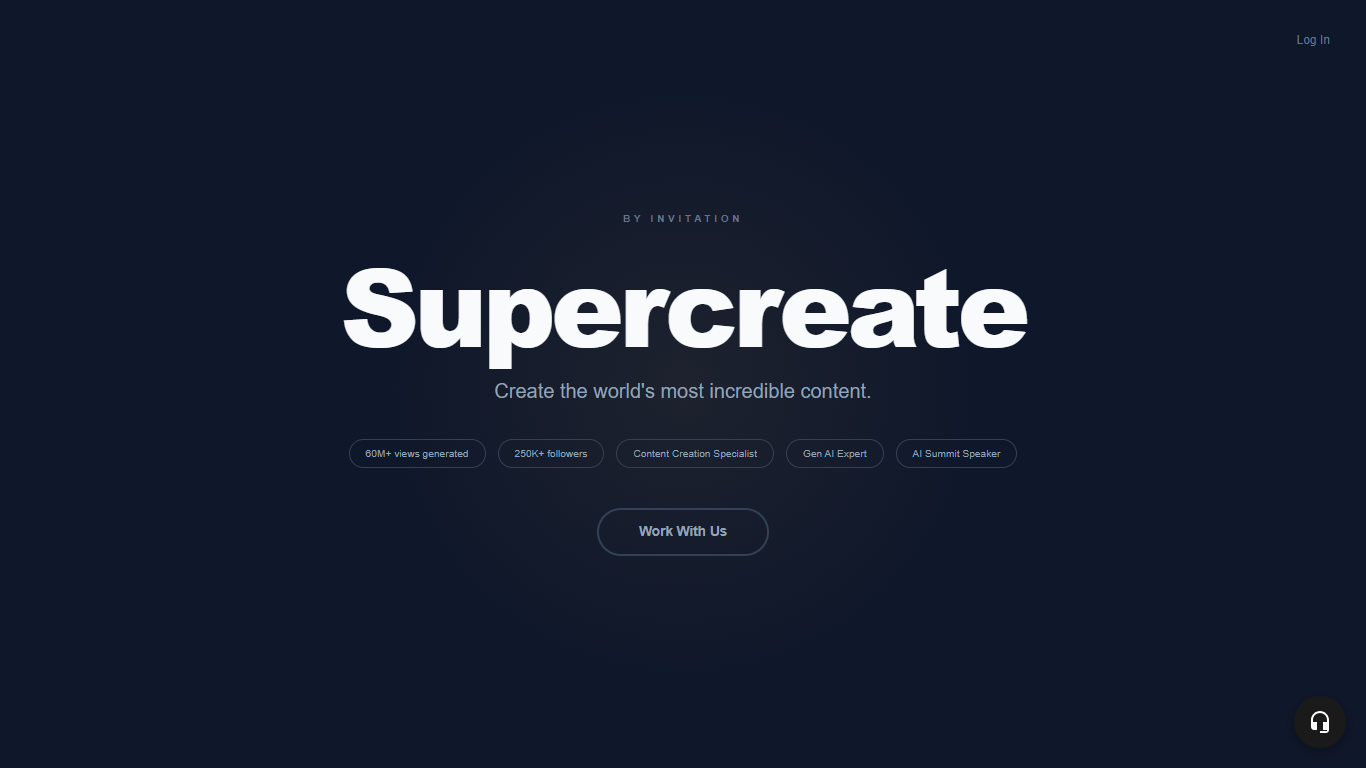

What is Supercreator?
Supercreator.ai is a creator platform from CLB Creative that pairs AI-assisted scripting and video tools with templates, communities, and automations. The product is available through the web app at app.supercreator.ai and an iOS app where users sign in with Apple ID, pick interest categories, and move from idea to finished short-form content.
The public site positions Supercreator as an invitation-only entry point for creators and partners, while legal pages describe a broader ecosystem: registered users can browse template libraries, join free or paid communities, and publish creations after account review. Premium subscribers keep scripts and videos private; free users may have their generated content visible to others on the platform.
PixVerse
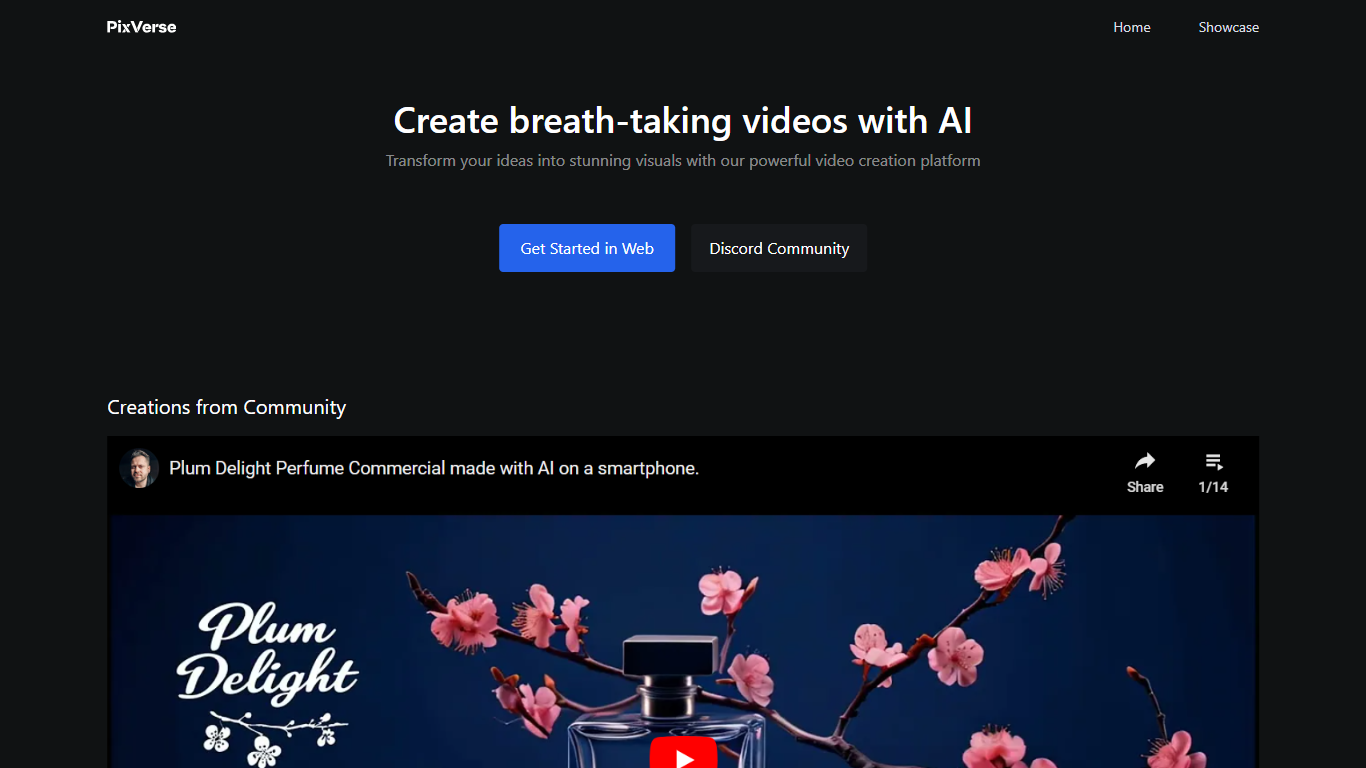
What is PixVerse?
PixVerse turns text prompts, images, and reference footage into short videos for ads, social clips, and cinematic scenes. The platform pairs a web creator studio at app.pixverse.ai with proprietary models V6, C1, and R1 for clip generation, cinematic control, and real-time interactive worlds. You can work through templates, a conversational Agent, a node-based Canvas, or a command-line interface depending on how your team likes to produce video.
Most AI video tools stop at a single prompt box. PixVerse stacks Agent multi-shot direction, Canvas workflow graphs, Marketing Hub ad workflows, and a REST API in one platform, so teams can move from concept to batch production without switching tools. On Artificial Analysis benchmarks cited by PixVerse, V6 API pricing lands at $4.80 per minute versus $13.44 for Kling 3.0 Omni and $24.00 for VEO 3.1.
Marketing teams use Marketing Hub to turn product photos into ad-ready shorts. Creators join the Creative Partner Program for credits, cash rewards, and tiered partner benefits. Developers integrate generation through platform.pixverse.ai with per-second credit billing across V6 and C1 models.
Supercreator Upvotes
PixVerse Upvotes
Supercreator Top Features
Generate video scripts with AI from your topics or existing source material
Record in-app with speech mode that turns spoken lines into on-screen text
Apply TrueDepth AR face masks and effects while filming on iPhone
Separate foreground subjects from backgrounds for green-screen style shots
Browse a template library to start projects faster
Join free or paid creator communities inside the platform
Choose interest categories such as sports, fashion, education, or finance for tailored suggestions
PixVerse Top Features
V6 supports 1 to 15 second clips at up to 1080p with eight aspect ratios from 16:9 to 21:9
API V6 pricing starts at 5 credits per second for 360p video without audio
Agent turns a multi-shot brief into four coordinated film shots from one conversation
Canvas links prompts, references, motion, and output in a node-based video workflow graph
Marketing Hub builds ready-to-use ad shorts from uploaded product images or URLs
PixVerse V6 API benchmarked at $4.80 per minute versus $13.44 per minute for Kling 3.0 Omni
Supercreator Category
- Video Editing
PixVerse Category
- Video Editing
Supercreator Pricing Type
- Freemium
PixVerse Pricing Type
- Freemium