Supercreator vs RivetAI
When comparing Supercreator vs RivetAI, which AI Video Editing tool shines brighter? We look at pricing, alternatives, upvotes, features, reviews, and more.
In a comparison between Supercreator and RivetAI, which one comes out on top?
When we put Supercreator and RivetAI side by side, both being AI-powered video editing tools, With more upvotes, RivetAI is the preferred choice. RivetAI has attracted 7 upvotes from aitools.fyi users, and Supercreator has attracted 6 upvotes.
You don't agree with the result? Cast your vote to help us decide!
Supercreator


What is Supercreator?
Supercreator.ai is a creator platform from CLB Creative that pairs AI-assisted scripting and video tools with templates, communities, and automations. The product is available through the web app at app.supercreator.ai and an iOS app where users sign in with Apple ID, pick interest categories, and move from idea to finished short-form content.
The public site positions Supercreator as an invitation-only entry point for creators and partners, while legal pages describe a broader ecosystem: registered users can browse template libraries, join free or paid communities, and publish creations after account review. Premium subscribers keep scripts and videos private; free users may have their generated content visible to others on the platform.
RivetAI
What is RivetAI?
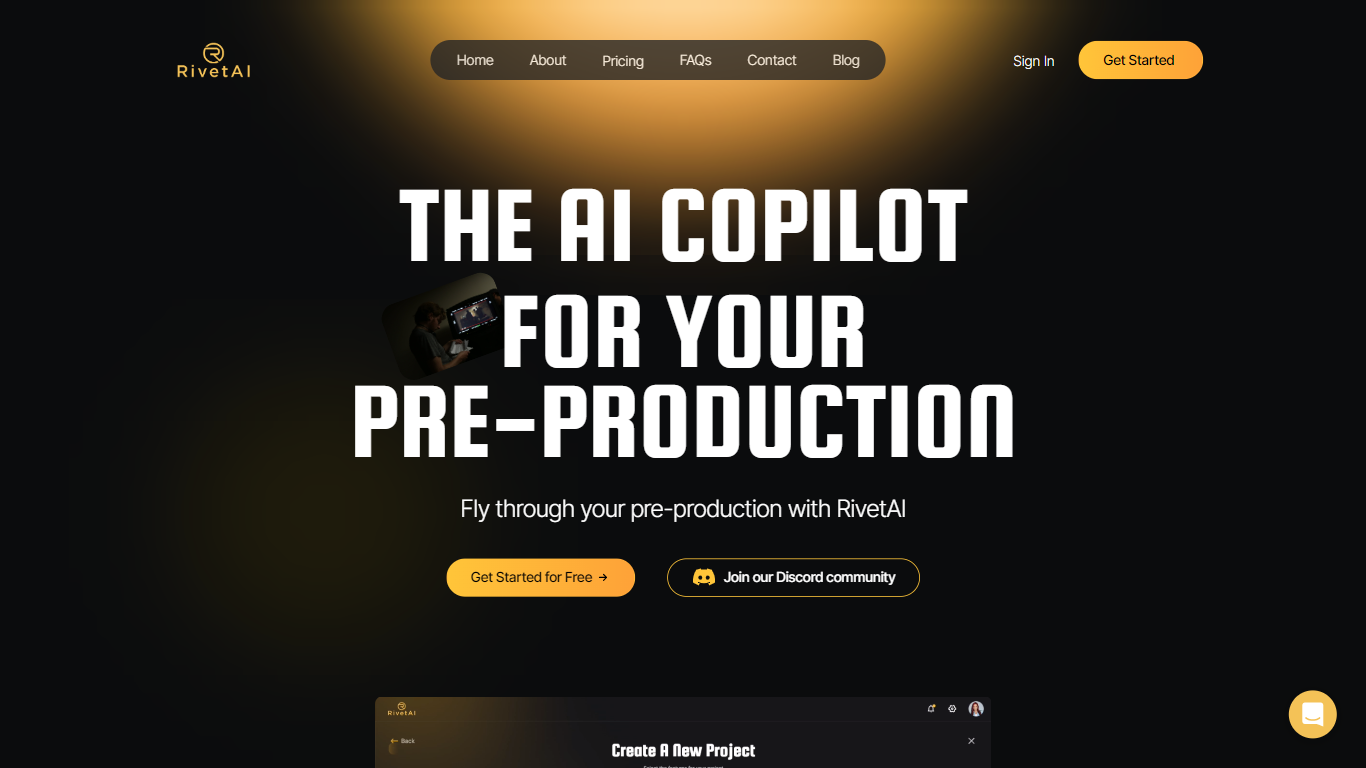
RivetAI is a film and television pre-production platform that keeps scriptwriting, breakdown, scheduling, and budgeting on one shared screenplay. You draft and tag scenes in an industry-standard editor, then downstream modules read the same draft without export handoffs. Writers and production crews buy a per-project license with no subscription, and your script is never used to train AI models.
Most pre-production stacks split script, breakdown, schedule, and budget across separate apps that need constant file exports. RivetAI runs all four on one connected draft, so a scene edit ripples into stripboards and top sheets automatically. Pay-once Writer and Studio licenses also skip recurring SaaS fees that tools like StudioBinder or Movie Magic charge for comparable workflows.
Screenwriters use Writer for tagging, AI breakdown, and coverage while sharing password-gated links with partners. Production teams upgrade to Studio for stripboards, DOOD calendars, budget topsheets, REST API keys, and MCP client integration. Enterprise customers get SAML/OIDC SSO, pooled AI credits, and procurement support for multi-show studios.
Supercreator Upvotes
RivetAI Upvotes
Supercreator Top Features
Generate video scripts with AI from your topics or existing source material
Record in-app with speech mode that turns spoken lines into on-screen text
Apply TrueDepth AR face masks and effects while filming on iPhone
Separate foreground subjects from backgrounds for green-screen style shots
Browse a template library to start projects faster
Join free or paid creator communities inside the platform
Choose interest categories such as sports, fashion, education, or finance for tailored suggestions
RivetAI Top Features
Writer license costs $49.99 per project with 30 AI credits and 2 collaborator seats
Studio license costs $150 per project with 100 AI credits and 9 collaborator seats
Import scripts from Final Draft (.fdx), PDF, Celtx, and Fountain formats
Export to PDF, Final Draft, Fountain, Markdown, and Word (.docx)
Six connected modules sync breakdown, schedule, and budget from one screenplay
REST API and MCP client integration included on the Studio tier
Free tier drafts up to 5 scenes with the same AES-256 encryption as paid licenses
Supercreator Category
- Video Editing
RivetAI Category
- Video Editing
Supercreator Pricing Type
- Freemium
RivetAI Pricing Type
- Freemium