superReply vs Parsio
Compare superReply vs Parsio and see which AI Email Assistant tool is better when we compare features, reviews, pricing, alternatives, upvotes, etc.
Which one is better? superReply or Parsio?
When we compare superReply with Parsio, which are both AI-powered email assistant tools, The users have made their preference clear, Parsio leads in upvotes. Parsio has attracted 7 upvotes from aitools.fyi users, and superReply has attracted 6 upvotes.
Does the result make you go "hmm"? Cast your vote and turn that frown upside down!
superReply

What is superReply?
superReply is a Chrome extension that drafts AI email replies inside Gmail and Outlook web inboxes. One click surfaces multiple tone-matched response options so you can answer customer care or sales threads without writing from scratch. The free tier covers up to 90 AI-powered replies each month.
Compared with standalone copy tools, superReply lives in the inbox and also lists integrations for WhatsApp, Slack, LinkedIn, Upwork, and Fiverr alongside Gmail and Outlook. Paid plans unlock unlimited replies and advanced tone controls, while the extension only reads messages you explicitly run it on and does not store automated responses on superReply servers.
Support reps, agency freelancers, and founders answering high-volume inboxes use it to clear routine threads faster. It fits teams that want personalized reply suggestions per user rather than a shared bot account, because each person installs the extension with their own login.
Parsio
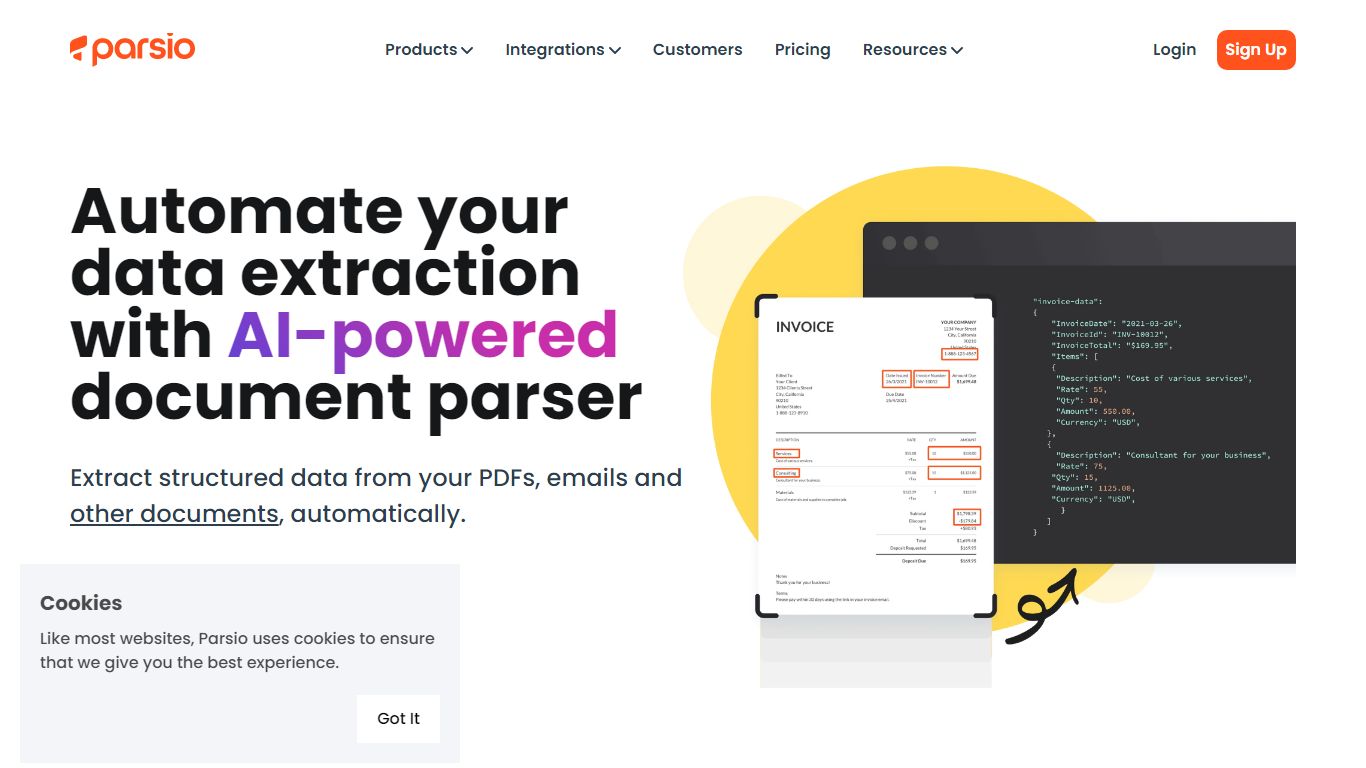
What is Parsio?
Parsio is an email assistant that turns incoming messages and attached documents into structured data you can export to spreadsheets or automation tools. It routes each file through one of four parser engines: template rules, AI extraction, GPT parsing, or OCR for scanned PDFs.
Where basic email parsers rely on brittle regex, Parsio lets you pick the engine that matches the document. Template mode handles fixed layouts like invoices, while GPT parsing covers changing formats, and the AI parser auto-extracts 15+ common document types including bank statements and receipts.
Operations teams, bookkeepers, and RevOps leads use Parsio to pull fields from vendor emails, bank alerts, and PDF attachments into Google Sheets, Zapier, Make, n8n, or webhooks. Credit-based pricing starts free at 30 parses per month.
superReply Upvotes
Parsio Upvotes
superReply Top Features
Free tier includes up to 90 AI-powered email replies per month
One-click suggestions return multiple tone options for each message
Works inside Gmail and Outlook web via a Chrome Web Store extension
Integrations listed for WhatsApp, Slack, LinkedIn, Upwork, and Fiverr
Extension only accesses emails you choose and does not store replies on superReply servers
Parsio Top Features
Four parser engines: AI, GPT, template, and OCR for scanned PDFs
Free Sandbox plan includes 30 credits per month with no credit card
Starter plan from $24 per month with 100 to 1000 monthly credits
Exports to Excel, CSV, JSON, and Google Sheets plus Zapier, Make, and n8n
Parses invoices, receipts, bank statements, IDs, and email signatures
Webhook and API access on every plan including the free tier
1 to 3 credits per parsed page depending on the parser engine used
superReply Category
- Email Assistant
Parsio Category
- Email Assistant
superReply Pricing Type
- Freemium
Parsio Pricing Type
- Freemium