Supertest vs Refraction
In the face-off between Supertest vs Refraction, which AI Code Assistant tool takes the crown? We scrutinize features, alternatives, upvotes, reviews, pricing, and more.
When we put Supertest and Refraction head to head, which one emerges as the victor?
If we were to analyze Supertest and Refraction, both of which are AI-powered code assistant tools, what would we find? The upvote count shows a clear preference for Supertest. Supertest has received 6 upvotes from aitools.fyi users, while Refraction has received 5 upvotes.
Does the result make you go "hmm"? Cast your vote and turn that frown upside down!
Supertest
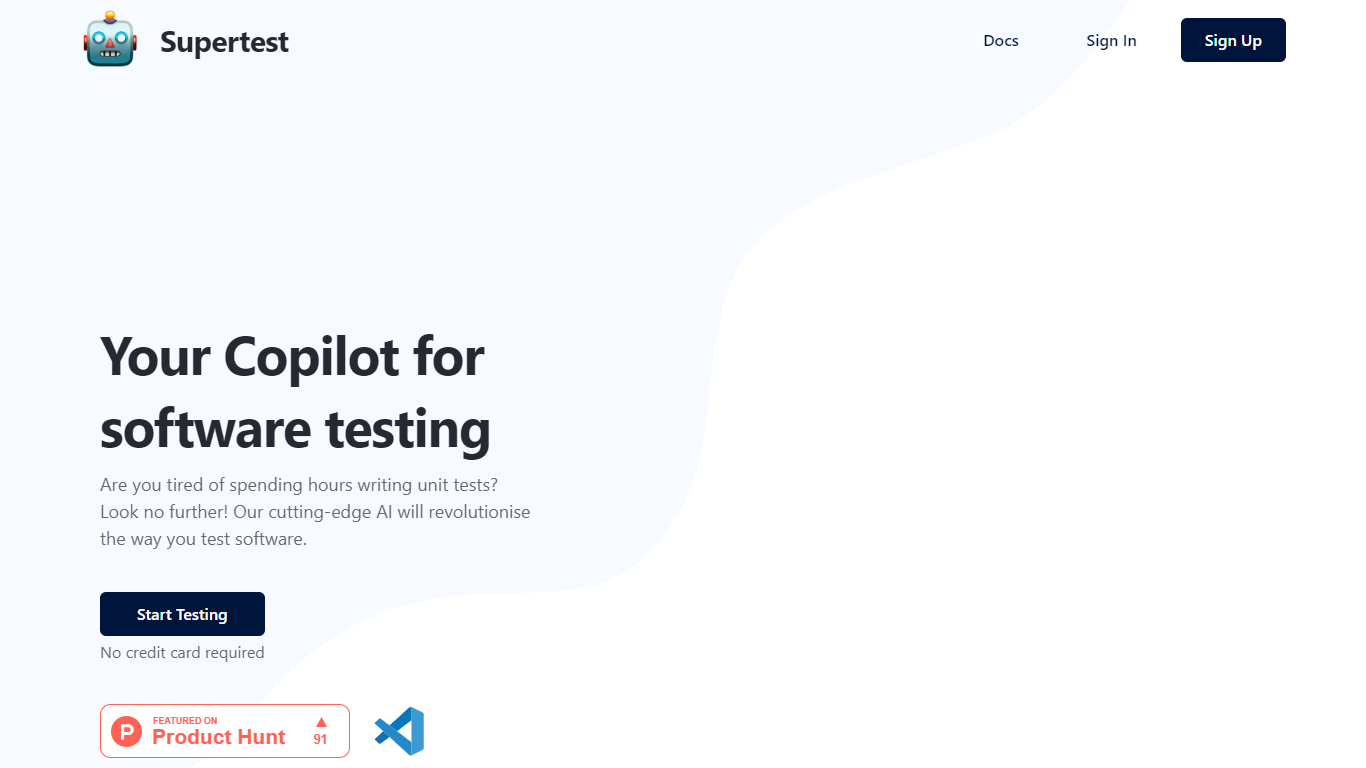

What is Supertest?
Supertest is an innovative AI-powered Visual Studio Code extension designed to streamline and enhance the software testing process for QA engineers. By integrating Supertest into your VS Code workflow, you can dramatically reduce the time spent writing unit tests, thanks to the ability to create them with just a single click. The tool automatically adds test IDs where needed, ensuring that your testing is both thorough and efficient. Whether you are a seasoned software developer or a QA engineer, Supertest offers various subscription plans, including a Free tier, to accommodate your testing needs without requiring a credit card.
Currently, Supertest supports the React Testing Library with plans to expand to other libraries. Experience hassle-free testing with helpful customer support, the chance to try it out with one-time credits, and a straightforward refund policy based on unused credits.
Refraction
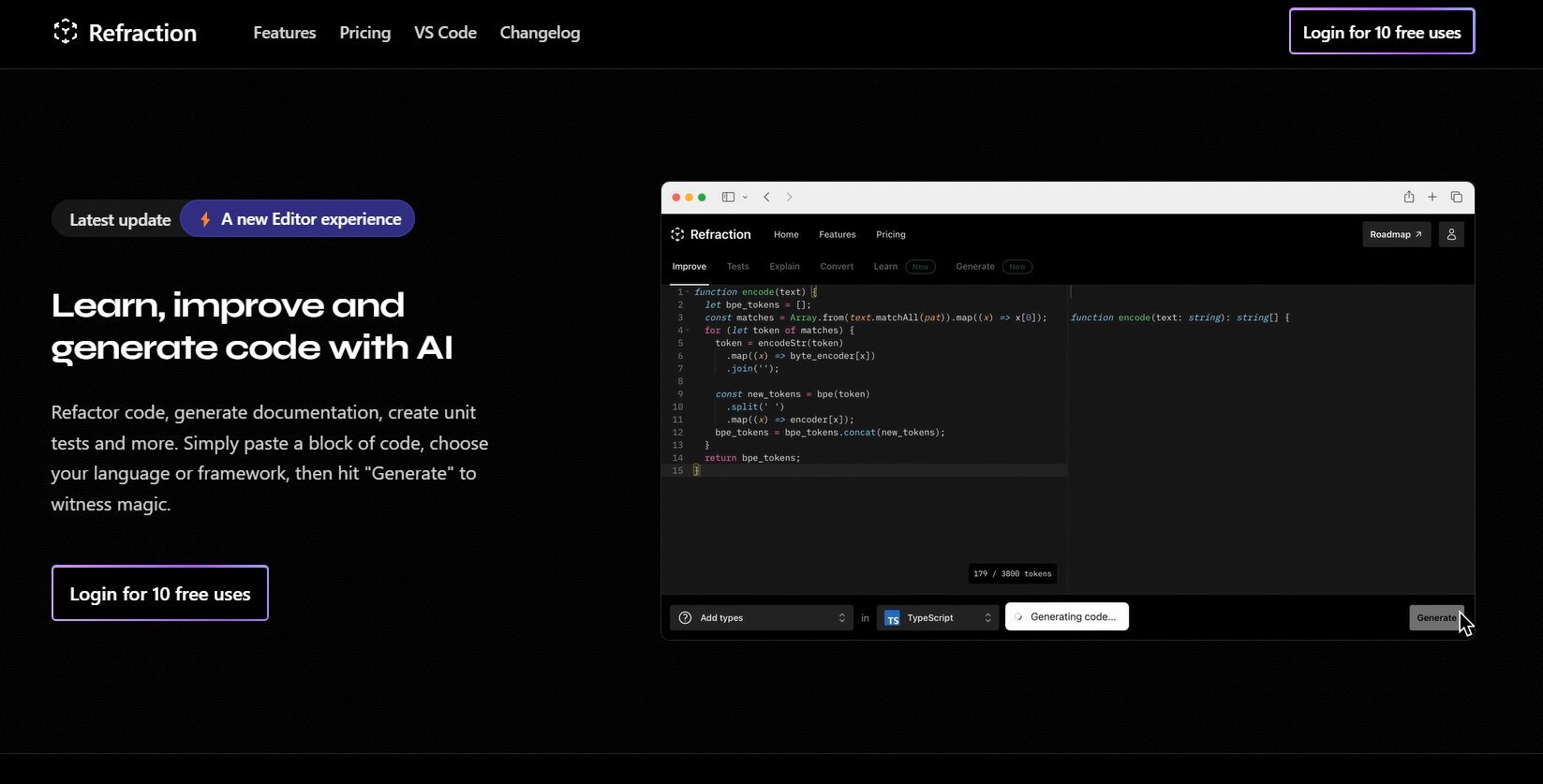
What is Refraction?
Improve and generate code with AI. Refactor code, create documentation, and write unit tests automatically. Simply paste your code, select a language or framework, and click "Generate" to see the magic happen. Refraction is a code generation tool for developers. It harnesses AI to generate code for you. Use it to produce unit tests, documentation, and refactor code.
Supertest Upvotes
Refraction Upvotes
Supertest Top Features
One-Click Test Generation: Instantly create unit tests with one click in VS Code.
Auto-Add Test IDs: Effortlessly add missing test IDs with a simple right-click command.
Seamless Integration: Easily install the VS Code extension to include Supertest in your development workflow.
Flexible Pricing Plans: Choose from free and paid plans with varying test limits and history lengths.
Support for React Testing Library: Currently tailored to support the React Testing Library with plans to support more.
Refraction Top Features
No top features listedSupertest Category
- Code Assistant
Refraction Category
- Code Assistant
Supertest Pricing Type
- Freemium
Refraction Pricing Type
- Freemium