Supertest vs Warp
In the contest of Supertest vs Warp, which AI Code Assistant tool is the champion? We evaluate pricing, alternatives, upvotes, features, reviews, and more.
If you had to choose between Supertest and Warp, which one would you go for?
When we examine Supertest and Warp, both of which are AI-enabled code assistant tools, what unique characteristics do we discover? The upvote count favors Warp, making it the clear winner. The number of upvotes for Warp stands at 8, and for Supertest it's 6.
You don't agree with the result? Cast your vote to help us decide!
Supertest

What is Supertest?
Supertest is an innovative AI-powered Visual Studio Code extension designed to streamline and enhance the software testing process for QA engineers. By integrating Supertest into your VS Code workflow, you can dramatically reduce the time spent writing unit tests, thanks to the ability to create them with just a single click. The tool automatically adds test IDs where needed, ensuring that your testing is both thorough and efficient. Whether you are a seasoned software developer or a QA engineer, Supertest offers various subscription plans, including a Free tier, to accommodate your testing needs without requiring a credit card.
Currently, Supertest supports the React Testing Library with plans to expand to other libraries. Experience hassle-free testing with helpful customer support, the chance to try it out with one-time credits, and a straightforward refund policy based on unused credits.
Warp
What is Warp?
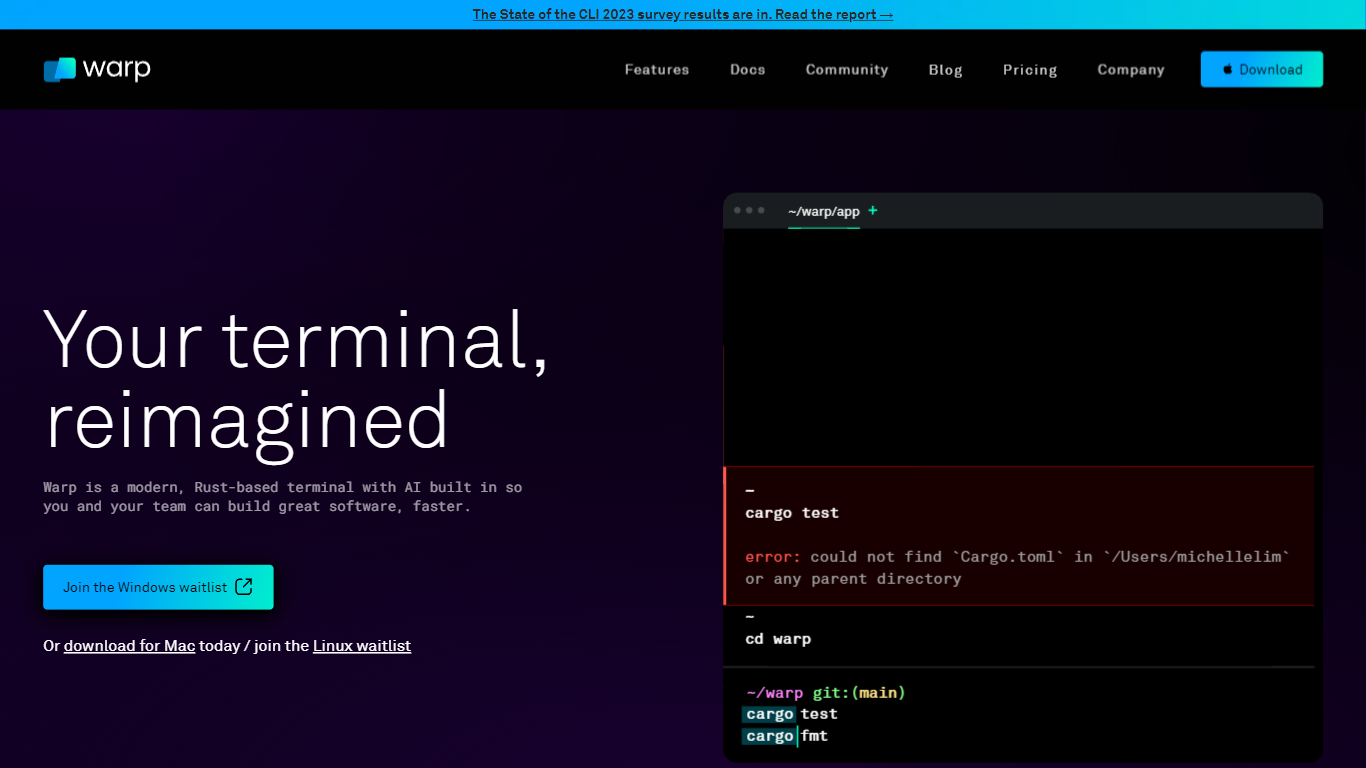
Warp is revolutionizing the terminal experience for developers worldwide. At its core, Warp is a modern, Rust-based terminal designed to enhance productivity, speed, and efficiency. With a built-in AI and knowledge-sharing tools, Warp offers smart autocompletions and intelligent command executions that significantly accelerate the development process.
In addition to its performance advantages, Warp prioritizes privacy and security, never collecting input or output data and ensuring any saved data is encrypted. The terminal's user interface is highly customizable with popular themes, and the modern text input editor provides a convenient and familiar IDE experience.
Leading developers have praised Warp for its exceptional features such as easy navigation, one-click output copying, and its ability to execute saved workflows on-demand. The terminal is not just about speed; it's about providing a seamless and smart development environment that resonates with today's technological demands. Warp is available for Mac, with a waitlist for Windows and Linux users, promising a future where all developers can benefit from its advanced features.
Supertest Upvotes
Warp Upvotes
Supertest Top Features
One-Click Test Generation: Instantly create unit tests with one click in VS Code.
Auto-Add Test IDs: Effortlessly add missing test IDs with a simple right-click command.
Seamless Integration: Easily install the VS Code extension to include Supertest in your development workflow.
Flexible Pricing Plans: Choose from free and paid plans with varying test limits and history lengths.
Support for React Testing Library: Currently tailored to support the React Testing Library with plans to support more.
Warp Top Features
Smart Autocompletions: Utilize AI-powered tools and knowledge sharing for faster coding.
Modern Text Input Editor: Enjoy a coding experience akin to modern IDEs with advanced text editing.
Increased Efficiency: Speed through tasks with Rust-based performance optimized for quick command execution.
Privacy and Security First: Trust in a terminal that safeguards your data encrypting information at rest.
Customizable UI: Tailor Warp to your preferences with a selection of themes and visual customization options.
Supertest Category
- Code Assistant
Warp Category
- Code Assistant
Supertest Pricing Type
- Freemium
Warp Pricing Type
- Freemium