SWOT Analyses with ClickUp Brain vs Buildshare
Dive into the comparison of SWOT Analyses with ClickUp Brain vs Buildshare and discover which AI Project Management tool stands out. We examine alternatives, upvotes, features, reviews, pricing, and beyond.
When comparing SWOT Analyses with ClickUp Brain and Buildshare, which one rises above the other?
When we compare SWOT Analyses with ClickUp Brain and Buildshare, two exceptional project management tools powered by artificial intelligence, and place them side by side, several key similarities and differences come to light. There's no clear winner in terms of upvotes, as both tools have received the same number. Be a part of the decision-making process. Your vote could determine the winner.
Don't agree with the result? Cast your vote and be a part of the decision-making process!
SWOT Analyses with ClickUp Brain
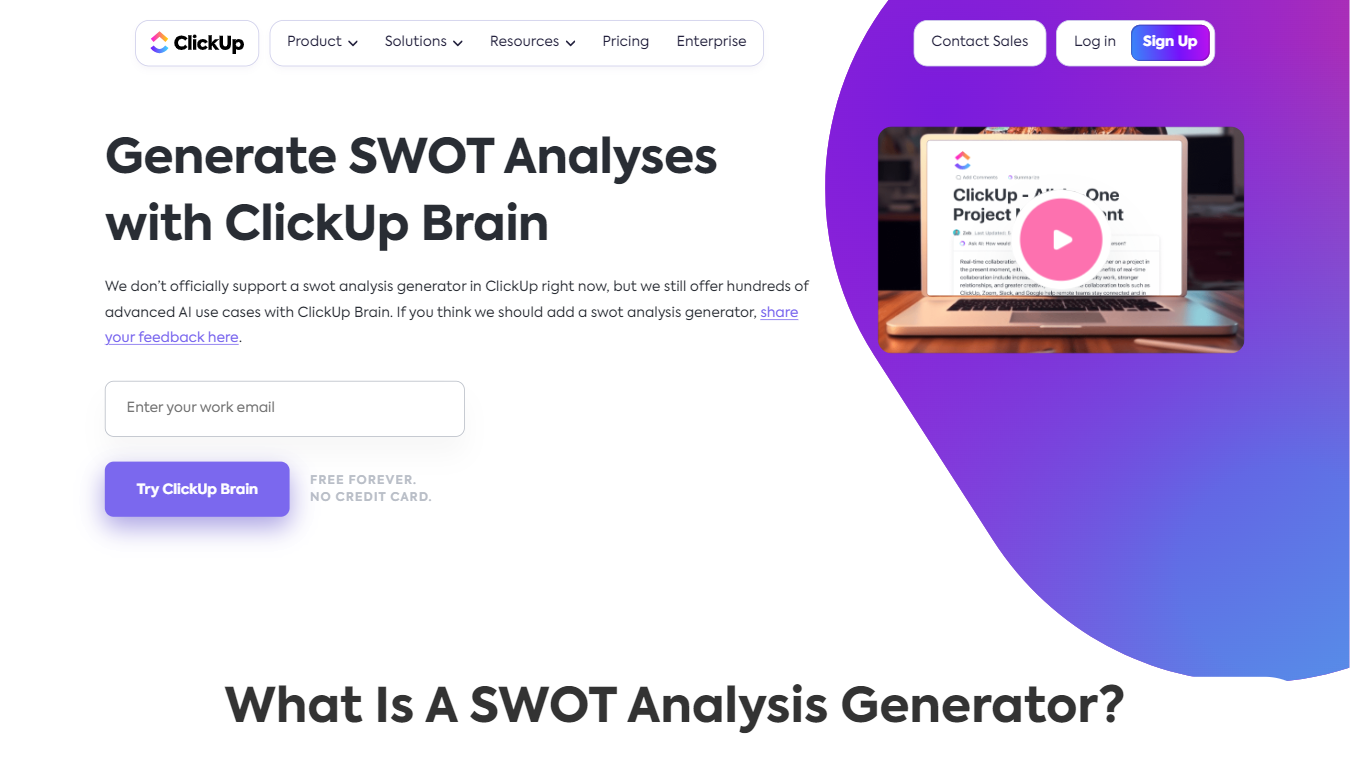

What is SWOT Analyses with ClickUp Brain?
SWOT Analyses with ClickUp Brain is ClickUp's built-in strategic planning feature for mapping strengths, weaknesses, opportunities, and threats without leaving your workspace. Instead of rebuilding SWOT decks in spreadsheets, teams prompt ClickUp Brain to synthesize project data, docs, and market context into a structured matrix they can refine and share.
The generator sits inside ClickUp's broader Brain platform, so SWOT work stays tied to tasks, goals, whiteboards, and reports. Brain can pull from active projects and team inputs, categorize factors automatically, and refresh the analysis as new information lands.
It fits product managers, strategists, and operations leads who already run projects in ClickUp and want SWOT planning connected to execution rather than stored in a separate slide deck.
Buildshare
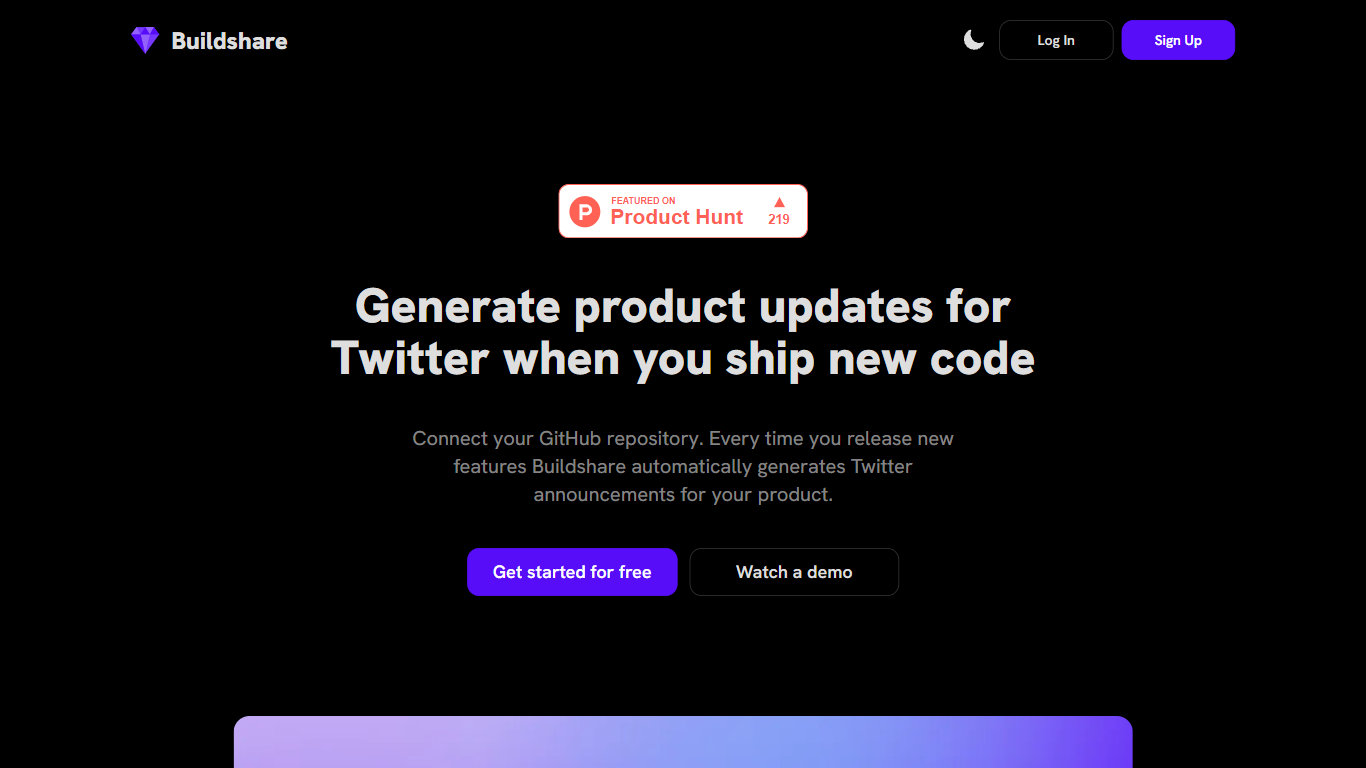
What is Buildshare?
Buildshare is a unique platform that encourages and enables individuals and businesses to share their building processes, project management strategies, and experiences with the public. With a focus on transparency and collaboration, Buildshare allows users to document and showcase their building projects, showcasing the step-by-step process from concept to completion.
The main goal of Buildshare is to foster a community of builders and construction professionals who are passionate about their work and eager to share their knowledge and expertise. By providing a platform for builders to connect, collaborate, and learn from each other, Buildshare aims to revolutionize the way we approach and engage with the construction industry.
On Buildshare, users can create and share detailed project profiles, complete with progress photos, design plans, and descriptions of materials and techniques used. This allows others to follow along and gain valuable insights into the building process. Whether you're a seasoned professional or a DIY enthusiast, Buildshare offers a wealth of information and inspiration for anyone interested in construction and building projects.
In addition to sharing their own projects, users on Buildshare can also search and explore a vast library of existing projects. From residential homes to commercial buildings, there is a wide range of projects available to browse and draw inspiration from. The platform also includes features such as a discussion forum and messaging system, allowing users to connect with each other, ask questions, and seek advice.
By default, all projects on Buildshare are set to "public," meaning that users are encouraged to share their projects openly with the community. However, users also have the option to keep their projects private or share them with a select group of individuals. This flexibility allows users to choose the level of privacy and visibility that best fits their needs.
In summary, Buildshare is a groundbreaking platform that promotes openness and collaboration in the building and construction industry. Whether you're looking to share your own building experiences or gain inspiration from others, Buildshare offers a vibrant community and a wealth of resources to support your journey.
SWOT Analyses with ClickUp Brain Upvotes
Buildshare Upvotes
SWOT Analyses with ClickUp Brain Top Features
Prompt Brain to draft a SWOT from tasks, docs, and project reports already in your workspace
AI sorts inputs into strengths, weaknesses, opportunities, and threats with impact-aware grouping
Visualize results on Whiteboards or Mind Maps without exporting to another app
Teams comment and edit the matrix live while Brain updates factors as new data arrives
Brain Max supports custom SWOT frameworks for industry-specific or project-specific planning
Connects SWOT output to tasks, goals, and dashboards so strategy links to execution
Buildshare Top Features
No top features listedSWOT Analyses with ClickUp Brain Category
- Project Management
Buildshare Category
- Project Management
SWOT Analyses with ClickUp Brain Pricing Type
- Freemium
Buildshare Pricing Type
- Freemium