Tablesmith vs Arcwise
In the clash of Tablesmith vs Arcwise, which AI Excel tool emerges victorious? We assess reviews, pricing, alternatives, features, upvotes, and more.
When we put Tablesmith and Arcwise head to head, which one emerges as the victor?
Let's take a closer look at Tablesmith and Arcwise, both of which are AI-driven excel tools, and see what sets them apart. The upvote count is neck and neck for both Tablesmith and Arcwise. The power is in your hands! Cast your vote and have a say in deciding the winner.
Not your cup of tea? Upvote your preferred tool and stir things up!
Tablesmith

What is Tablesmith?
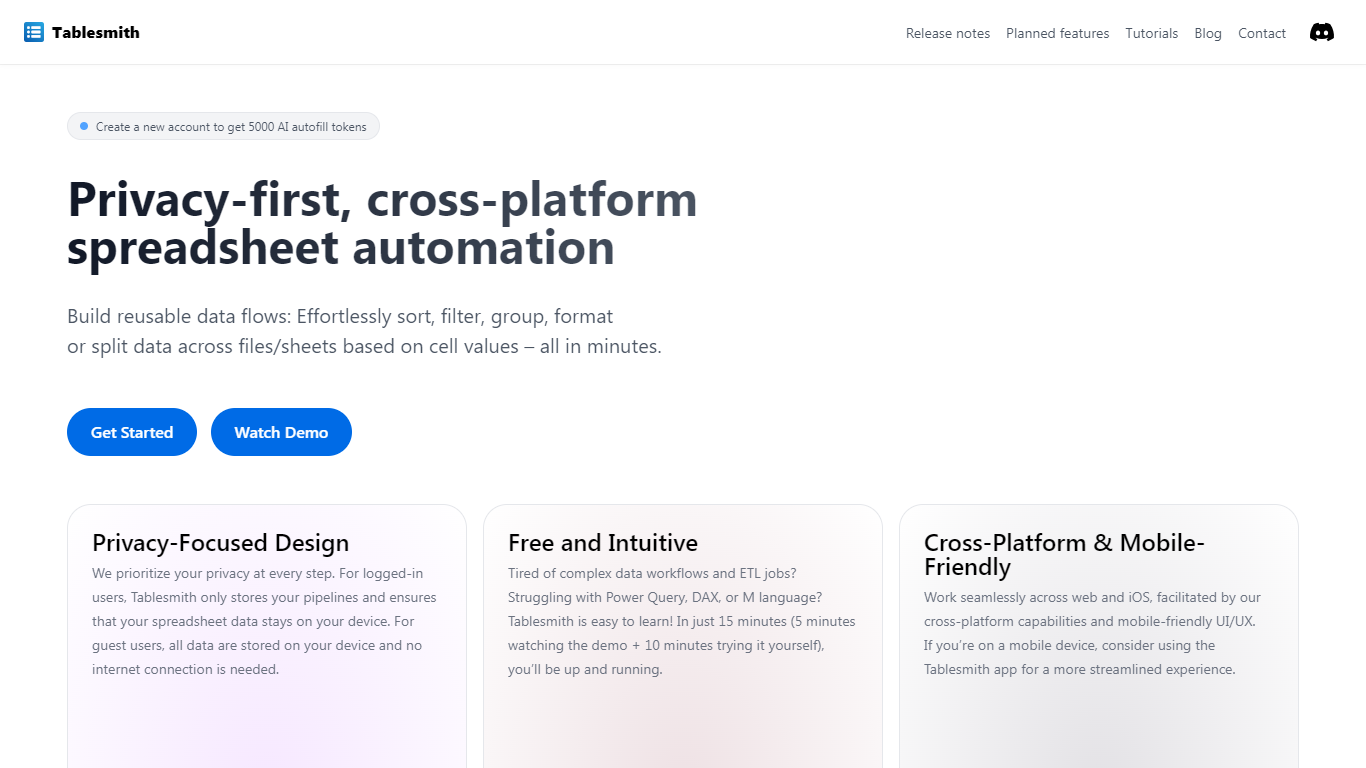
Tablesmith is an innovative, free no-code ETL platform designed to simplify and automate spreadsheet-related tasks for both CSV and XLSX files. With a focus on user privacy and ease of use, Tablesmith empowers users to create efficient data pipelines for sorting, filtering, formatting, and more, without the need for an internet connection for guest users. It only takes 15 minutes to learn how to use Tablesmith, thanks to a short demo and intuitive interface.
The AI autofill feature leverages upstream AI technology to predict and complete data entries, ensuring your prompts remain private. Tablesmith is compatible across different spreadsheet programs and is optimized for cross-platform use, with a mobile-friendly design that's perfect for working on the go. With Tablesmith, complex data management becomes a straightforward task, enabling users to focus on more important aspects of their work.
Arcwise
What is Arcwise?
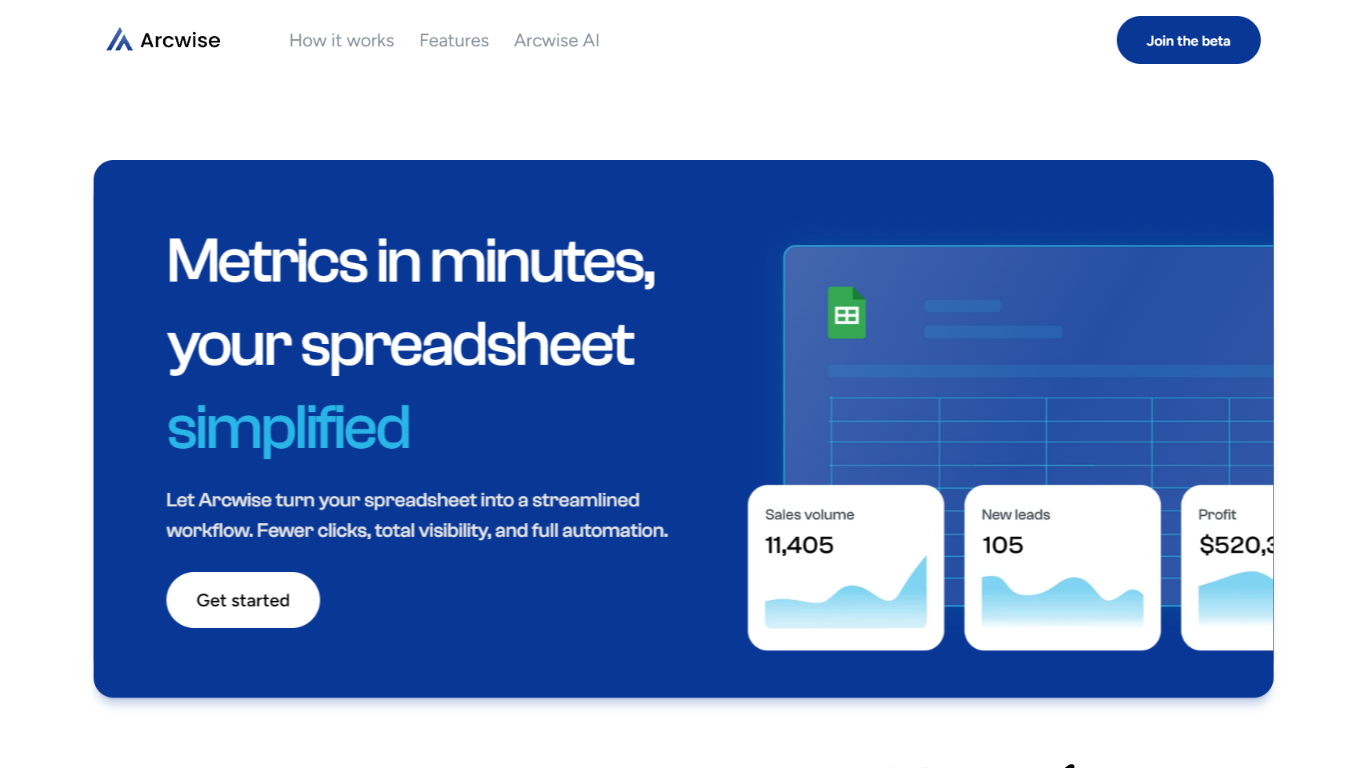
Arcwise helps enterprise teams spot meaningful metric shifts early and understand what is driving them before problems show up in reviews or dashboards. Instead of waiting for analysts to dig through dashboards, it surfaces the changes that matter and explains them with answers traced directly to your data, queries, and business documentation.
The platform is built around explainable, auditable analysis. Every explanation links back to the exact SQL, tables, joins, and definitions behind a number, so teams can inspect the logic without opening a ticket with the data team. Validated explanations can be saved as institutional memory and reused across quarters.
Arcwise embeds into the Microsoft and Google tools teams already use for reporting and reviews, including docs, slides, and spreadsheets. It connects to data warehouses such as Snowflake, BigQuery, and Databricks, plus the business context stored in your documentation.
The product is aimed at operations, finance, growth, and analytics leaders who need faster decisions from metric changes in logistics, airlines, insurance, and other data-heavy businesses.
Tablesmith Upvotes
Arcwise Upvotes
Tablesmith Top Features
Privacy-First Design: Ensures that user data remains on-device with no internet requirement for guest users.
Free and Easy-to-Learn: Offers a no-cost solution that users can master in just 15 minutes.
Cross-Platform & Mobile-Friendly: Provides a seamless experience across web and iOS platforms, with a mobile-friendly interface.
AI Autofill: Introduces a future-forward data entry feature leveraging AI to suggest and autofill based on user prompts, without storing any data on servers.
Flexible Input and Output: Handles multiple file formats like CSV and XLSX, offering versatility with various spreadsheet applications.
Arcwise Top Features
Flags meaningful metric changes before they show up in weekly reviews
Traces every answer back to exact SQL, tables, joins, and definitions
Connects to Snowflake, BigQuery, Databricks, and your existing BI stack
Stores validated explanations as reusable institutional memory
Delivers insights inside Microsoft and Google docs, slides, and sheets
Tablesmith Category
- Excel
Arcwise Category
- Excel
Tablesmith Pricing Type
- Freemium
Arcwise Pricing Type
- Paid