Tablesmith vs Formula Bot
In the battle of Tablesmith vs Formula Bot, which AI Excel tool comes out on top? We compare reviews, pricing, alternatives, upvotes, features, and more.
Between Tablesmith and Formula Bot, which one is superior?
Upon comparing Tablesmith with Formula Bot, which are both AI-powered excel tools, The community has spoken, Formula Bot leads with more upvotes. Formula Bot has 9 upvotes, and Tablesmith has 6 upvotes.
You don't agree with the result? Cast your vote to help us decide!
Tablesmith

What is Tablesmith?
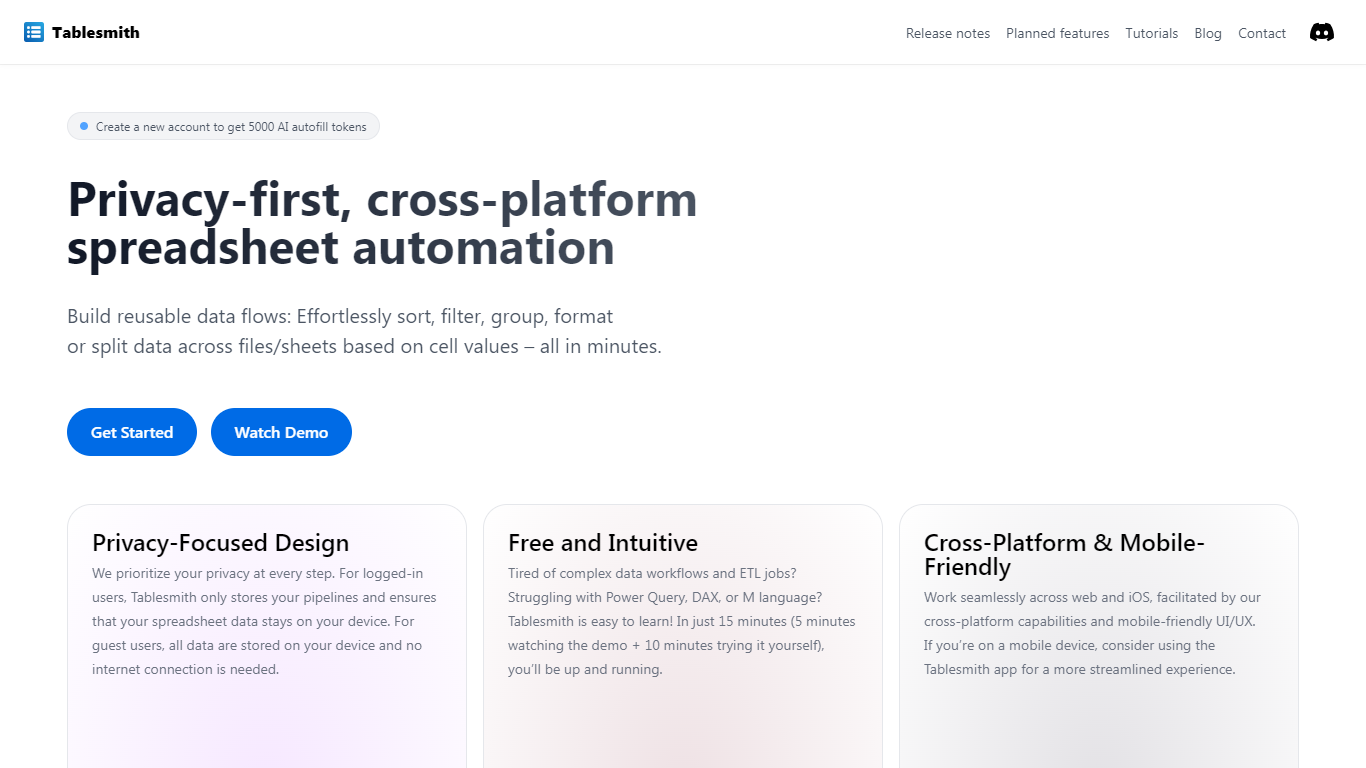
Tablesmith is an innovative, free no-code ETL platform designed to simplify and automate spreadsheet-related tasks for both CSV and XLSX files. With a focus on user privacy and ease of use, Tablesmith empowers users to create efficient data pipelines for sorting, filtering, formatting, and more, without the need for an internet connection for guest users. It only takes 15 minutes to learn how to use Tablesmith, thanks to a short demo and intuitive interface.
The AI autofill feature leverages upstream AI technology to predict and complete data entries, ensuring your prompts remain private. Tablesmith is compatible across different spreadsheet programs and is optimized for cross-platform use, with a mobile-friendly design that's perfect for working on the go. With Tablesmith, complex data management becomes a straightforward task, enabling users to focus on more important aspects of their work.
Formula Bot
What is Formula Bot?
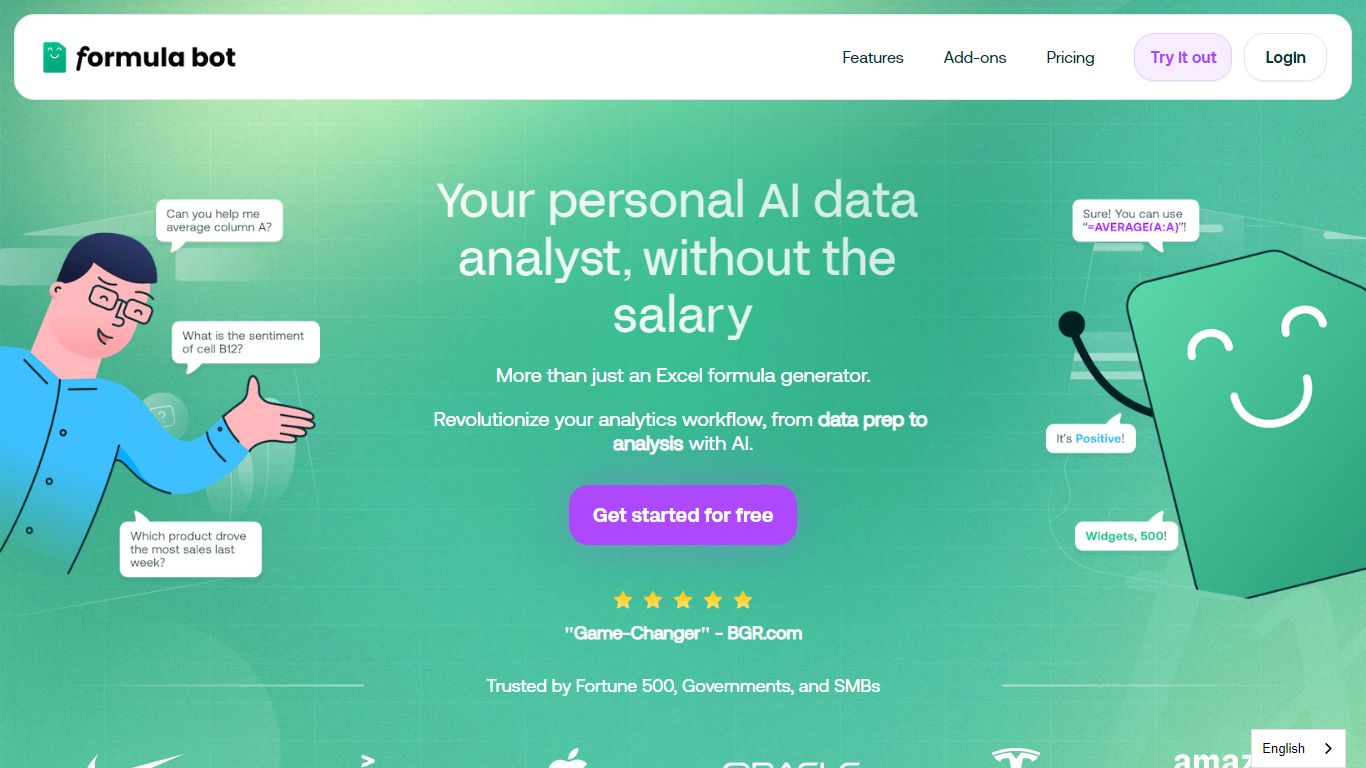
Formula Bot is an AI-powered data analyst that transforms your spreadsheets and data workflows by turning raw data into charts, insights, and reports instantly. It supports users across roles—from marketers to data scientists—helping them analyze data 10 times faster through simple English questions. The platform connects to multiple data sources, allowing you to upload, combine, and clean data effortlessly. It offers tools to reshape messy datasets, remove duplicates, and standardize formatting, making data ready for analysis in seconds. Formula Bot also excels in text analysis, providing sentiment detection, keyword extraction, and translation to turn text into actionable insights. Its cloud-based machine learning runs on dedicated CPU and RAM, enabling fast processing of large files without slowing down your computer. Ready-made templates help users kickstart analyses quickly, while interactive and customizable charts make data visualization straightforward. Security is a priority, with encrypted data storage and isolated execution environments ensuring privacy. Overall, Formula Bot streamlines data preparation, visualization, and science tasks in one platform, making complex data analysis accessible and efficient.
Tablesmith Upvotes
Formula Bot Upvotes
Tablesmith Top Features
Privacy-First Design: Ensures that user data remains on-device with no internet requirement for guest users.
Free and Easy-to-Learn: Offers a no-cost solution that users can master in just 15 minutes.
Cross-Platform & Mobile-Friendly: Provides a seamless experience across web and iOS platforms, with a mobile-friendly interface.
AI Autofill: Introduces a future-forward data entry feature leveraging AI to suggest and autofill based on user prompts, without storing any data on servers.
Flexible Input and Output: Handles multiple file formats like CSV and XLSX, offering versatility with various spreadsheet applications.
Formula Bot Top Features
Ask questions in plain English to get instant charts 📊
Clean and prepare messy data quickly with AI 🧹
Create interactive, customizable data visualizations 🎨
Analyze text for sentiment, keywords, and translation 📝
Handle large files with fast cloud-based processing ⚡
Tablesmith Category
- Excel
Formula Bot Category
- Excel
Tablesmith Pricing Type
- Freemium
Formula Bot Pricing Type
- Freemium