Tablesmith vs Ai Prompts (formerly Formula Generator)
Dive into the comparison of Tablesmith vs Ai Prompts (formerly Formula Generator) and discover which AI Excel tool stands out. We examine alternatives, upvotes, features, reviews, pricing, and beyond.
In a comparison between Tablesmith and Ai Prompts (formerly Formula Generator), which one comes out on top?
When we compare Tablesmith and Ai Prompts (formerly Formula Generator), two exceptional excel tools powered by artificial intelligence, and place them side by side, several key similarities and differences come to light. Both tools have received the same number of upvotes from aitools.fyi users. Since other aitools.fyi users could decide the winner, the ball is in your court now to cast your vote and help us determine the winner.
Feeling rebellious? Cast your vote and shake things up!
Tablesmith
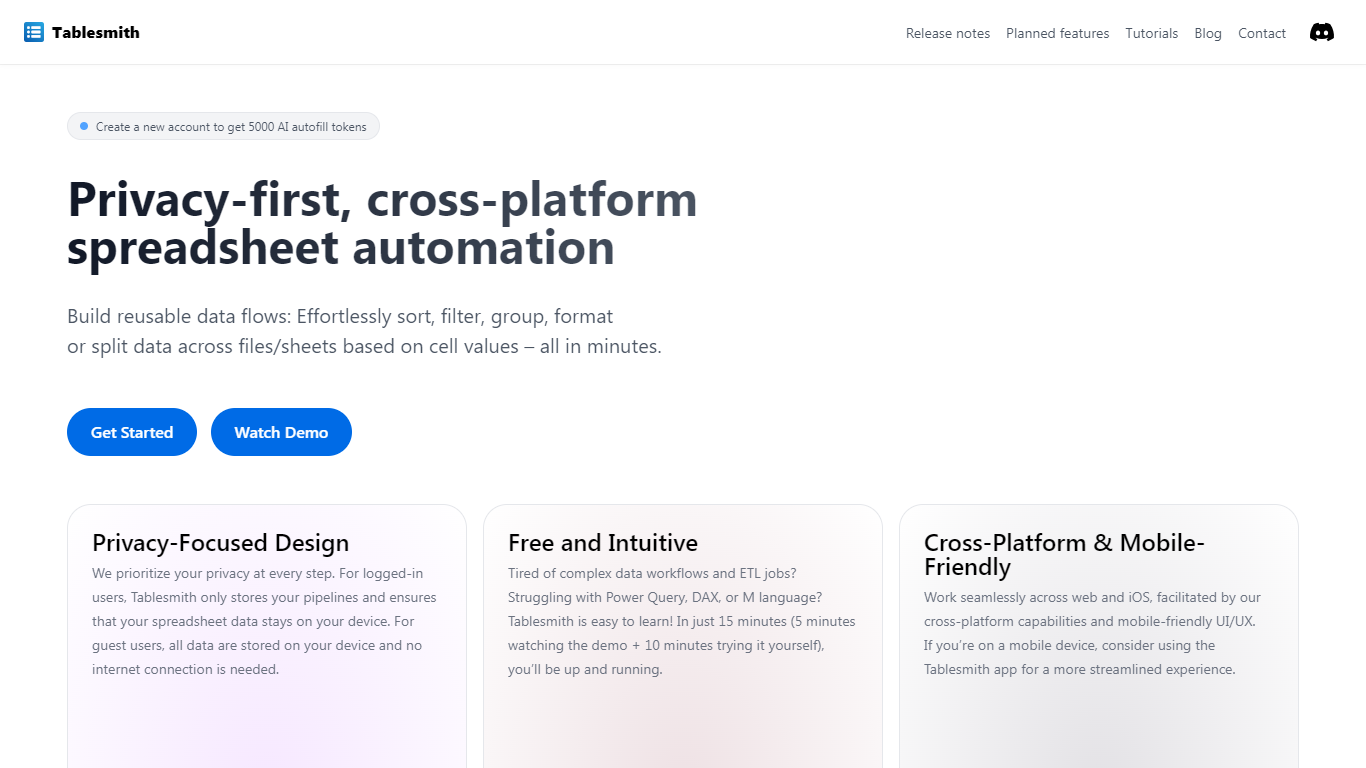

What is Tablesmith?
Tablesmith is an innovative, free no-code ETL platform designed to simplify and automate spreadsheet-related tasks for both CSV and XLSX files. With a focus on user privacy and ease of use, Tablesmith empowers users to create efficient data pipelines for sorting, filtering, formatting, and more, without the need for an internet connection for guest users. It only takes 15 minutes to learn how to use Tablesmith, thanks to a short demo and intuitive interface.
The AI autofill feature leverages upstream AI technology to predict and complete data entries, ensuring your prompts remain private. Tablesmith is compatible across different spreadsheet programs and is optimized for cross-platform use, with a mobile-friendly design that's perfect for working on the go. With Tablesmith, complex data management becomes a straightforward task, enabling users to focus on more important aspects of their work.
Ai Prompts (formerly Formula Generator)
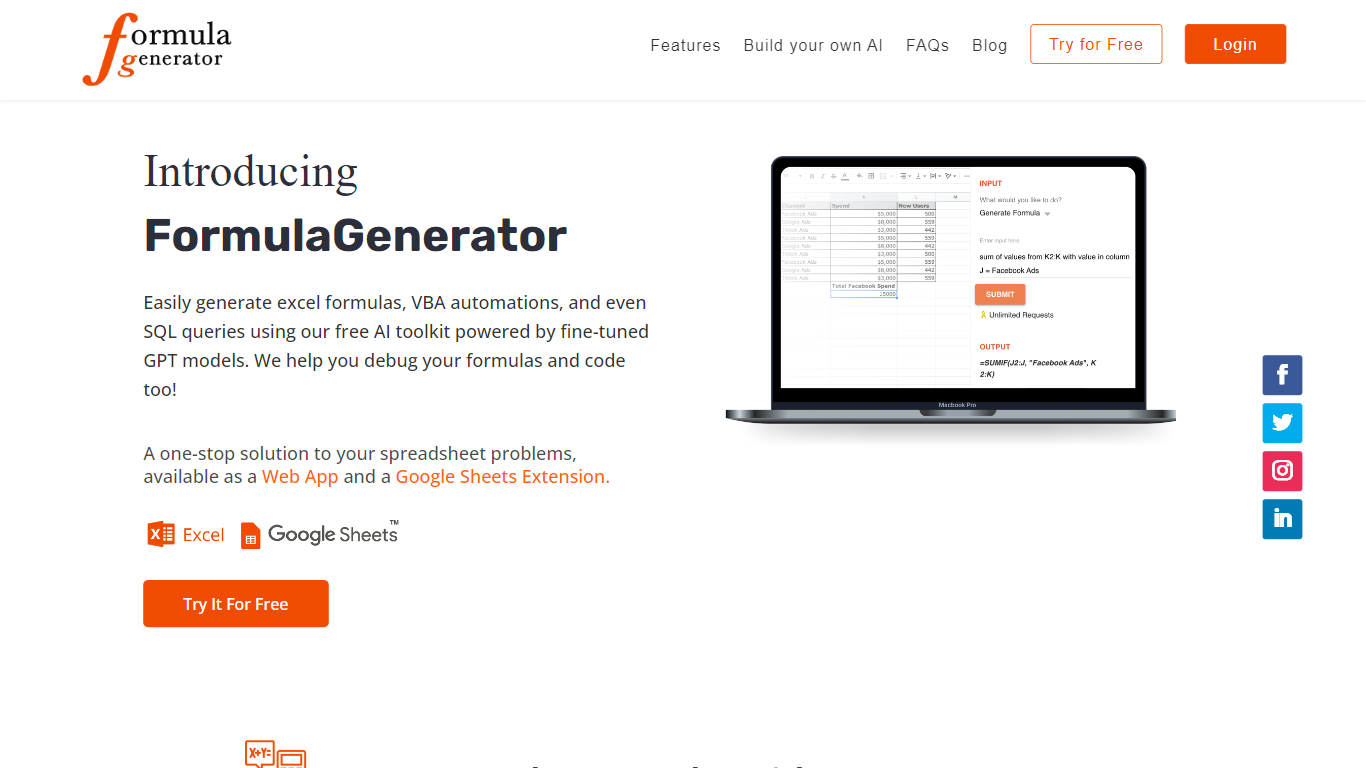
What is Ai Prompts (formerly Formula Generator)?
Ai Prompts at formulagenerator.app is a free educational site that teaches spreadsheet users how to get accurate Excel and Google Sheets formulas from ChatGPT. Instead of hosting a formula builder, it walks through prompt engineering, system instructions, and repeatable prompt templates so analysts can describe calculations in plain language and turn model output into working sheet logic.
The guides cover building formula generator setups with the OpenAI API, keeping context across sessions, and reviewing or debugging formulas when results look wrong. Readers also get practical prompt patterns for VBA macros, SQL queries, and Google Apps Script when they want automation beyond a single cell formula.
It fits finance teams, operations staff, and analysts who already work in spreadsheets and want a reference for prompting ChatGPT without writing code themselves. You bring your own ChatGPT or API access; the site itself is read-only content with no signup or hosted generator on the page.
Tablesmith Upvotes
Ai Prompts (formerly Formula Generator) Upvotes
Tablesmith Top Features
Privacy-First Design: Ensures that user data remains on-device with no internet requirement for guest users.
Free and Easy-to-Learn: Offers a no-cost solution that users can master in just 15 minutes.
Cross-Platform & Mobile-Friendly: Provides a seamless experience across web and iOS platforms, with a mobile-friendly interface.
AI Autofill: Introduces a future-forward data entry feature leveraging AI to suggest and autofill based on user prompts, without storing any data on servers.
Flexible Input and Output: Handles multiple file formats like CSV and XLSX, offering versatility with various spreadsheet applications.
Ai Prompts (formerly Formula Generator) Top Features
Prompt engineering walkthroughs for describing Excel and Google Sheets formulas in plain English
System instruction examples that keep spreadsheet context across follow-up ChatGPT prompts
Guide for wiring the OpenAI API into a Google Sheets or frontend formula workflow
Debugging tips for catching formula logic, structure, and reference errors in generated output
Sample prompts for VBA macros, SQL queries, and Google Apps Script automation
Tablesmith Category
- Excel
Ai Prompts (formerly Formula Generator) Category
- Excel
Tablesmith Pricing Type
- Freemium
Ai Prompts (formerly Formula Generator) Pricing Type
- Free