TableSprint vs Code Sensei
In the face-off between TableSprint vs Code Sensei, which AI Code Assistant tool takes the crown? We scrutinize features, alternatives, upvotes, reviews, pricing, and more.
When we put TableSprint and Code Sensei head to head, which one emerges as the victor?
If we were to analyze TableSprint and Code Sensei, both of which are AI-powered code assistant tools, what would we find? The upvote count is neck and neck for both TableSprint and Code Sensei. Be a part of the decision-making process. Your vote could determine the winner.
Disagree with the result? Upvote your favorite tool and help it win!
TableSprint
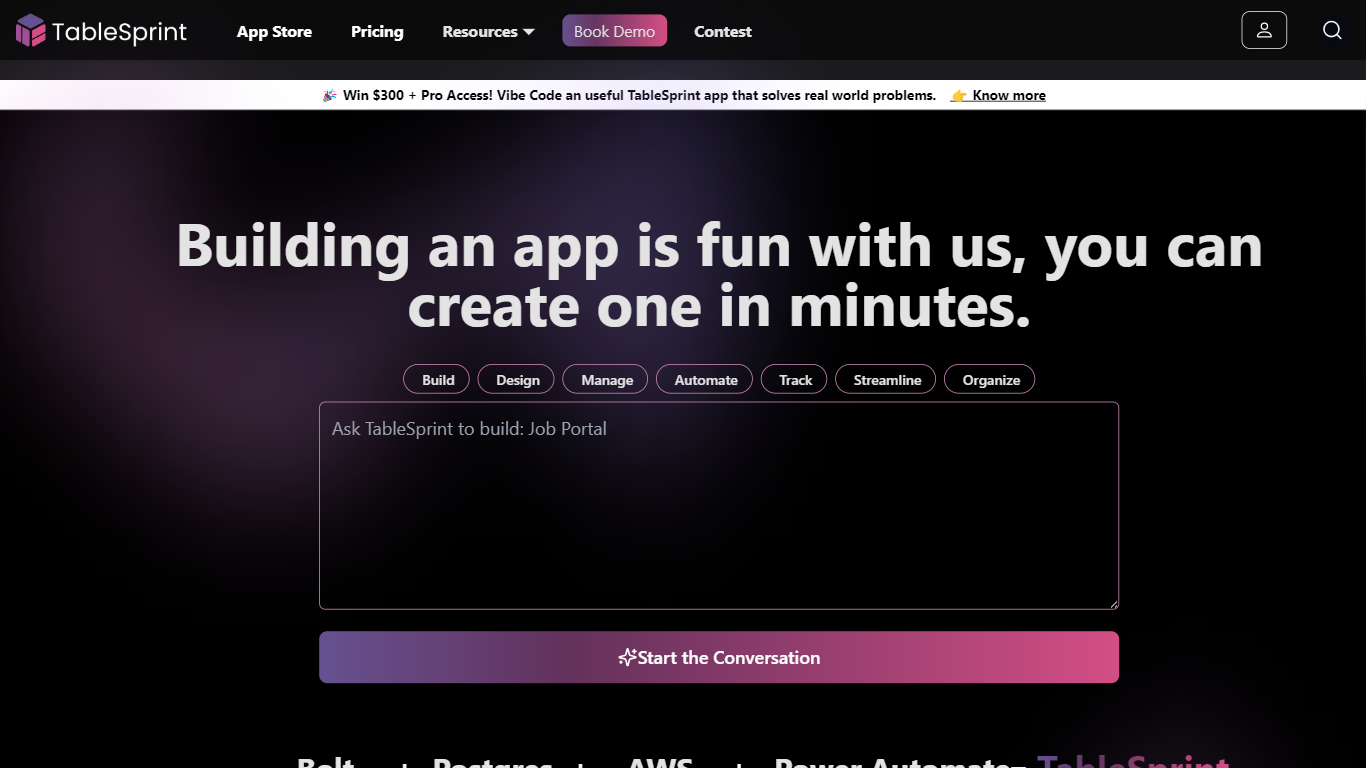

What is TableSprint?
TableSprint lets founders, sales, ops, and enterprise teams deploy voice, chat, email, and workflow agents without engineering bandwidth. The workspace also includes worksheets, forms, live dashboards, admin panels, and mobile views so custom internal apps and agents share one database. The app store ships ready-made agents for outbound SDR calls, chat support, invoicing, and media editing, each tagged free or premium.
Most teams buy a low-code builder and bolt on agent tools later. TableSprint merges agent deployment with worksheets, forms, permissions, and instant deploy in the same stack. Docs pitch replacing five tools and building an operations platform in two weeks instead of six months, with one chat agent claiming up to 60% fewer support tickets.
Founders, sales, ops, and enterprise teams that need agents in production fast fit TableSprint best. It targets teams without spare engineering bandwidth who still want voice and chat automation beside internal apps and live dashboards.
Code Sensei
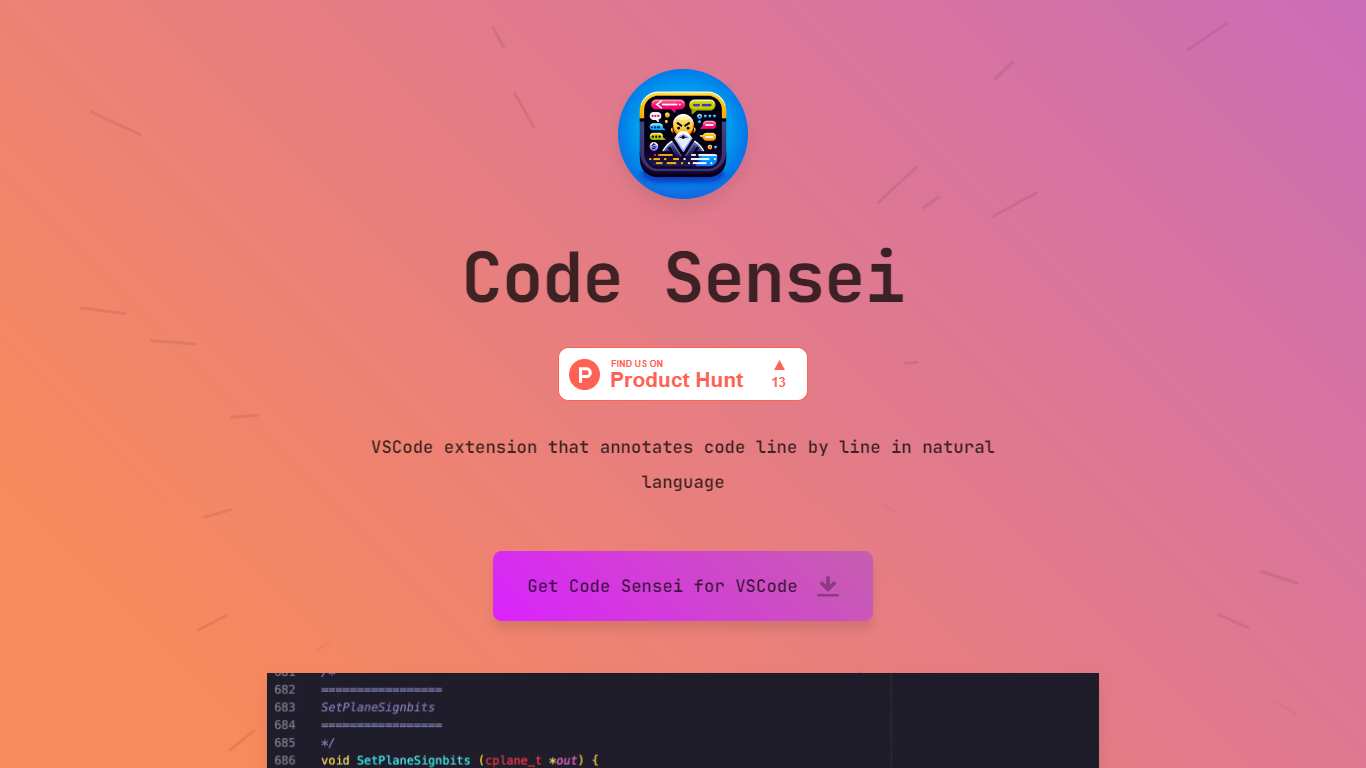
What is Code Sensei?
Code Sensei is your go-to Visual Studio Code extension when you’re looking for a tool to bring clarity and understanding to your coding endeavors. This innovative extension takes your programming experience a step further by providing detailed, natural language annotations for each line of code in real time. By doing so, Code Sensei makes it easier for new learners to understand what each part of the code does, and serves as an invaluable tool for educators who aim to provide clearer coding instructions to their students.
The extension integrates seamlessly with VSCode, allowing coders to progress through their projects efficiently while simultaneously learning from the annotations. This is a particularly useful tool for training courses, online coding schools, or any educational platform that focuses on teaching programming.
For institutions that require a tailored approach, Code Sensei offers custom solutions to fit the specific needs of your training course or online school. With a commitment to enhancing the learning experience, the team behind Code Sensei is available to work closely with clients to deliver a solution that aligns with their educational goals. To inquire about these custom solutions, interested parties are encouraged to reach out through the provided email contact.
TableSprint Upvotes
Code Sensei Upvotes
TableSprint Top Features
App store lists free and premium agents for sales calls, support, and media editing
Chat Support Agent claims up to 60% fewer support tickets with 24/7 FAQ handling
Customer testimonial cites replacing 5 tools and shipping an ops platform in 2 weeks
Funding data lists $1 million raised, founded 2024, and about 10 employees
Outbound Calling SDR agent runs proactive sales calls and books demos into your calendar
Code Sensei Top Features
Natural Language Annotations: Provides line-by-line explanations of code in natural language, enhancing readability and comprehension.
VSCode Integration: Seamlessly integrates with Visual Studio Code for a user-friendly experience.
Learning Aid: Ideal for coding beginners and educational environments, assisting in the understanding of programming concepts.
Custom Solutions: Offers customized annotation solutions to suit the unique needs of training courses and online schools.
Support and Collaboration: Encourages direct contact for tailored solutions, facilitating collaboration between the Code Sensei team and clients.
TableSprint Category
- Code Assistant
Code Sensei Category
- Code Assistant
TableSprint Pricing Type
- Freemium
Code Sensei Pricing Type
- Freemium