TableSprint vs Gitya
In the clash of TableSprint vs Gitya, which AI Code Assistant tool emerges victorious? We assess reviews, pricing, alternatives, features, upvotes, and more.
When we put TableSprint and Gitya head to head, which one emerges as the victor?
Let's take a closer look at TableSprint and Gitya, both of which are AI-driven code assistant tools, and see what sets them apart. The community has spoken, Gitya leads with more upvotes. Gitya has garnered 7 upvotes, and TableSprint has garnered 6 upvotes.
You don't agree with the result? Cast your vote to help us decide!
TableSprint
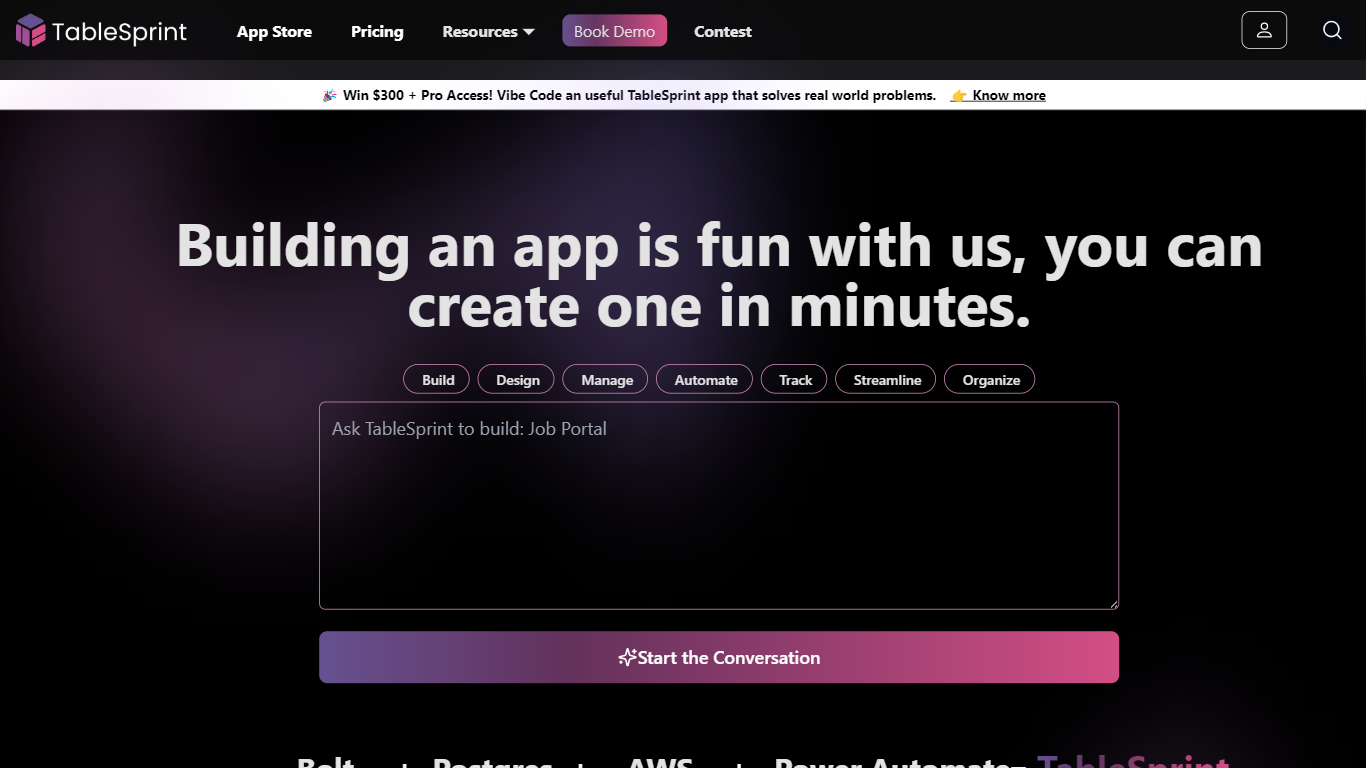

What is TableSprint?
TableSprint lets founders, sales, ops, and enterprise teams deploy voice, chat, email, and workflow agents without engineering bandwidth. The workspace also includes worksheets, forms, live dashboards, admin panels, and mobile views so custom internal apps and agents share one database. The app store ships ready-made agents for outbound SDR calls, chat support, invoicing, and media editing, each tagged free or premium.
Most teams buy a low-code builder and bolt on agent tools later. TableSprint merges agent deployment with worksheets, forms, permissions, and instant deploy in the same stack. Docs pitch replacing five tools and building an operations platform in two weeks instead of six months, with one chat agent claiming up to 60% fewer support tickets.
Founders, sales, ops, and enterprise teams that need agents in production fast fit TableSprint best. It targets teams without spare engineering bandwidth who still want voice and chat automation beside internal apps and live dashboards.
Gitya
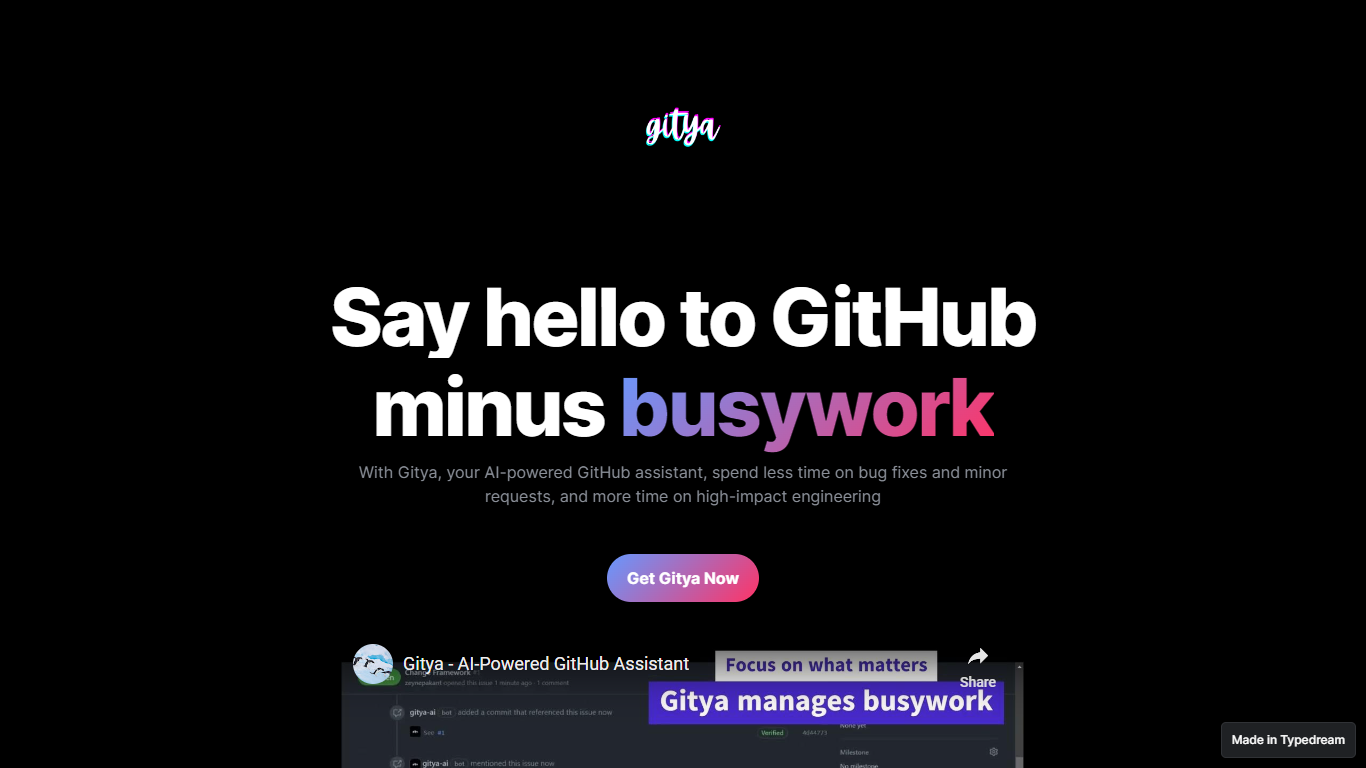
What is Gitya?
Gitya is a code assistant built as a GitHub App for repository workflow automation. It focuses on minor bug fixes, small requests, and pull request handling inside GitHub. The product positions itself as a way to spend less time on busywork and more on high-impact engineering. KocDigital develops Gitya as a standalone assistant for GitHub-native teams.
Most code assistants plug into your IDE and suggest completions line by line. Gitya instead runs as a GitHub App and automates work at the issue and pull request layer. Ticket automation starts when you label an issue with gitya, which tells the assistant to pick up minor tasks tied to that ticket. That label-driven trigger is a narrower, repo-centric approach than general copilots that do not manage GitHub issues directly.
Software engineers and development teams who manage bugs and reviews inside GitHub are the core audience. The landing page highlights automated pull request reviews and responses alongside issue automation for smaller fixes. New users request access through an email signup linked from the homepage rather than an on-site checkout flow.
TableSprint Upvotes
Gitya Upvotes
TableSprint Top Features
App store lists free and premium agents for sales calls, support, and media editing
Chat Support Agent claims up to 60% fewer support tickets with 24/7 FAQ handling
Customer testimonial cites replacing 5 tools and shipping an ops platform in 2 weeks
Funding data lists $1 million raised, founded 2024, and about 10 employees
Outbound Calling SDR agent runs proactive sales calls and books demos into your calendar
Gitya Top Features
Installs as a GitHub App inside your existing GitHub workflow
Label any issue with gitya to trigger automated handling of minor tasks
Automated pull request reviews and responses for open PRs
Built by KocDigital, with a public demo video on YouTube
Access starts through an email signup form linked from the homepage
TableSprint Category
- Code Assistant
Gitya Category
- Code Assistant
TableSprint Pricing Type
- Freemium
Gitya Pricing Type
- Freemium