TableSprint vs MakeForms
In the face-off between TableSprint vs MakeForms, which AI Code Assistant tool takes the crown? We scrutinize features, alternatives, upvotes, reviews, pricing, and more.
In a face-off between TableSprint and MakeForms, which one takes the crown?
If we were to analyze TableSprint and MakeForms, both of which are AI-powered code assistant tools, what would we find? In the race for upvotes, MakeForms takes the trophy. The upvote count for MakeForms is 7, and for TableSprint it's 6.
You don't agree with the result? Cast your vote to help us decide!
TableSprint

What is TableSprint?
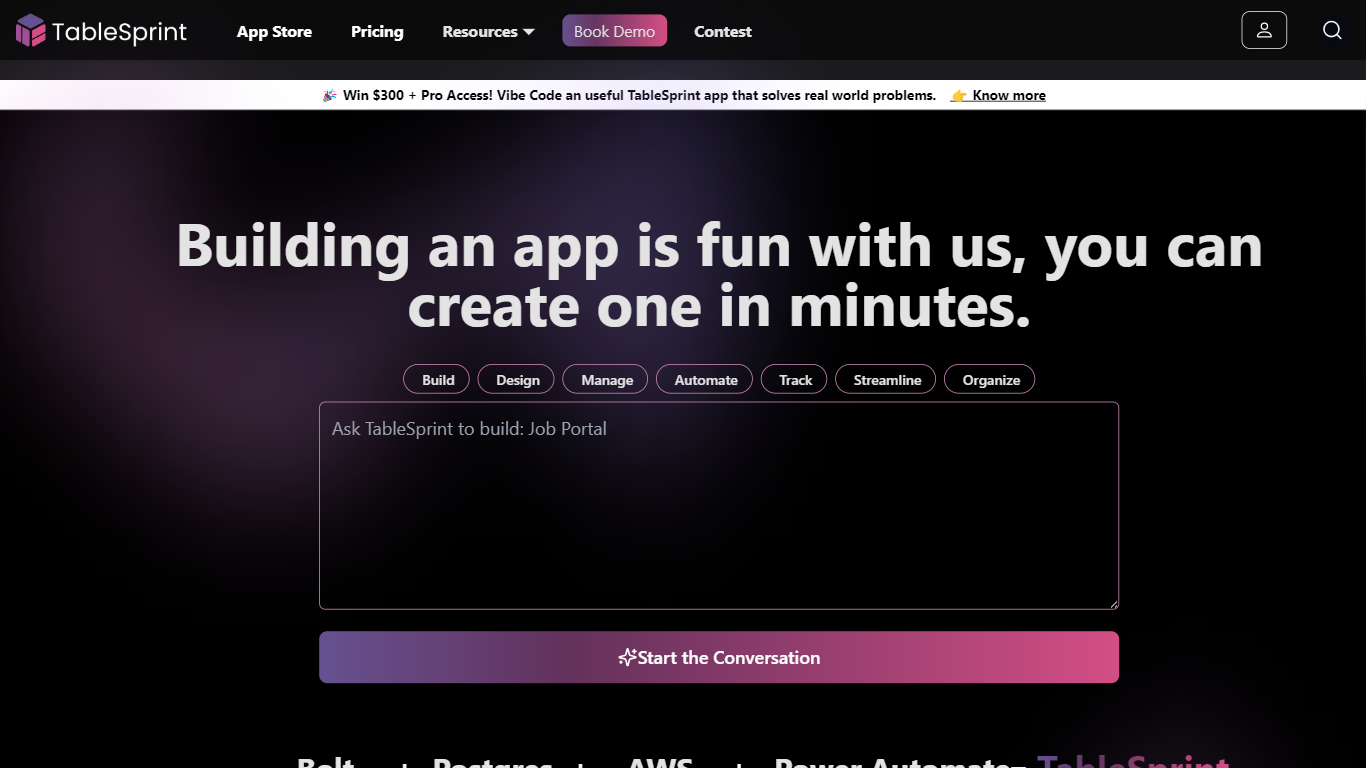
TableSprint lets founders, sales, ops, and enterprise teams deploy voice, chat, email, and workflow agents without engineering bandwidth. The workspace also includes worksheets, forms, live dashboards, admin panels, and mobile views so custom internal apps and agents share one database. The app store ships ready-made agents for outbound SDR calls, chat support, invoicing, and media editing, each tagged free or premium.
Most teams buy a low-code builder and bolt on agent tools later. TableSprint merges agent deployment with worksheets, forms, permissions, and instant deploy in the same stack. Docs pitch replacing five tools and building an operations platform in two weeks instead of six months, with one chat agent claiming up to 60% fewer support tickets.
Founders, sales, ops, and enterprise teams that need agents in production fast fit TableSprint best. It targets teams without spare engineering bandwidth who still want voice and chat automation beside internal apps and live dashboards.
MakeForms
What is MakeForms?
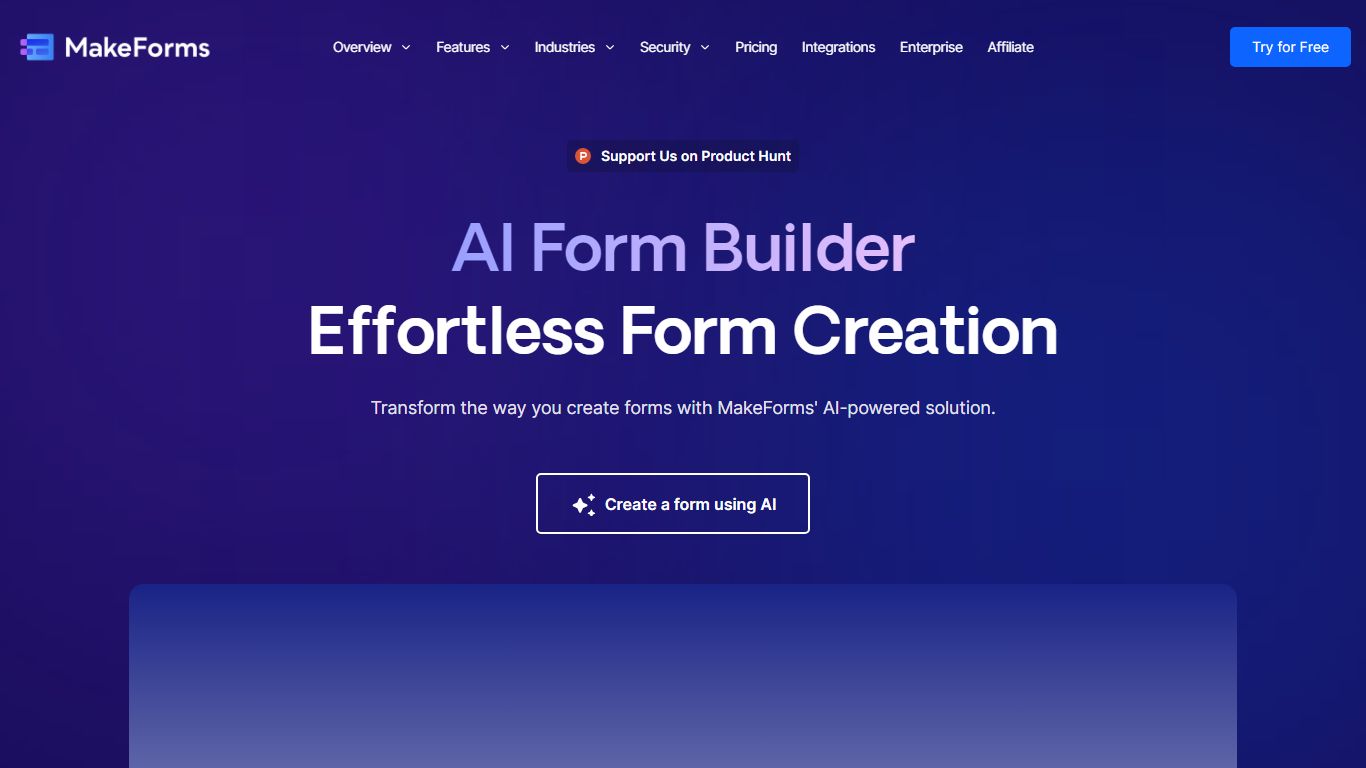
MakeForms AI Form Builder turns a text prompt into a live web form with fields, logic, and layout in under a minute. You describe what you need on makeforms.io/ai-form-builder, optionally set language and page count, or start from templates like Contact Us, Event Feedback, or Job Application. After generation you verify email and share a unique form link.
Most form builders make you drag fields manually. MakeForms adds a ChatGPT-style editor where you ask for updates in conversation instead of reopening a design panel. Lead notifications can route through email, SMS, and WhatsApp so teams see submissions without checking a dashboard constantly.
MakeForms also connects to CRMs, spreadsheets, and workflow tools out of the box, with icons for Slack, Google Drive, OneDrive, and Dropbox on the integrations section. The homepage advertises unlimited free forms with no credit card required and displays a SOC 2 compliant badge. Signup runs through makeforms.io/app/sign-up.
TableSprint Upvotes
MakeForms Upvotes
TableSprint Top Features
App store lists free and premium agents for sales calls, support, and media editing
Chat Support Agent claims up to 60% fewer support tickets with 24/7 FAQ handling
Customer testimonial cites replacing 5 tools and shipping an ops platform in 2 weeks
Funding data lists $1 million raised, founded 2024, and about 10 employees
Outbound Calling SDR agent runs proactive sales calls and books demos into your calendar
MakeForms Top Features
Generate complete forms from a single text prompt with optional language and page count settings
ChatGPT-style interface lets you request form updates in conversation after initial generation
Lead notifications via email, SMS, and WhatsApp with customizable alert settings
Named integrations include Slack, Google Drive, OneDrive, and Dropbox for submission routing
Homepage advertises unlimited forms for free with no credit card required at signup
TableSprint Category
- Code Assistant
MakeForms Category
- Code Assistant
TableSprint Pricing Type
- Freemium
MakeForms Pricing Type
- Freemium