Tala vs Keep It Shot
When comparing Tala vs Keep It Shot, which AI Assistant tool shines brighter? We look at pricing, alternatives, upvotes, features, reviews, and more.
Between Tala and Keep It Shot, which one is superior?
When we put Tala and Keep It Shot side by side, both being AI-powered assistant tools, Keep It Shot stands out as the clear frontrunner in terms of upvotes. The upvote count for Keep It Shot is 7, and for Tala it's 6.
Don't agree with the result? Cast your vote and be a part of the decision-making process!
Tala

What is Tala?
Tala is a voice agent that answers inbound phone calls when your team is in a meeting, on site, or already with a client. It qualifies the caller, collects the details that matter, and either books a next step or passes a clear summary to the right person. The product is built by Noxcod, a French company focused on phone workflows for service businesses.
The workflow is deliberately narrow: answer, qualify, move the request forward. Tala does not try to replace your CRM or your full call center stack. It handles the moment an important call lands at the wrong time, then hands your team a recap they can act on without replaying the conversation.
Tala ships with vertical playbooks for real estate, law firms, healthcare offices, restaurants, automotive shops, and other appointment-heavy businesses. You can connect calendars, industry tools like Zenchef or Immofacile, and custom transfer rules for urgent cases. An optional sovereign mode keeps data on French Scaleway servers with Tala's own speech and language models hosted in France.
Keep It Shot
What is Keep It Shot?
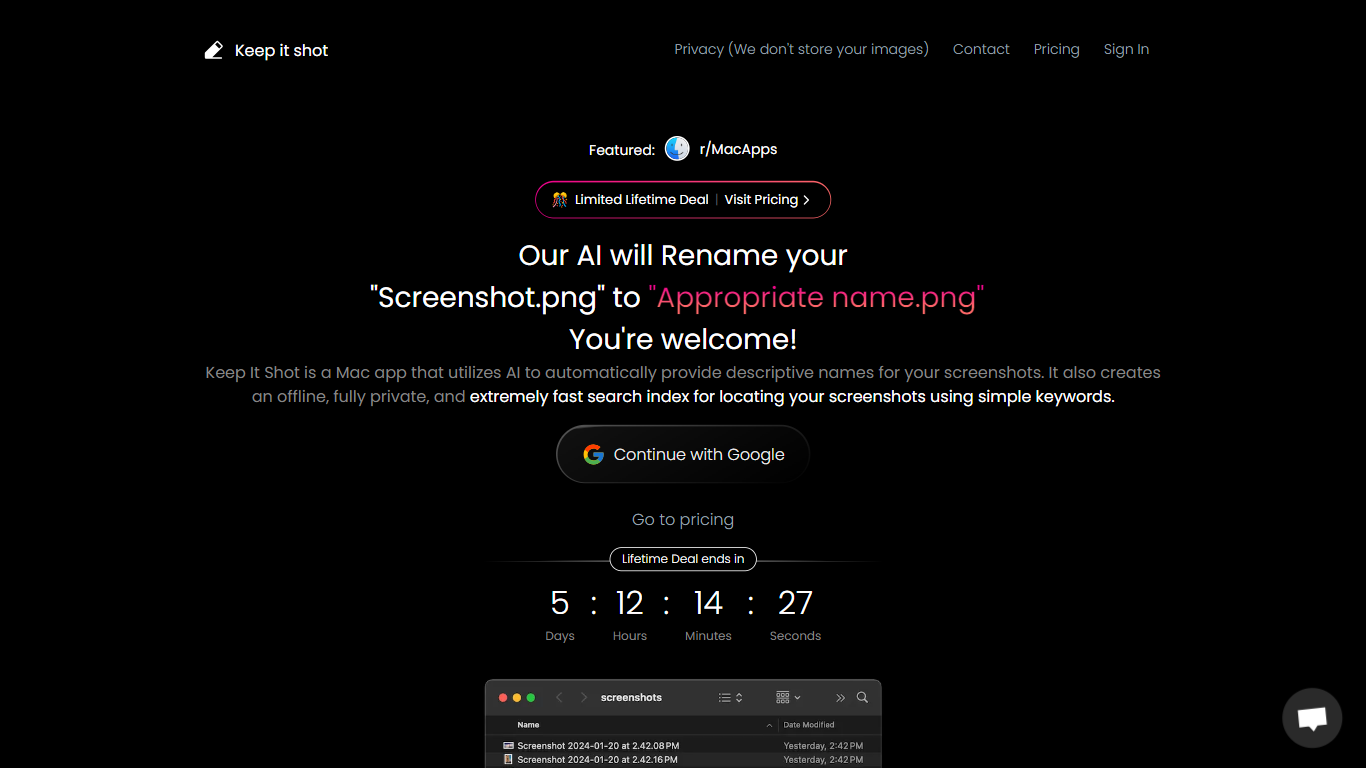
Keep It Shot is an innovative Mac application designed to enhance the way users manage their screenshots. It leverages AI technology to auto-generate descriptive names for screenshots, allowing for quick and easy identification. Moreover, it offers a powerful offline search feature, making it swift to locate specific screenshots using simple keywords. The application ensures complete privacy by not uploading any images to the cloud. It's optimized for speed and simplicity, allowing users to efficiently rename large batches of screenshots with minimal effort. Keep It Shot simplifies screenshot management, transforming it from a cluttered collection into a highly organized and accessible library.
Tala Upvotes
Keep It Shot Upvotes
Tala Top Features
Picks up inbound calls right away instead of sending people to voicemail
Asks motive, urgency, and contact questions tuned to your industry rules
Books slots through Google Calendar, Outlook, Calendly, or Planity during the call
Sends call recordings, transcripts, and summaries to a mobile app dashboard
Launches outbound campaigns from Google Sheets or CSV contact imports
Optional sovereign mode routes calls through French-hosted Tala Mind, Voice, and Whisper models
Keep It Shot Top Features
Automated Descriptive Naming: Automatically provides descriptive names for screenshots using AI.
Offline and Private Search Index: Creates a fast local search index for screenshots using keywords, with complete privacy.
Bulk Rename in Two Clicks: Quickly rename large batches of screenshots with a progress bar to track changes.
Tailored Renaming Preferences: Customize naming conventions and automate renaming for new screenshots.
Easy Reversion: Single-click option to revert any changes and go back to the original screenshot names.
Tala Category
- Assistant
Keep It Shot Category
- Assistant
Tala Pricing Type
- Paid
Keep It Shot Pricing Type
- Freemium