Targum Video vs Bing Microsoft AI Translator
In the face-off between Targum Video vs Bing Microsoft AI Translator, which AI Translation tool takes the crown? We scrutinize features, alternatives, upvotes, reviews, pricing, and more.
In a face-off between Targum Video and Bing Microsoft AI Translator, which one takes the crown?
If we were to analyze Targum Video and Bing Microsoft AI Translator, both of which are AI-powered translation tools, what would we find? The community has spoken, Bing Microsoft AI Translator leads with more upvotes. Bing Microsoft AI Translator has been upvoted 10 times by aitools.fyi users, and Targum Video has been upvoted 6 times.
Feeling rebellious? Cast your vote and shake things up!
Targum Video
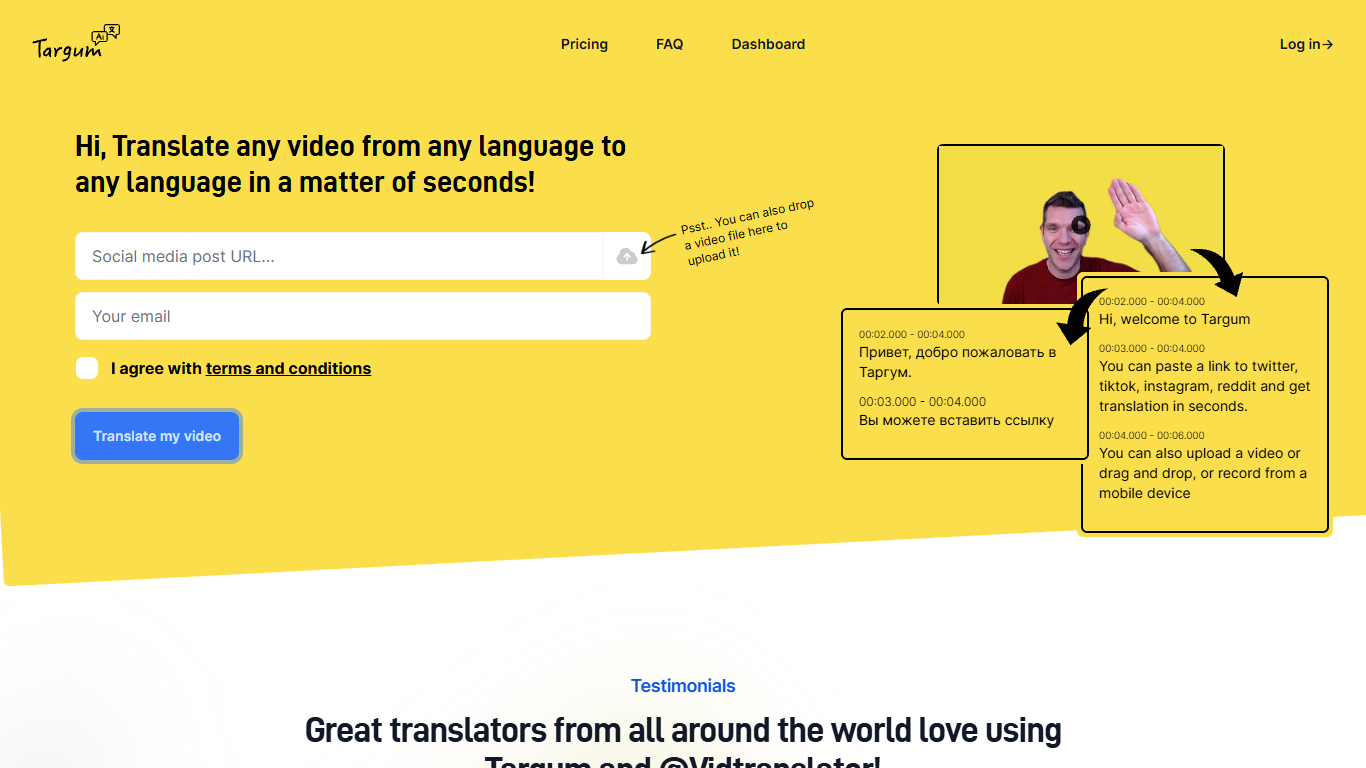

What is Targum Video?
Targum Video translates videos between languages in seconds. Paste a link from Twitter, TikTok, Instagram, or Reddit, upload an MP4, or record from a mobile device, and get subtitles and translations across 99+ languages.
The name Targum comes from Ancient Aramaic for translation, referring to one of the earliest known translation traditions. Targum Inc. runs the platform as a web dashboard and via the @vidtranslator bot on Twitter, with Telegram bot access on paid plans.
The tool targets translators, content creators, journalists, and anyone who needs to understand video in a foreign language without manual subtitle work. Free access lets you start translating immediately; paid tiers add download options, longer videos, and higher monthly minute limits.
Bing Microsoft AI Translator

What is Bing Microsoft AI Translator?
Microsoft Translator on Bing is a free web translator for turning words and phrases between English and more than 100 languages. Paste text, pick languages from long dropdown lists, or let the page auto-detect the source language before you translate.
The Bing interface adds practical extras beyond basic text swap. You can listen to a translation, open an on-screen keyboard, capture or upload an image to translate text in photos, and regenerate results in Standard, Casual, or Formal tone. A phrase helper surfaces common expressions grouped by topics like travel, dining, and emergencies.
It fits travelers, students, and anyone who needs a quick translation in the browser without installing software. Navigation on the page also points to separate Microsoft Translator experiences for live conversation, mobile apps, and business use.
Targum Video Upvotes
Bing Microsoft AI Translator Upvotes
Targum Video Top Features
Paste Twitter, TikTok, Instagram, or Reddit links and get a translated video back in seconds
Upload MP4 files with drag-and-drop, or record video from a mobile device
Translate between 99+ languages from the web dashboard
Download translated MP4 files and SRT subtitle files on paid plans
Use @vidtranslator on Twitter for in-feed video translation
Telegram bot access on Basic and Creator plans for translation outside the dashboard
Bing Microsoft AI Translator Top Features
Auto-detect source language across more than 100 listed language options
Each translation request accepts up to 1,000 characters of input text
Regenerate results in Standard, Casual, or Formal tone with one click
Capture or upload an image to translate text found in photos
Speak to translate when typing is awkward on mobile or desktop
Listen to translations read aloud from the results panel
Browse common phrase sets for travel, dining, and emergencies
Targum Video Category
- Translation
Bing Microsoft AI Translator Category
- Translation
Targum Video Pricing Type
- Freemium
Bing Microsoft AI Translator Pricing Type
- Free