TeacherDashboard.ai vs Learnitive
In the contest of TeacherDashboard.ai vs Learnitive, which AI Education tool is the champion? We evaluate pricing, alternatives, upvotes, features, reviews, and more.
If you had to choose between TeacherDashboard.ai and Learnitive, which one would you go for?
When we examine TeacherDashboard.ai and Learnitive, both of which are AI-enabled education tools, what unique characteristics do we discover? The community has spoken, Learnitive leads with more upvotes. Learnitive has 36 upvotes, and TeacherDashboard.ai has 6 upvotes.
Disagree with the result? Upvote your favorite tool and help it win!
TeacherDashboard.ai
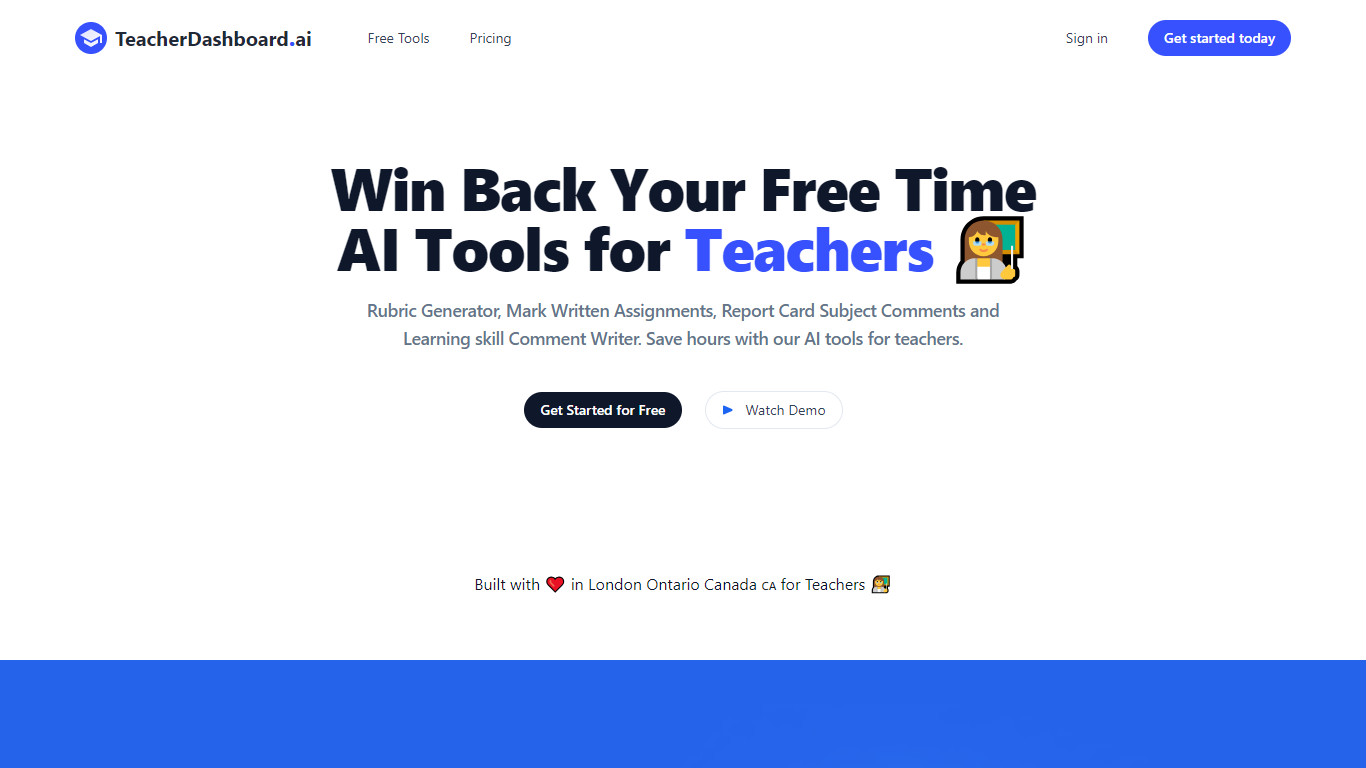

What is TeacherDashboard.ai ?
TeacherDashboard helps K through 12 teachers finish report card comments and rubrics faster. You pick the student, grade level, and observed strengths, and the platform drafts parent-ready comments that follow your regional curriculum language instead of generic AI phrasing.
The product is built in Canada with deep support for Ontario Learning Skills (E, G, S, N scales), British Columbia Proficiency Scale comments, and Manitoba Learning Behaviours. It also includes a standalone rubric generator where you paste an assignment, choose grade and subject, and get an editable rubric you can copy or export.
Teachers can start with a 3-day free trial on paid plans, save drafts, edit history, and copy finished comments when report-card season hits. A free rubric tool is available without signup, with five generations per day.
Learnitive
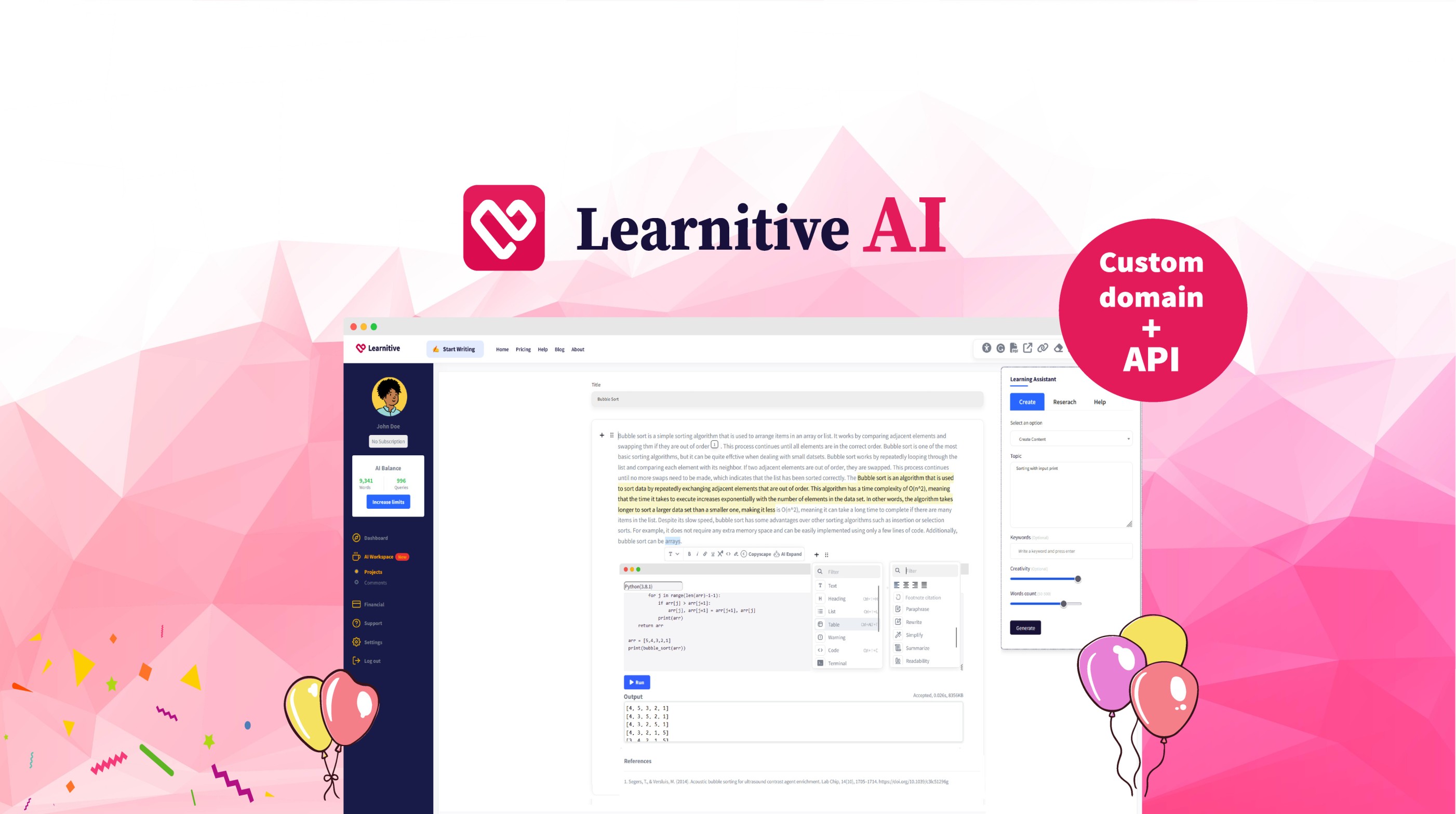
What is Learnitive?
Learnitive helps students and researchers draft academic writing with AI while grounding answers in a library of 250 million papers. The editor includes plagiarism checks through Copyscape and a Judge0 code sandbox for runnable examples inside lessons.
Paid tiers sell prepaid word credits instead of a flat monthly seat. Learn30 covers 25,000 words for $9, Learn365 delivers 1 million words for $99, and a $49 lifetime option targets writers who want a one-time purchase rather than recurring billing.
WordPress plugins extend the same writing and research workflow into blogs and course sites, so teams can publish from familiar CMS dashboards without retraining authors on a new interface.
TeacherDashboard.ai Upvotes
Learnitive Upvotes
TeacherDashboard.ai Top Features
Generates Ontario Learning Skills comments using the E, G, S, N scale with the six official skill areas
Supports BC Proficiency Scale comments and Manitoba Learning Behaviours (C, U, S, R) alongside Ontario formats
Builds custom rubrics from an assignment title, grade, subject, and criteria count in under a minute
Saves drafts with editable history so you can review, revise, and copy comments when you are ready
Offers a 3-day free trial on Pro plans plus a no-signup rubric tool with five free generations per day
Learnitive Top Features
Search and cite from a corpus of 250 million academic papers
Free tier includes 1,000 words before you buy credits
Learn30 adds 25,000 words for $9 and Learn365 adds 1 million words for $99
Copyscape plagiarism checks run inside the writing workflow
Judge0 code sandbox executes snippets without leaving the editor
WordPress plugins bring the editor into existing blogs and course sites
TeacherDashboard.ai Category
- Education
Learnitive Category
- Education
TeacherDashboard.ai Pricing Type
- Freemium
Learnitive Pricing Type
- Freemium