TextLayer vs Browse AI
In the contest of TextLayer vs Browse AI, which AI Research tool is the champion? We evaluate pricing, alternatives, upvotes, features, reviews, and more.
If you had to choose between TextLayer and Browse AI, which one would you go for?
When we examine TextLayer and Browse AI, both of which are AI-enabled research tools, what unique characteristics do we discover? Browse AI stands out as the clear frontrunner in terms of upvotes. The upvote count for Browse AI is 25, and for TextLayer it's 6.
Disagree with the result? Upvote your favorite tool and help it win!
TextLayer


What is TextLayer?
TextLayer is an enterprise AI services firm that helps companies move from AI demos to production systems they can operate internally. The homepage pitches production-grade AI for the enterprise and a three-phase model called Align, Build, and Grow. Clients book a call to start, and the services page lists concrete deliverables for each phase rather than a self-serve product signup.
Plenty of vendors will ship a prototype and walk away. TextLayer scopes one production system at a time with reliability as the stated constraint, builds observability and evals into the first release, and trains your team to run it without the vendor. The Align phase ends with a go or no-go recommendation before major build spend, which is a sharper gate than most AI consultancies offer.
Enterprise teams with a use case but no in-house AI ops fit here. CTOs evaluating feasibility, product leaders chasing one reliable workflow, and engineering managers who need runbooks and eval frameworks all map to the stated deliverables on the services page.
Browse AI
What is Browse AI?
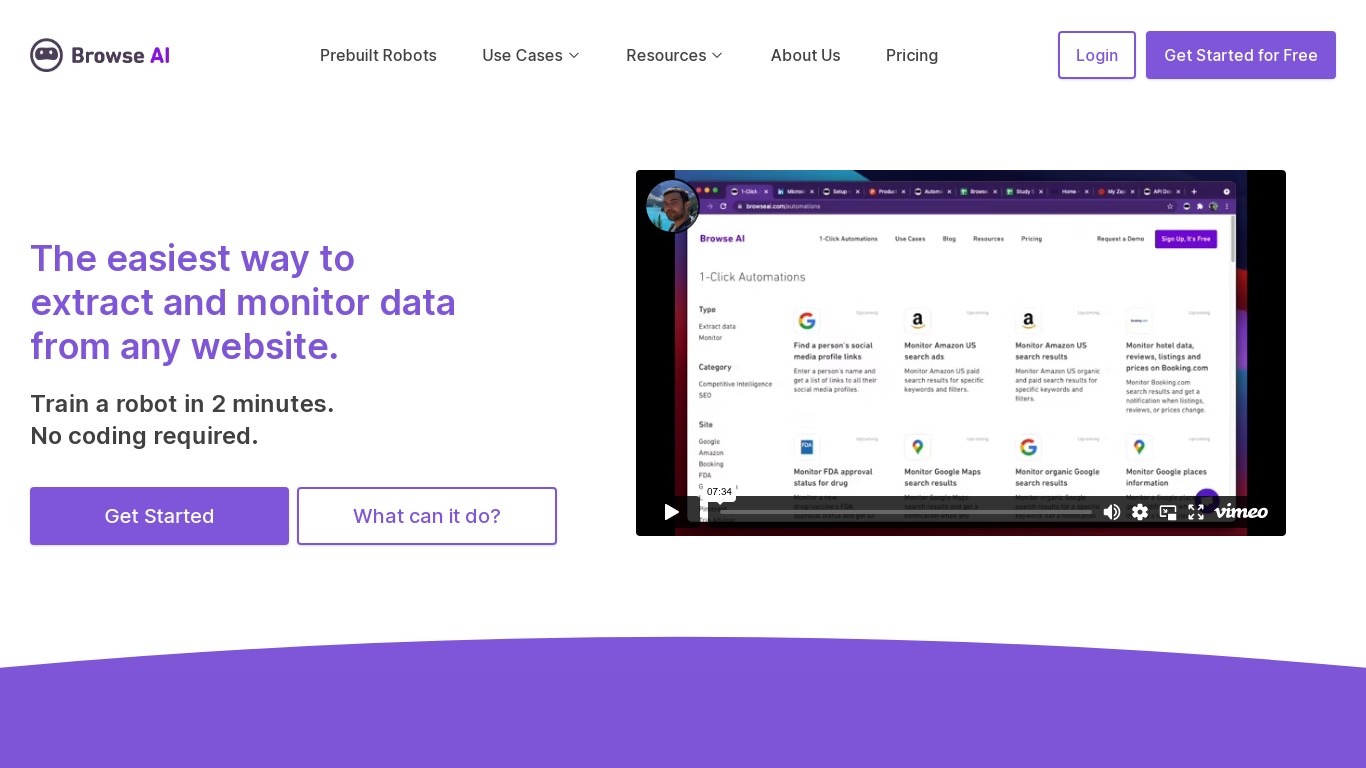
Browse AI is a no-code web scraping and website monitoring platform built for research teams that need structured data from sites they do not control. You train robots with point-and-click actions to extract lists, details, and screenshots, then schedule runs or set change alerts without writing scripts. The platform reports over 770,000 users and has delivered more than 10 billion rows of extracted data.
Where most scrapers break the moment a target site redesigns, Browse AI leans on adaptive change detection that adjusts robot selectors when layouts shift. That trade-off favors operators who monitor competitor pricing or job boards on a schedule and cannot babysit Python scripts every time a CSS class changes. You still get deep scraping workflows, bulk runs across up to 500,000 pages, and exports to Google Sheets, Airtable, Zapier, Make, webhooks, or a REST API.
Browse AI fits ecommerce analysts tracking catalogs, real estate teams pulling listings from Airbnb or Redfin, and growth operators building lead lists from directories. Over 250 prebuilt robots cover Amazon, Indeed, Google Maps, and other high-traffic sites. A Premium tier adds fully managed scraping with custom delivery for high-volume or complex pipelines.
TextLayer Upvotes
Browse AI Upvotes
TextLayer Top Features
Three-phase model: Align, Build, and Grow engagements
Align phase delivers go/no-go recommendation before build budget commits
Build phase ships one production AI system with observability built in
Grow phase adds training sessions and data-backed expansion roadmap
Evals framework and operational runbooks included in deliverables
Team listed on homepage includes Founder, CTO, and AI Architect roles
Browse AI Top Features
Point-and-click robot builder trains on any page with no code required
Adaptive change detection adjusts robots when target sites redesign layouts
250+ prebuilt robots for Amazon, Indeed, Google Maps, and other popular sites
Bulk extraction runs across up to 500,000 pages in a single operation
Paid plans monitor sites every 5 minutes; free plans allow hourly checks at minimum
Syncs to Google Sheets, Airtable, Zapier, Make, REST API, webhooks, or Amazon S3
TextLayer Category
- Research
Browse AI Category
- Research
TextLayer Pricing Type
- Paid
Browse AI Pricing Type
- Freemium