ThinkerNotes vs Video To Blog
When comparing ThinkerNotes vs Video To Blog, which AI Content Creation tool shines brighter? We look at pricing, alternatives, upvotes, features, reviews, and more.
In a comparison between ThinkerNotes and Video To Blog, which one comes out on top?
When we put ThinkerNotes and Video To Blog side by side, both being AI-powered content creation tools, With more upvotes, ThinkerNotes is the preferred choice. The number of upvotes for ThinkerNotes stands at 7, and for Video To Blog it's 6.
You don't agree with the result? Cast your vote to help us decide!
ThinkerNotes

What is ThinkerNotes?
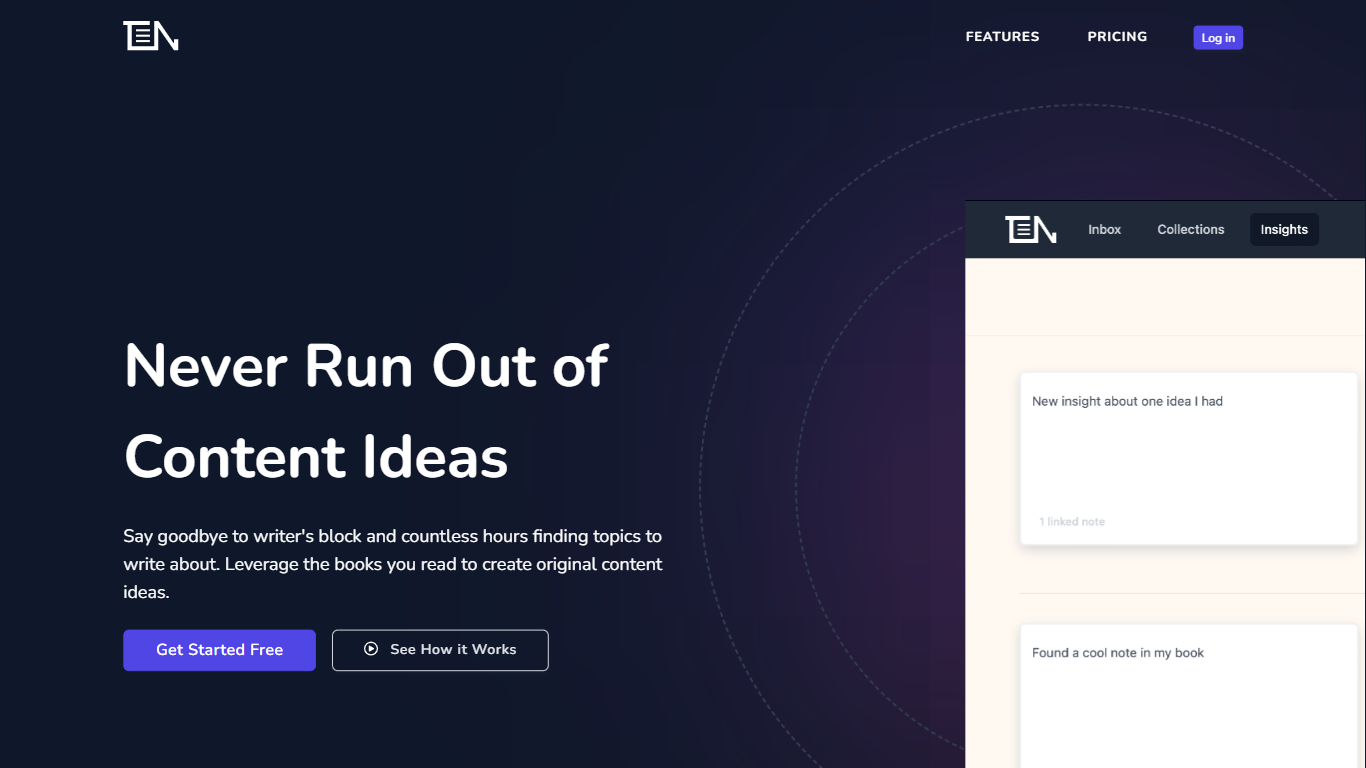
ThinkerNotes helps you capture and organize ideas from books, podcasts, and conversations into a personal knowledge base. It uses AI to link related notes and surface relevant insights when you need them, turning scattered thoughts into connected knowledge. Designed for founders, content creators, and knowledge workers, it acts as a second brain that remembers and connects your ideas over time. You can import highlights from Kindle and organize notes by source, topic, or project for easy retrieval. The platform emphasizes two-way linking between notes, helping you discover patterns and connections that spark original thinking. ThinkerNotes also focuses on preventing idea loss by making your knowledge searchable with semantic AI, not just keyword matching. The tool is accessible via a web interface with secure data handling and offers export options to keep your knowledge yours. It is free to start with no credit card required, making it easy to begin building your personal knowledge system.
Video To Blog

What is Video To Blog?
Video To Blog turns spoken video and audio into publish-ready blog articles. Paste a YouTube link, upload a file, drop in a transcript, record audio, or connect a channel, and the service outputs structured posts with headings, screenshots, smart links, metadata, and calls to action you can send to a website, newsletter, or download as HTML, Markdown, PDF, or Word.
Transcript-to-ChatGPT workflows still leave you stitching screenshots, links, and publishing steps by hand. Video To Blog bundles those production tasks: auto screenshots from the source video, reusable CTA blocks, SEO and GEO formatting, YouTube upload automations, and a built-in Publications feature for hosting a blog plus email newsletter on a custom domain. The homepage cites 500,000+ articles created and a 4.8 average across 500+ reviews on Trustpilot, G2, and Capterra.
YouTube creators, podcasters, agencies, and teams publishing sermons or webinars are the target users. Pricing starts free with one monthly upload, scales to Business at $69 per month (yearly billing) for 50 videos, and every paid tier adds publications, website integrations, and longer runtime limits.
ThinkerNotes Upvotes
Video To Blog Upvotes
ThinkerNotes Top Features
Instantly capture ideas and insights from any source to avoid losing great thoughts 💡
AI-powered discovery links related notes automatically for deeper understanding 🔗
Two-way linking connects ideas to reveal hidden patterns and spark new thinking 🔄
Import Kindle highlights and organize notes by source, topic, or project for easy access 📚
Semantic search surfaces relevant ideas when you need them, not just keyword matches 🔍
Video To Blog Top Features
Imports YouTube links, uploaded video/audio, transcripts, Google Drive files, and channel automations
Auto screenshots pull key visual moments from source videos into each article
Smart links and reusable CTA blocks insert internal and external links automatically
Publications host a blog, email newsletter, and custom domain without extra services
Free plan includes 1 monthly upload for videos up to 30 minutes with no credit card
Pro plan ($39/mo yearly) allows 15 monthly uploads up to 1.5 hours with 3 team members
Exports finished posts as HTML, Markdown, PDF, or Word and publishes to connected websites
ThinkerNotes Category
- Content Creation
Video To Blog Category
- Content Creation
ThinkerNotes Pricing Type
- Freemium
Video To Blog Pricing Type
- Freemium