Thread App vs Blend AI Studio
Dive into the comparison of Thread App vs Blend AI Studio and discover which AI Design tool stands out. We examine alternatives, upvotes, features, reviews, pricing, and beyond.
In a comparison between Thread App and Blend AI Studio, which one comes out on top?
When we compare Thread App and Blend AI Studio, two exceptional design tools powered by artificial intelligence, and place them side by side, several key similarities and differences come to light. Both tools have received the same number of upvotes from aitools.fyi users. You can help us determine the winner by casting your vote and tipping the scales in favor of one of the tools.
Disagree with the result? Upvote your favorite tool and help it win!
Thread App

What is Thread App?
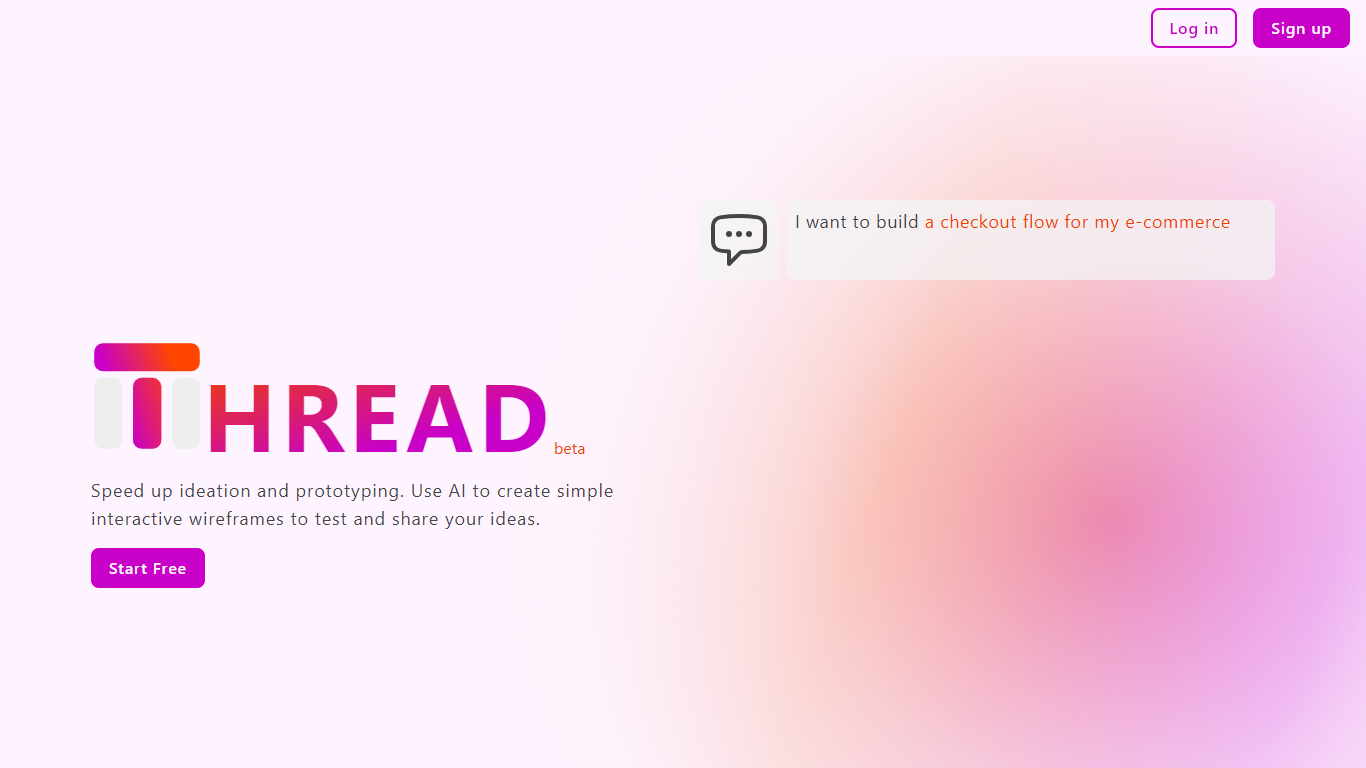
Thread App is a tool designed for designers, developers, and product managers to quickly create simple interactive wireframes for apps. It focuses on testing user experience early by enabling users to build and share wireframes that simulate real interactions, not just static screens. The process is straightforward: describe your app idea, let Thread AI generate wireframes, then customize or edit them as needed. This approach helps teams validate user flows and interactions before investing time in detailed design or coding.
The platform is user-friendly, requiring no design background, making it accessible to non-designers. It supports rapid ideation and prototyping, allowing users to mock up ideas quickly for meetings or feedback sessions. Thread App currently offers a free Starter plan suitable for small projects, with unlimited wireframes and basic support. Pro and Enterprise plans are planned, promising features like simultaneous screen generation, HTML export, role-based access control, and priority support.
Thread App runs as a web-based platform, emphasizing ease of access and collaboration. It encourages early UX testing to ensure apps deliver value through interaction. The tool's simplicity and AI-driven wireframe generation help speed up the design process while keeping it flexible for further refinement. Overall, Thread App aims to bridge the gap between idea and prototype with minimal friction.
Blend AI Studio
What is Blend AI Studio?
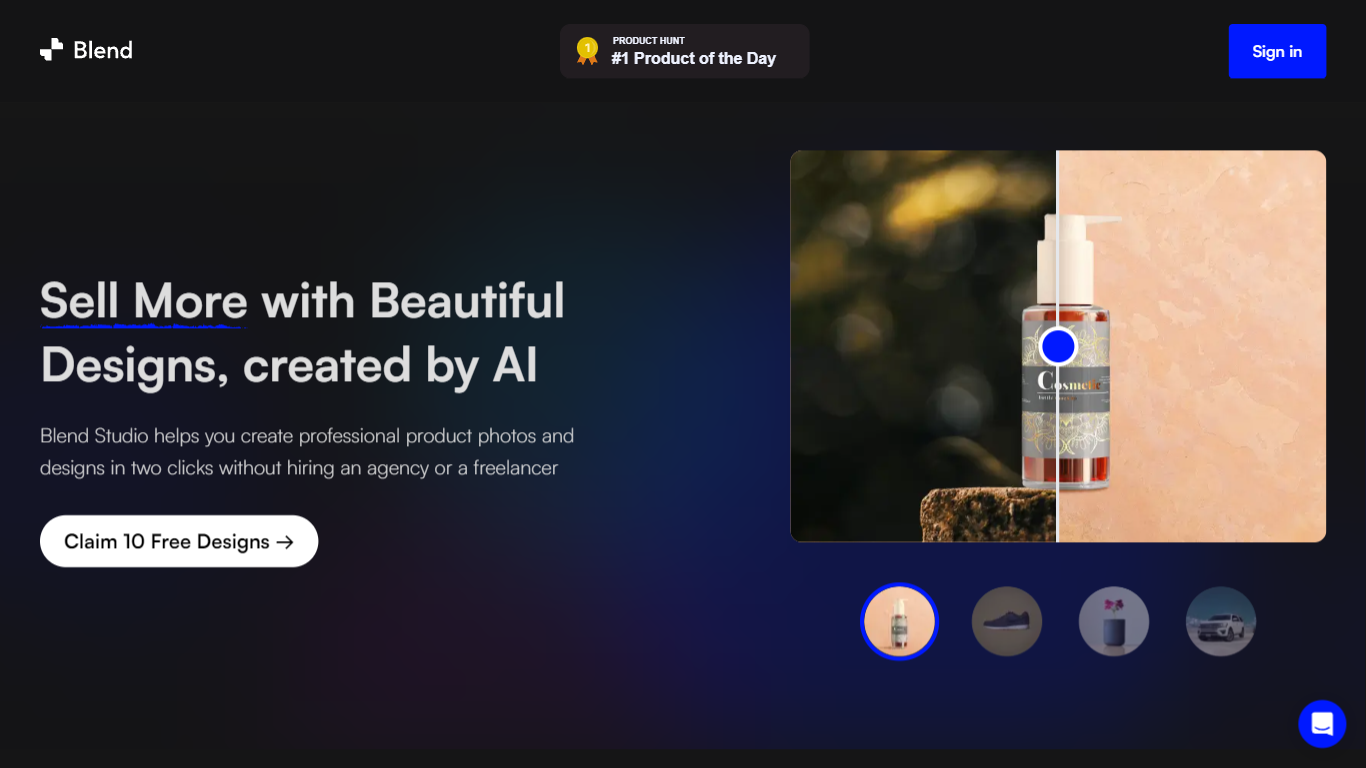
Blend AI Studio is an ecommerce design studio for product photos, model shots, lifestyle scenes, and short product videos without booking a studio or photographer. Upload a product image, pick a workflow like studio shots, ghost mannequin, or virtual try-on, and export listing-ready visuals in minutes.
The platform bundles background removal, AI backgrounds, on-model try-on, logo design, poster creation, and AI video into one web and mobile workflow. Sellers on Amazon, Etsy, Shopify, and DTC storefronts use it to replace scattered editing tools and expensive shoots with batch-friendly production.
Blend is built by BlendIt Studios and positions itself for fashion, beauty, home goods, and high-volume catalog teams that need consistent visuals across thousands of SKUs. The company reports 10M+ images created and 3.5M sellers using the product.
Thread App Upvotes
Blend AI Studio Upvotes
Thread App Top Features
⚡ Fast wireframe creation from simple descriptions to save time
🖱️ Interactive prototypes to test user flows before coding
🎨 Easy customization with manual edits or additional instructions
📂 Unlimited wireframes on the free Starter plan for small projects
🔒 Role-based access and priority support in Enterprise plan
Blend AI Studio Top Features
Turn flat product photos into white-background studio shots in one upload
Show apparel and jewelry on diverse AI models or your own model photo
Place products in lifestyle scenes without location shoots or props
Generate short AI product videos for ads, reels, and marketplace listings
Batch process large catalogs with ghost mannequin, recolor, and background tools
Design logos, posters, and brand kits alongside product photography workflows
Thread App Category
- Design
Blend AI Studio Category
- Design
Thread App Pricing Type
- Freemium
Blend AI Studio Pricing Type
- Freemium