Thread App vs Magic Brush AI
When comparing Thread App vs Magic Brush AI, which AI Design tool shines brighter? We look at pricing, alternatives, upvotes, features, reviews, and more.
Between Thread App and Magic Brush AI, which one is superior?
When we put Thread App and Magic Brush AI side by side, both being AI-powered design tools, Both tools have received the same number of upvotes from aitools.fyi users. You can help us determine the winner by casting your vote and tipping the scales in favor of one of the tools.
Want to flip the script? Upvote your favorite tool and change the game!
Thread App

What is Thread App?
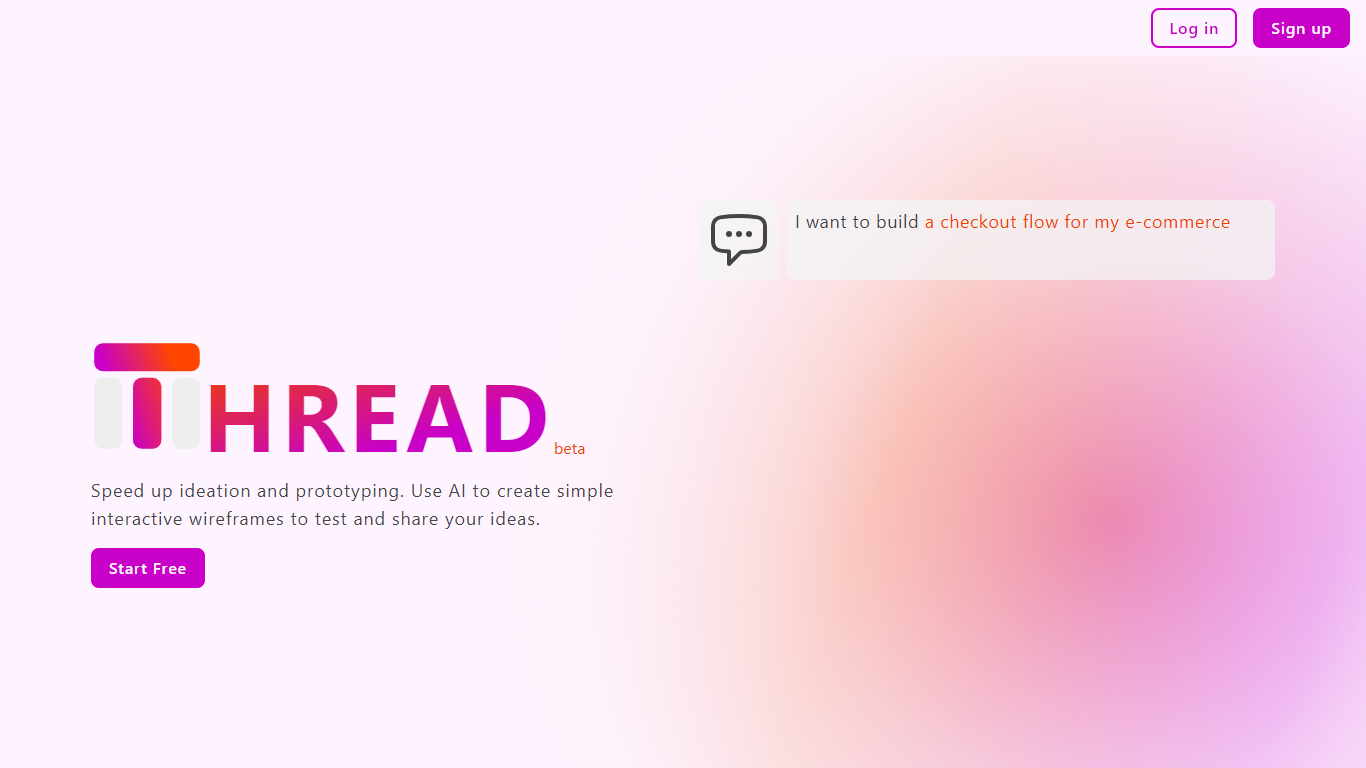
Thread App is a tool designed for designers, developers, and product managers to quickly create simple interactive wireframes for apps. It focuses on testing user experience early by enabling users to build and share wireframes that simulate real interactions, not just static screens. The process is straightforward: describe your app idea, let Thread AI generate wireframes, then customize or edit them as needed. This approach helps teams validate user flows and interactions before investing time in detailed design or coding.
The platform is user-friendly, requiring no design background, making it accessible to non-designers. It supports rapid ideation and prototyping, allowing users to mock up ideas quickly for meetings or feedback sessions. Thread App currently offers a free Starter plan suitable for small projects, with unlimited wireframes and basic support. Pro and Enterprise plans are planned, promising features like simultaneous screen generation, HTML export, role-based access control, and priority support.
Thread App runs as a web-based platform, emphasizing ease of access and collaboration. It encourages early UX testing to ensure apps deliver value through interaction. The tool's simplicity and AI-driven wireframe generation help speed up the design process while keeping it flexible for further refinement. Overall, Thread App aims to bridge the gap between idea and prototype with minimal friction.
Magic Brush AI

What is Magic Brush AI?
Magic Brush AI introduces an innovative AI-powered plugin specifically designed for Figma users who wish to enhance their design process. The Magic Brush AI plugin seamlessly integrates with Figma, allowing designers to generate and edit images directly within the application. If you're looking to speed up your design workflow and leverage artificial intelligence in your projects, Magic Brush AI offers a simple yet powerful solution. With easy installation and a user-friendly interface, Magic Brush expands creative possibilities without ever leaving your favorite design platform. Additionally, the community aspect is emphasized with an invitation to join their Discord, suggesting a focus on user engagement and support. Designed by Elie Toubiana from sunshine-filled Los Angeles, CA, Magic Brush AI is poised to transform how creatives interact with Figma and image editing.
Thread App Upvotes
Magic Brush AI Upvotes
Thread App Top Features
⚡ Fast wireframe creation from simple descriptions to save time
🖱️ Interactive prototypes to test user flows before coding
🎨 Easy customization with manual edits or additional instructions
📂 Unlimited wireframes on the free Starter plan for small projects
🔒 Role-based access and priority support in Enterprise plan
Magic Brush AI Top Features
AI Powered Plugin: A convenient Figma plugin that utilizes AI for image generation and editing.
Seamless Integration: Integrates with Figma for a streamlined design workflow.
Easy Installation: Simple process to install the plugin directly on Figma.
Community Support: Access to a Discord community for networking and support.
Frequent Updates: Continual improvements and feature additions to enhance user experience.
Thread App Category
- Design
Magic Brush AI Category
- Design
Thread App Pricing Type
- Freemium
Magic Brush AI Pricing Type
- Freemium