ThumbnailCreator vs BannerGPT
In the battle of ThumbnailCreator vs BannerGPT, which AI Image Generation tool comes out on top? We compare reviews, pricing, alternatives, upvotes, features, and more.
Between ThumbnailCreator and BannerGPT, which one is superior?
Upon comparing ThumbnailCreator with BannerGPT, which are both AI-powered image generation tools, The users have made their preference clear, ThumbnailCreator leads in upvotes. ThumbnailCreator has 100 upvotes, and BannerGPT has 6 upvotes.
Want to flip the script? Upvote your favorite tool and change the game!
ThumbnailCreator


What is ThumbnailCreator?
ThumbnailCreator turns a YouTube video link or text prompt into click-ready thumbnail images in about 30 seconds. Paste a URL and the tool reads the transcript, scans key frames, and returns multiple layout concepts tuned to your video topic. YouTube creators use it when they need fresh cover art without opening Photoshop or hiring a designer for every upload.
Unlike template editors like Canva, ThumbnailCreator starts from your actual video content rather than blank canvases. It also bundles face swap, expression morphing, and an AI Viral Clips workflow that cuts long uploads into Shorts and Reels hooks, features most general design tools do not ship in one subscription.
Solo creators posting one or two videos a week can stay on the Starter plan at $17 per month, while agencies managing multiple channels move to Teams for batch variations and API access. The site lists 15,000+ active creators and a 7-day trial with 10 free credits, no credit card required on signup.
BannerGPT
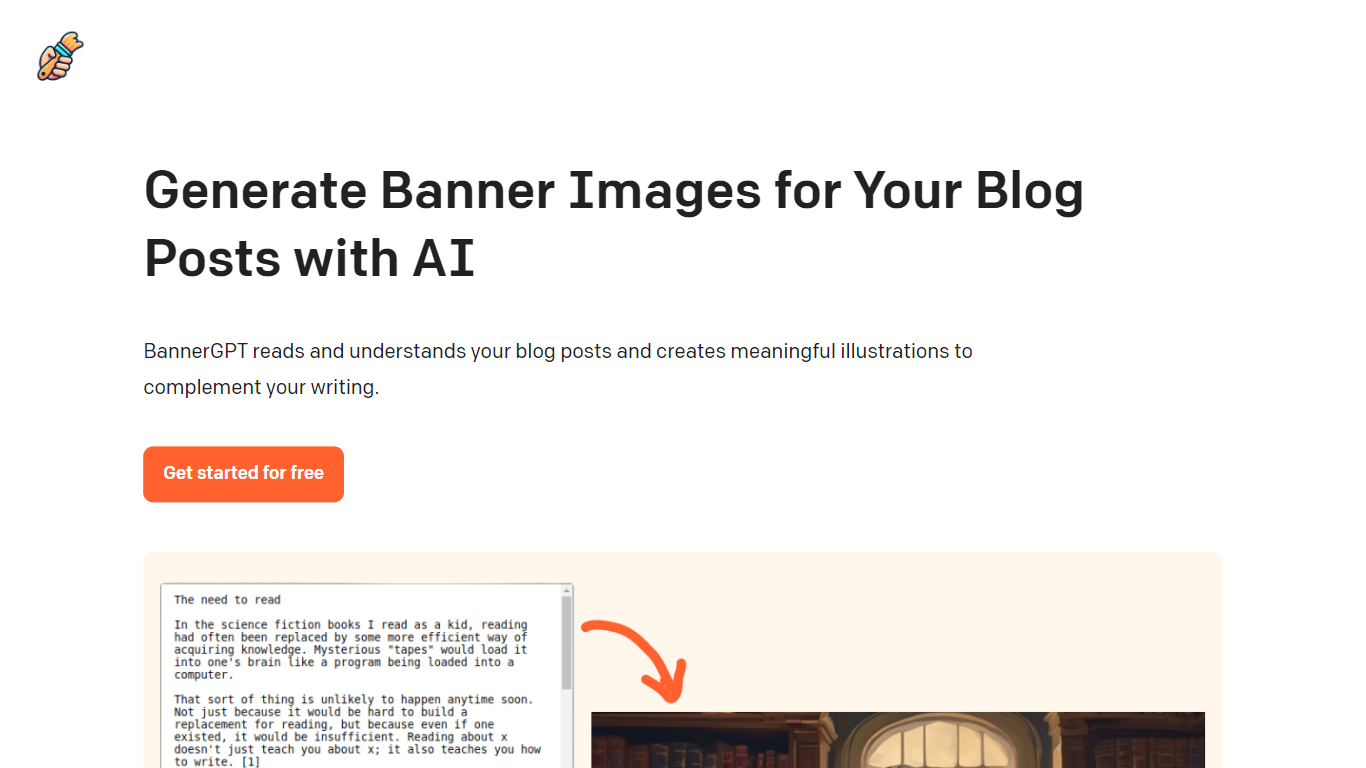
What is BannerGPT?
BannerGPT is an innovative tool designed to enhance the visual appeal of your blog posts. It employs advanced artificial intelligence to read and comprehend the content of your blog posts.
Based on its understanding, it generates relevant and meaningful illustrations that perfectly complement the essence of your writing. This not only adds a visual dimension to your content but also makes it more engaging for your readers.
The platform offers a user-friendly interface, allowing bloggers and content creators to seamlessly integrate AI-generated images into their posts. The best part? You can start using BannerGPT for free and elevate the aesthetics of your blog in no time.
ThumbnailCreator Upvotes
BannerGPT Upvotes
ThumbnailCreator Top Features
Paste a YouTube URL and get multiple thumbnail concepts in about 30 seconds
1 credit equals 1 AI thumbnail; Lite plan starts at $8 per month after a 7-day trial
Creator plan at $33 per month includes Advanced Face Training and person swap
Auto-Optimize and variation generator on Starter ($17/mo) and higher tiers
Export at YouTube-optimized resolution or upload directly to your channel
AI Viral Clips finds hook moments in long videos for Shorts, TikTok, and Reels
BannerGPT Top Features
AI-Powered Image Generation: Harness the power of artificial intelligence to create captivating visuals.
Contextual Understanding of Blog Content: Deeply analyze and comprehend blog narratives for relevant image suggestions.
User-Friendly Interface: Navigate and utilize the platform with ease, regardless of tech expertise.
Seamless Integration with Blogging Platforms: Effortlessly embed AI-generated images into your favorite blogging sites.
Free Access for Basic Usage: Dive into the world of AI-enhanced visuals without any initial cost.
ThumbnailCreator Category
- Image Generation
BannerGPT Category
- Image Generation
ThumbnailCreator Pricing Type
- Freemium
BannerGPT Pricing Type
- Freemium