ThumbnailCreator vs Dreamwave AI Headshots
In the clash of ThumbnailCreator vs Dreamwave AI Headshots, which AI Image Generation tool emerges victorious? We assess reviews, pricing, alternatives, features, upvotes, and more.
When we put ThumbnailCreator and Dreamwave AI Headshots head to head, which one emerges as the victor?
Let's take a closer look at ThumbnailCreator and Dreamwave AI Headshots, both of which are AI-driven image generation tools, and see what sets them apart. ThumbnailCreator is the clear winner in terms of upvotes. The upvote count for ThumbnailCreator is 101, and for Dreamwave AI Headshots it's 9.
Don't agree with the result? Cast your vote and be a part of the decision-making process!
ThumbnailCreator
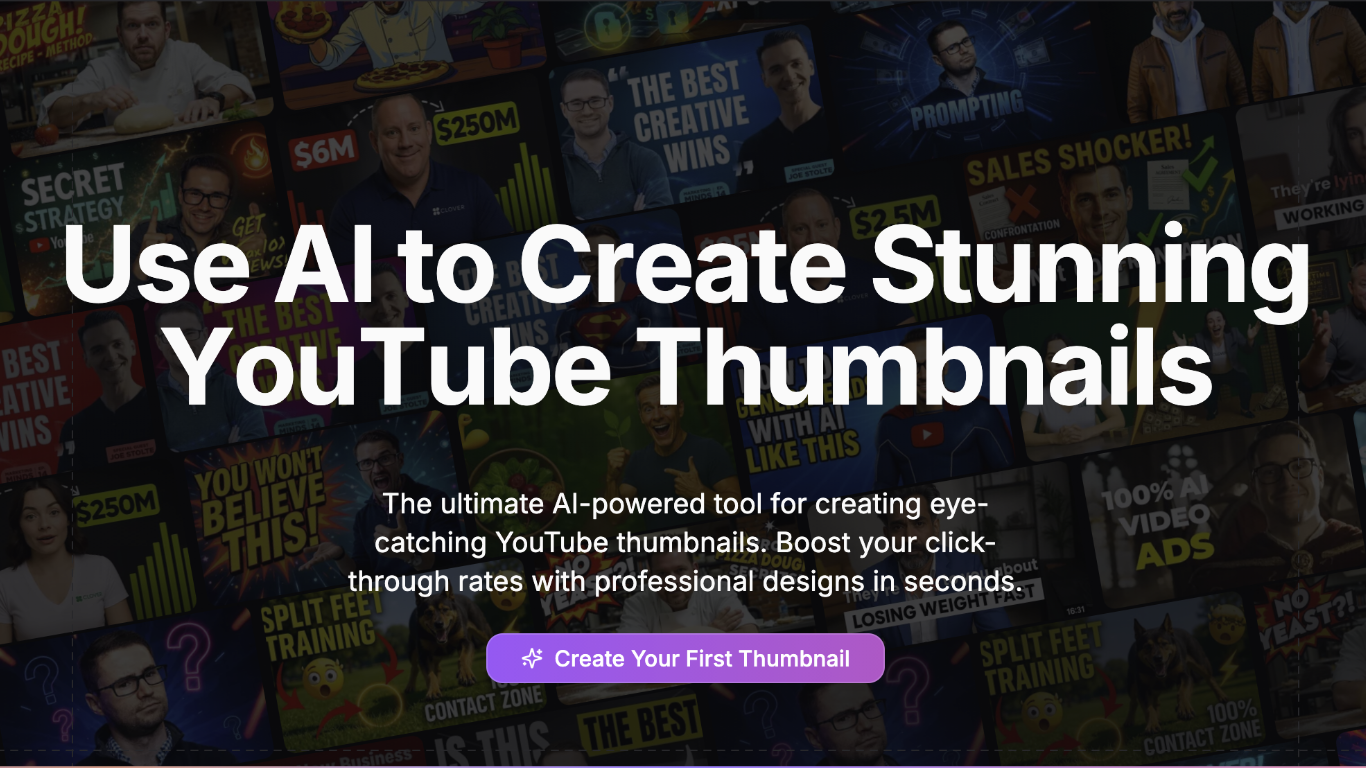

What is ThumbnailCreator?
ThumbnailCreator turns a YouTube video link or text prompt into click-ready thumbnail images in about 30 seconds. Paste a URL and the tool reads the transcript, scans key frames, and returns multiple layout concepts tuned to your video topic. YouTube creators use it when they need fresh cover art without opening Photoshop or hiring a designer for every upload.
Unlike template editors like Canva, ThumbnailCreator starts from your actual video content rather than blank canvases. It also bundles face swap, expression morphing, and an AI Viral Clips workflow that cuts long uploads into Shorts and Reels hooks, features most general design tools do not ship in one subscription.
Solo creators posting one or two videos a week can stay on the Starter plan at $17 per month, while agencies managing multiple channels move to Teams for batch variations and API access. The site lists 15,000+ active creators and a 7-day trial with 10 free credits, no credit card required on signup.
Dreamwave AI Headshots
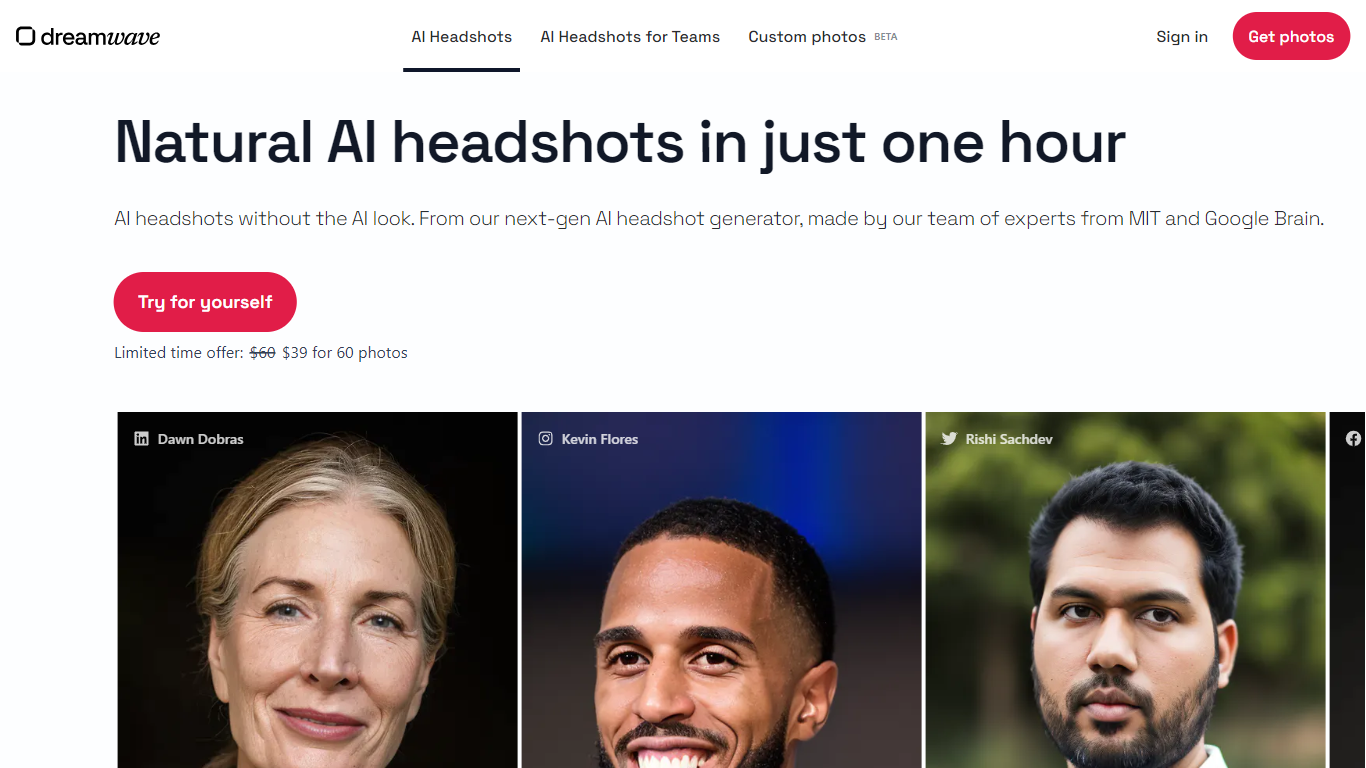
What is Dreamwave AI Headshots?
Dreamwave AI Headshots generates professional headshot images from a single selfie upload. Upload one clear photo where you like how you look, and the service builds a custom face model before delivering dozens of headshots in about two hours. Styles cover business casual, business formal, smart casual, and real estate looks.
Most AI headshot apps churn out glossy faces that barely resemble you. Dreamwave markets itself on likeness and resolution, with before-and-after examples from customers who received 120 photos per order. Post-shoot editing lets you swap outfits with a text prompt, replace backgrounds, and touch up details without opening Photoshop.
Fortune 500 teams, healthcare companies, and solo professionals use it for LinkedIn profiles and company directories. The San Francisco team cites engineers from OpenAI, DeepMind, MIT, Meta, and SpaceX, and the site reports 25 million headshots delivered with a paid-only model and no free tier.
ThumbnailCreator Upvotes
Dreamwave AI Headshots Upvotes
ThumbnailCreator Top Features
Paste a YouTube URL and get multiple thumbnail concepts in about 30 seconds
1 credit equals 1 AI thumbnail; Lite plan starts at $8 per month after a 7-day trial
Creator plan at $33 per month includes Advanced Face Training and person swap
Auto-Optimize and variation generator on Starter ($17/mo) and higher tiers
Export at YouTube-optimized resolution or upload directly to your channel
AI Viral Clips finds hook moments in long videos for Shorts, TikTok, and Reels
Dreamwave AI Headshots Top Features
Upload 1 clear selfie to start an AI headshot gallery
Turnaround advertised as about two hours from upload to gallery
Customers report receiving around 120 headshots per order
Post-shoot outfit swaps via text prompts and background replacement
Site reports 25 million headshots delivered to date
Rated 4.96 out of 5 across 2,000-plus verified reviews
Data deleted by default within 30 days of no use
ThumbnailCreator Category
- Image Generation
Dreamwave AI Headshots Category
- Image Generation
ThumbnailCreator Pricing Type
- Freemium
Dreamwave AI Headshots Pricing Type
- Paid