ThumbnailCreator vs Haiku Lens
In the face-off between ThumbnailCreator vs Haiku Lens, which AI Image Generation tool takes the crown? We scrutinize features, alternatives, upvotes, reviews, pricing, and more.
In a face-off between ThumbnailCreator and Haiku Lens, which one takes the crown?
If we were to analyze ThumbnailCreator and Haiku Lens, both of which are AI-powered image generation tools, what would we find? ThumbnailCreator stands out as the clear frontrunner in terms of upvotes. ThumbnailCreator has received 100 upvotes from aitools.fyi users, while Haiku Lens has received 6 upvotes.
You don't agree with the result? Cast your vote to help us decide!
ThumbnailCreator


What is ThumbnailCreator?
ThumbnailCreator turns a YouTube video link or text prompt into click-ready thumbnail images in about 30 seconds. Paste a URL and the tool reads the transcript, scans key frames, and returns multiple layout concepts tuned to your video topic. YouTube creators use it when they need fresh cover art without opening Photoshop or hiring a designer for every upload.
Unlike template editors like Canva, ThumbnailCreator starts from your actual video content rather than blank canvases. It also bundles face swap, expression morphing, and an AI Viral Clips workflow that cuts long uploads into Shorts and Reels hooks, features most general design tools do not ship in one subscription.
Solo creators posting one or two videos a week can stay on the Starter plan at $17 per month, while agencies managing multiple channels move to Teams for batch variations and API access. The site lists 15,000+ active creators and a 7-day trial with 10 free credits, no credit card required on signup.
Haiku Lens
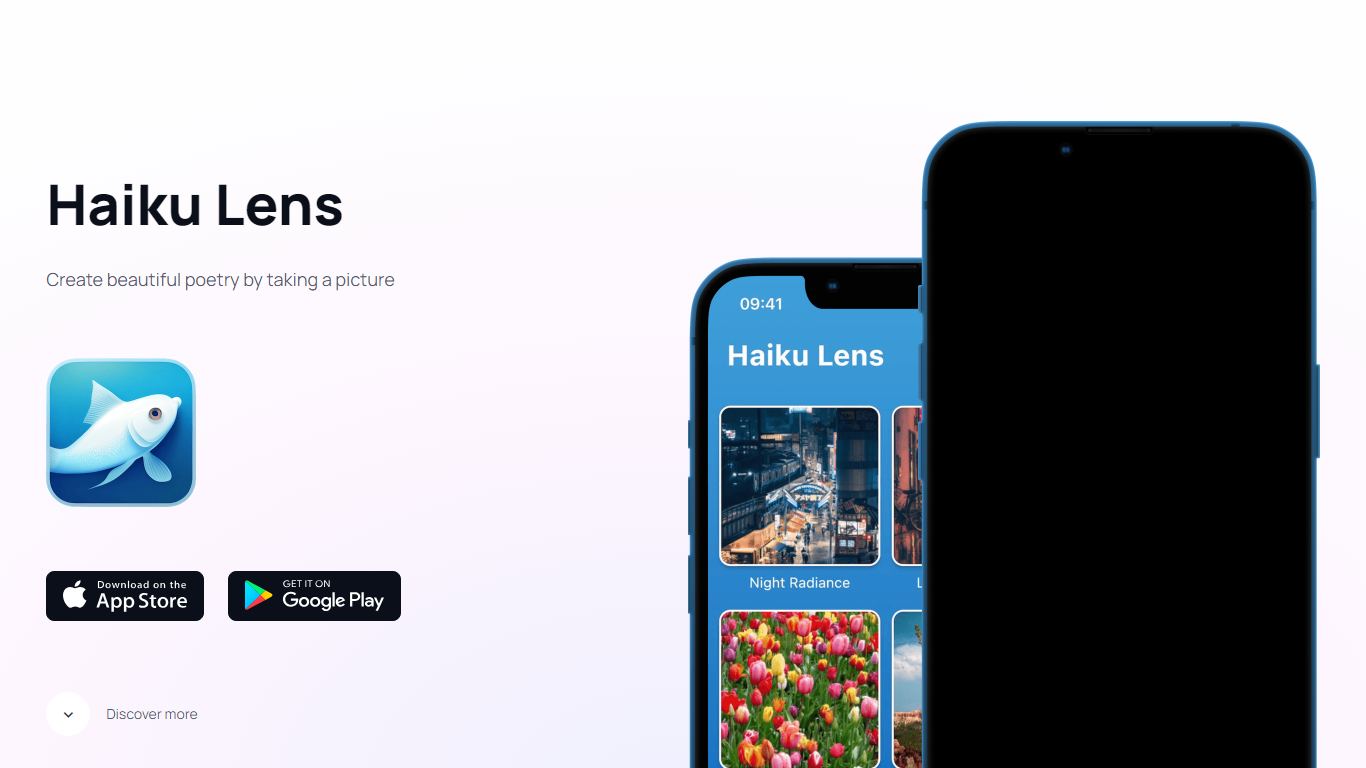
What is Haiku Lens?
Snap a photo with Haiku Lens and you get a three-line haiku in 5-7-5 syllable form, written from the colors, textures, and shapes it sees in the frame. The app pairs that poem with your image, then can turn the result into an animated, voiced video clip. It is built for turning camera roll moments into short poetry, not filters or generic captions.
Most photo-to-text tools aim for social captions or alt text. Haiku Lens locks the output to a fixed poetic form, then layers animated video and spoken narration on top. That narrow focus trades flexibility for a shareable clip built around one disciplined format.
The app targets people who want a mindful, creative take on camera roll moments. Nature walks, family snapshots, and routine street scenes all work. You need a phone, an internet connection for new haikus, and either iOS or Android.
Free download covers your first few haikus before credit packs kick in. Past creations stay on your device and can be replayed offline, which matters if you treat the app as a personal journal rather than a one-off novelty.
ThumbnailCreator Upvotes
Haiku Lens Upvotes
ThumbnailCreator Top Features
Paste a YouTube URL and get multiple thumbnail concepts in about 30 seconds
1 credit equals 1 AI thumbnail; Lite plan starts at $8 per month after a 7-day trial
Creator plan at $33 per month includes Advanced Face Training and person swap
Auto-Optimize and variation generator on Starter ($17/mo) and higher tiers
Export at YouTube-optimized resolution or upload directly to your channel
AI Viral Clips finds hook moments in long videos for Shorts, TikTok, and Reels
Haiku Lens Top Features
Writes 5-7-5 syllable haikus from photo colors, textures, and shapes
Animated haiku video pairs your photo with the generated poem
Voiced haiku reads your poem aloud inside the app
Free on App Store and Google Play with a limited number of free generations
Credit packages sold as in-app purchases after the initial free allowance
Shareable video exports include photo, poem text, and spoken audio
ThumbnailCreator Category
- Image Generation
Haiku Lens Category
- Image Generation
ThumbnailCreator Pricing Type
- Freemium
Haiku Lens Pricing Type
- Freemium