ThumbnailCreator vs Imgtopia
In the contest of ThumbnailCreator vs Imgtopia, which AI Image Generation tool is the champion? We evaluate pricing, alternatives, upvotes, features, reviews, and more.
If you had to choose between ThumbnailCreator and Imgtopia, which one would you go for?
When we examine ThumbnailCreator and Imgtopia, both of which are AI-enabled image generation tools, what unique characteristics do we discover? ThumbnailCreator is the clear winner in terms of upvotes. ThumbnailCreator has garnered 100 upvotes, and Imgtopia has garnered 6 upvotes.
Does the result make you go "hmm"? Cast your vote and turn that frown upside down!
ThumbnailCreator


What is ThumbnailCreator?
ThumbnailCreator is an AI-powered tool designed to help YouTube creators generate professional, eye-catching thumbnails quickly and easily. It targets content creators who want to boost their video click-through rates without spending hours on design. Users can describe their thumbnail vision in plain English or paste a video link, and the AI generates multiple thumbnail options optimized for their content and audience. The tool supports face-aware generation, style cloning, and instant variations, allowing creators to replicate any thumbnail style or put their face into thumbnails for a personalized touch.
The platform offers an intuitive workflow where users input their ideas, receive AI-generated thumbnails within seconds, and then customize them using a built-in editor. This editor supports natural language commands, text additions, face swaps, and regenerations of specific elements, enabling fine-tuning until the thumbnail is perfect. Exporting is straightforward, with YouTube-optimized resolution downloads or direct uploads to channels.
ThumbnailCreator stands out by combining AI models like OpenAI and Google Imagen to match various styles and by training on millions of successful thumbnails to maximize click-through rates. It also provides analysis and insights, including expert feedback and viral title generation, helping creators understand what works best. Organizational features keep thumbnails accessible and manageable.
The tool is suitable for a wide range of creators, from gamers and educators to lifestyle vloggers, offering tailored thumbnail designs that connect emotionally or highlight key video moments. Its ease of use requires no design skills, making it accessible to beginners and professionals alike.
Overall, ThumbnailCreator streamlines thumbnail creation with AI, saving time and improving video performance through data-driven design and customization options.
Imgtopia
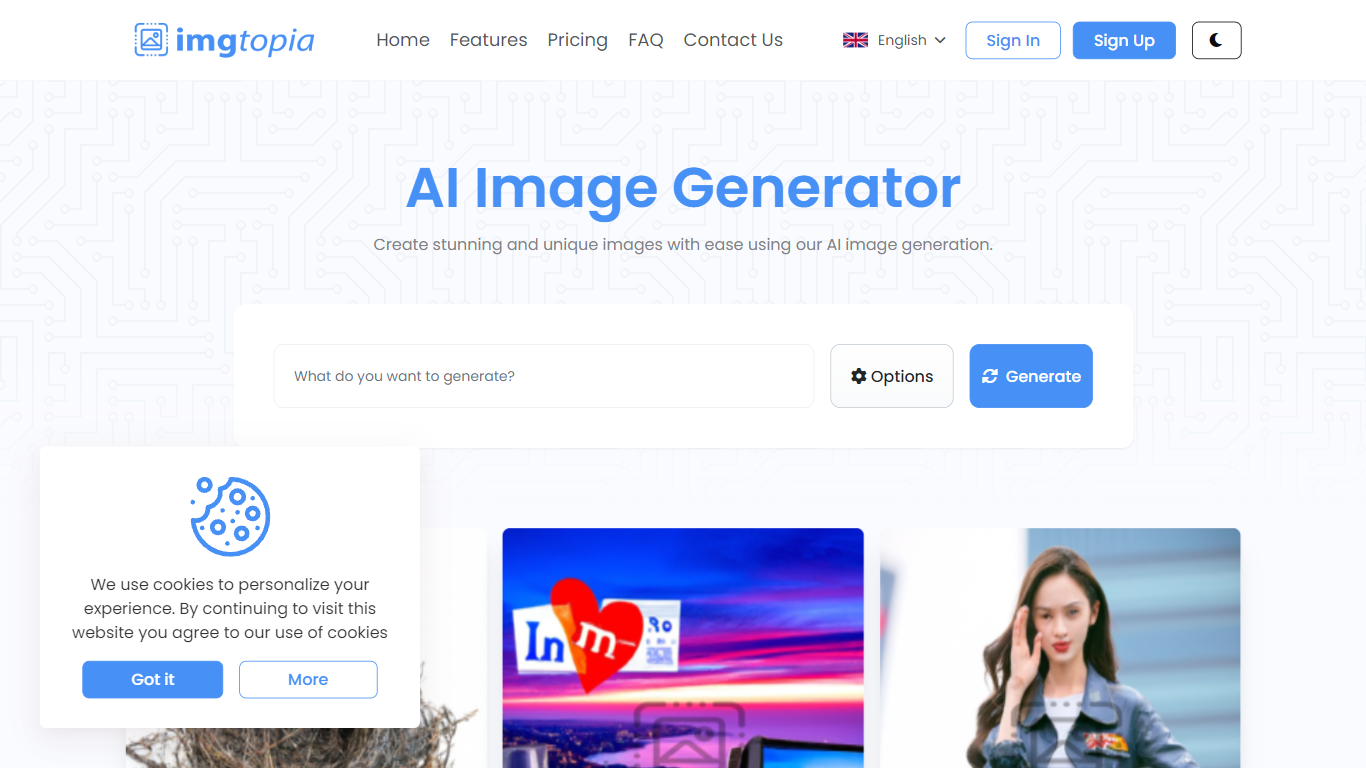
What is Imgtopia?
Imgtopia is an AI-powered image generation tool designed for simplicity and creativity. With the advent of artificial intelligence in the realm of design, Imgtopia offers a seamless and efficient solution for creating visually stunning and unique images without the need for complex graphical editing skills. Using AI algorithms, the platform enables users to effortlessly produce custom images tailored to their individual requirements or project themes. The interface is user-friendly, making it accessible to both professionals and hobbyists alike. In addition to its core image generation capabilities, Imgtopia presumably provides a range of options, allowing users to customize aspects such as image size. Whether you're looking to spruce up your digital content, design eye-catching marketing materials, or simply explore the potential of AI in visual creation, Imgtopia is positioned as a reliable and innovative choice.
ThumbnailCreator Upvotes
Imgtopia Upvotes
ThumbnailCreator Top Features
🎨 AI generates multiple thumbnail options fast to choose from
👤 Face-aware generation lets you add or swap faces easily
🔄 Style cloning replicates any thumbnail style instantly
✍️ Natural language editor for easy text and element changes
📊 Get expert feedback and viral title suggestions to improve thumbnails
Imgtopia Top Features
Ease of Use: User-friendly platform for effortless image creation.
AI-Powered: Advanced AI algorithms to generate unique images.
Customization: Option to select image size and other preferences.
Accessibility: Available in multiple languages for broader user access.
Online Platform: No need to download software create directly through the website.
ThumbnailCreator Category
- Image Generation
Imgtopia Category
- Image Generation
ThumbnailCreator Pricing Type
- Freemium
Imgtopia Pricing Type
- Freemium