ThumbnailCreator vs Lookr
Explore the showdown between ThumbnailCreator vs Lookr and find out which AI Image Generation tool wins. We analyze upvotes, features, reviews, pricing, alternatives, and more.
In a face-off between ThumbnailCreator and Lookr, which one takes the crown?
When we contrast ThumbnailCreator with Lookr, both of which are exceptional AI-operated image generation tools, and place them side by side, we can spot several crucial similarities and divergences. The users have made their preference clear, ThumbnailCreator leads in upvotes. ThumbnailCreator has garnered 100 upvotes, and Lookr has garnered 6 upvotes.
You don't agree with the result? Cast your vote to help us decide!
ThumbnailCreator


What is ThumbnailCreator?
ThumbnailCreator is an AI-powered tool designed to help YouTube creators generate professional, eye-catching thumbnails quickly and easily. It targets content creators who want to boost their video click-through rates without spending hours on design. Users can describe their thumbnail vision in plain English or paste a video link, and the AI generates multiple thumbnail options optimized for their content and audience. The tool supports face-aware generation, style cloning, and instant variations, allowing creators to replicate any thumbnail style or put their face into thumbnails for a personalized touch.
The platform offers an intuitive workflow where users input their ideas, receive AI-generated thumbnails within seconds, and then customize them using a built-in editor. This editor supports natural language commands, text additions, face swaps, and regenerations of specific elements, enabling fine-tuning until the thumbnail is perfect. Exporting is straightforward, with YouTube-optimized resolution downloads or direct uploads to channels.
ThumbnailCreator stands out by combining AI models like OpenAI and Google Imagen to match various styles and by training on millions of successful thumbnails to maximize click-through rates. It also provides analysis and insights, including expert feedback and viral title generation, helping creators understand what works best. Organizational features keep thumbnails accessible and manageable.
The tool is suitable for a wide range of creators, from gamers and educators to lifestyle vloggers, offering tailored thumbnail designs that connect emotionally or highlight key video moments. Its ease of use requires no design skills, making it accessible to beginners and professionals alike.
Overall, ThumbnailCreator streamlines thumbnail creation with AI, saving time and improving video performance through data-driven design and customization options.
Lookr
What is Lookr?
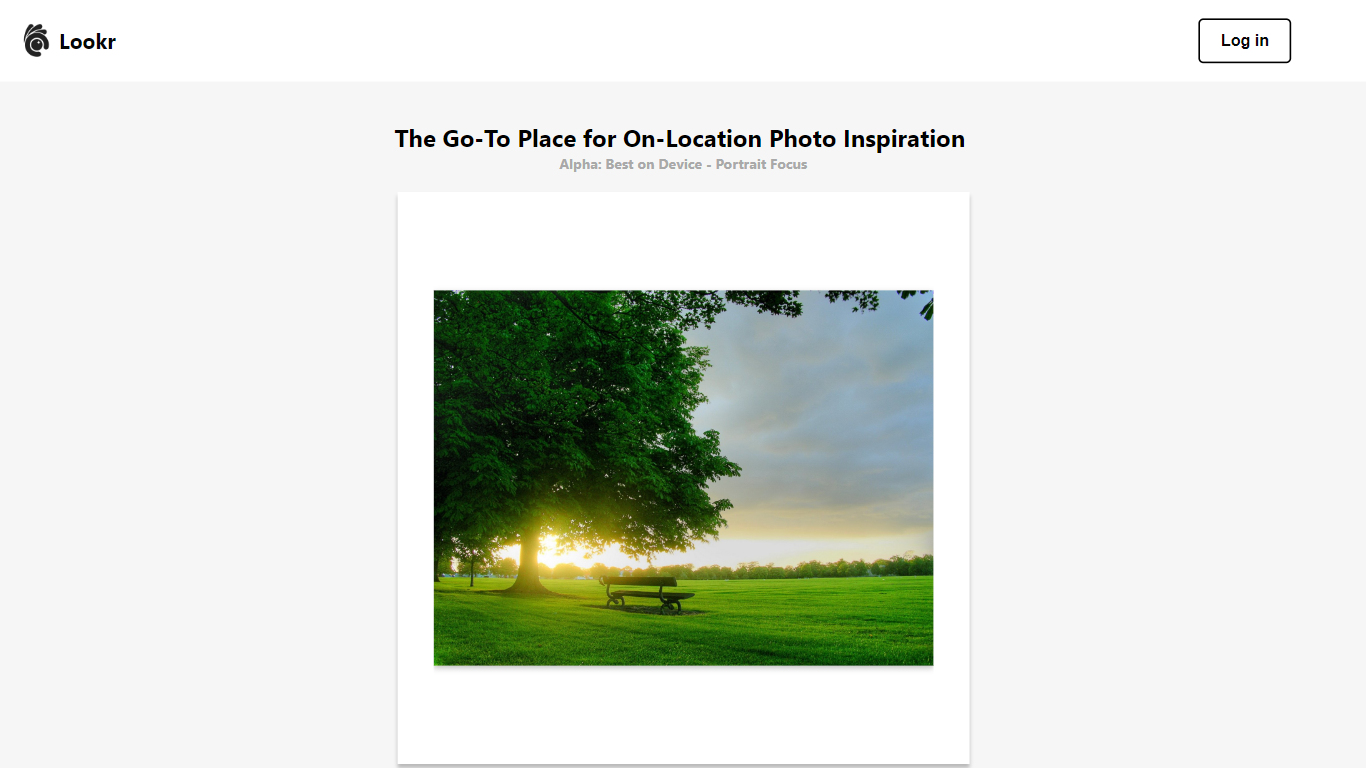
Lookr is presented as the go-to platform for individuals seeking on-location photo inspiration with an emphasis on device compatibility, particularly for portrait-focused devices. Users are encouraged to log in to get started and explore the platform.
A unique feature of Lookr is its integration of generative AI, which suggests that the platform might utilize artificial intelligence to generate or recommend photo inspirations. The website also mentions a "Spark Collection" and highlights the importance of community contributions with a section titled "SparkHub," which has received a few contributions. Additionally, there are options to follow and meet the Lookr team, emphasizing community engagement and interaction.
ThumbnailCreator Upvotes
Lookr Upvotes
ThumbnailCreator Top Features
🎨 AI generates multiple thumbnail options fast to choose from
👤 Face-aware generation lets you add or swap faces easily
🔄 Style cloning replicates any thumbnail style instantly
✍️ Natural language editor for easy text and element changes
📊 Get expert feedback and viral title suggestions to improve thumbnails
Lookr Top Features
On-Location Photo Inspiration: Lookr serves as a dedicated platform for users to find and share on-location photo inspirations, allowing photographers and enthusiasts to discover new perspectives and ideas for their shoots.
Generative AI Integration: The platform integrates advanced generative AI technology. This suggests that Lookr can automatically generate or recommend photo inspirations, potentially tailoring suggestions based on user preferences or trending photography styles.
Community-Driven SparkHub: Lookr emphasizes community contributions through its SparkHub feature. Users can contribute to this hub, and the platform showcases the number of contributions, fostering a sense of community and collaborative spirit among its members.
ThumbnailCreator Category
- Image Generation
Lookr Category
- Image Generation
ThumbnailCreator Pricing Type
- Freemium
Lookr Pricing Type
- Freemium