ThumbnailCreator vs Magestic
Compare ThumbnailCreator vs Magestic and see which AI Image Generation tool is better when we compare features, reviews, pricing, alternatives, upvotes, etc.
Which one is better? ThumbnailCreator or Magestic?
When we compare ThumbnailCreator with Magestic, which are both AI-powered image generation tools, ThumbnailCreator is the clear winner in terms of upvotes. ThumbnailCreator has 100 upvotes, and Magestic has 10 upvotes.
Feeling rebellious? Cast your vote and shake things up!
ThumbnailCreator


What is ThumbnailCreator?
ThumbnailCreator turns a YouTube video link or text prompt into click-ready thumbnail images in about 30 seconds. Paste a URL and the tool reads the transcript, scans key frames, and returns multiple layout concepts tuned to your video topic. YouTube creators use it when they need fresh cover art without opening Photoshop or hiring a designer for every upload.
Unlike template editors like Canva, ThumbnailCreator starts from your actual video content rather than blank canvases. It also bundles face swap, expression morphing, and an AI Viral Clips workflow that cuts long uploads into Shorts and Reels hooks, features most general design tools do not ship in one subscription.
Solo creators posting one or two videos a week can stay on the Starter plan at $17 per month, while agencies managing multiple channels move to Teams for batch variations and API access. The site lists 15,000+ active creators and a 7-day trial with 10 free credits, no credit card required on signup.
Magestic
What is Magestic?
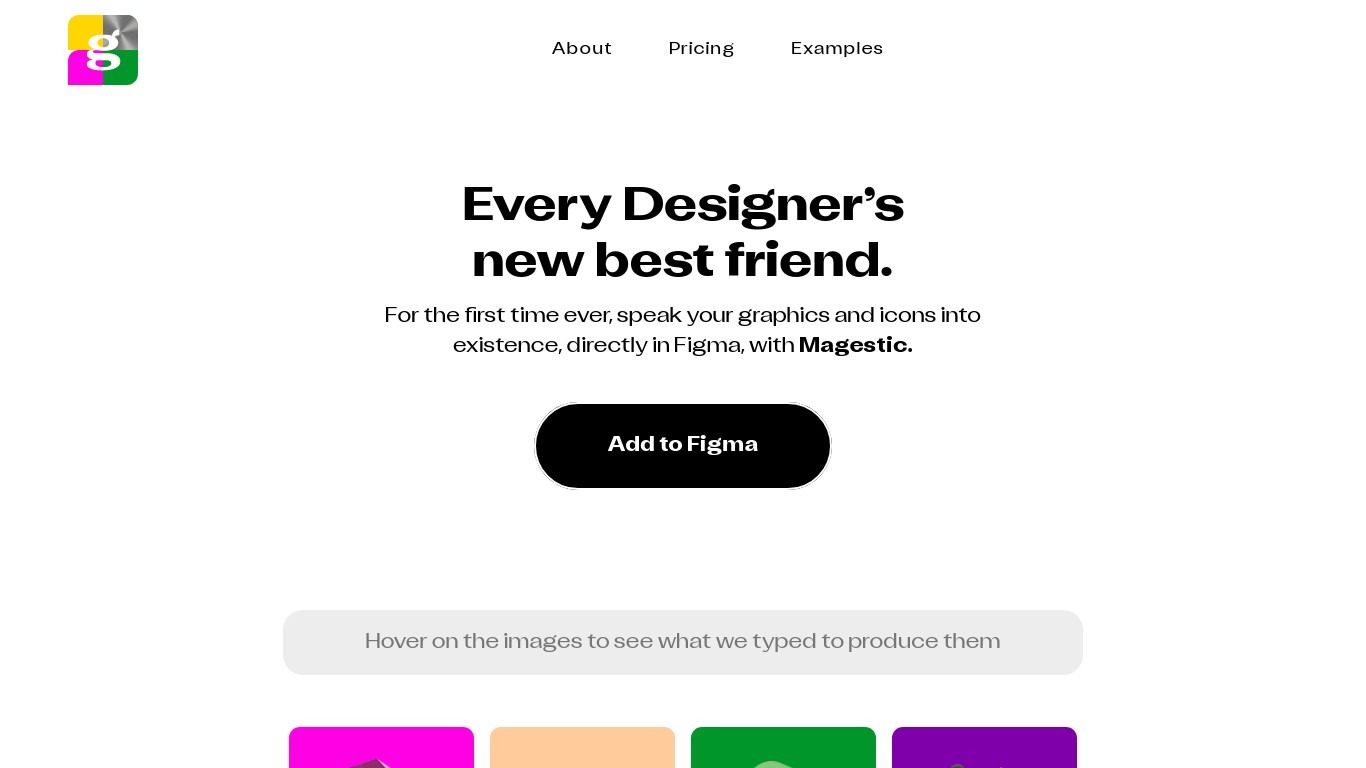
Magestic turns text prompts into 3D-style icons and graphics inside Figma. Designers describe what they want in plain language and get visual assets they can drop straight into their workflow.
Most text-to-image tools live outside your design file. Magestic keeps generation in Figma and pairs the product with a newsletter that ships weekly icon sets, including the exact prompts used to create each one. That combo targets designers who want assets in-file, not in a separate export step.
The newsletter covers AI tools, plugins, and design innovators for a community of over 18,000 readers. Homepage examples let you hover over generated icons to see the prompt behind each image.
Fable Collab Co operates Magestic under Imagine Cap LLC. Armaan Kalsi, Brihu Sundararaman, and Ryan Myher co-founded it and also built Lore.
ThumbnailCreator Upvotes
Magestic Upvotes
ThumbnailCreator Top Features
Paste a YouTube URL and get multiple thumbnail concepts in about 30 seconds
1 credit equals 1 AI thumbnail; Lite plan starts at $8 per month after a 7-day trial
Creator plan at $33 per month includes Advanced Face Training and person swap
Auto-Optimize and variation generator on Starter ($17/mo) and higher tiers
Export at YouTube-optimized resolution or upload directly to your channel
AI Viral Clips finds hook moments in long videos for Shorts, TikTok, and Reels
Magestic Top Features
Turn text descriptions into 3D-style icons and graphics inside Figma
Browse weekly curated icon sets with the exact prompts used to create each one
Get newsletter coverage of new AI design tools, plugins, and free partner offerings
Read spotlights on designers and builders shaping the AI design space
Hover homepage examples to see the prompts behind each generated asset
ThumbnailCreator Category
- Image Generation
Magestic Category
- Image Generation
ThumbnailCreator Pricing Type
- Freemium
Magestic Pricing Type
- Paid