ThumbnailCreator vs Mokker Instant
In the face-off between ThumbnailCreator vs Mokker Instant, which AI Image Generation tool takes the crown? We scrutinize features, alternatives, upvotes, reviews, pricing, and more.
When we put ThumbnailCreator and Mokker Instant head to head, which one emerges as the victor?
If we were to analyze ThumbnailCreator and Mokker Instant, both of which are AI-powered image generation tools, what would we find? The users have made their preference clear, ThumbnailCreator leads in upvotes. The upvote count for ThumbnailCreator is 100, and for Mokker Instant it's 6.
Disagree with the result? Upvote your favorite tool and help it win!
ThumbnailCreator


What is ThumbnailCreator?
ThumbnailCreator turns a YouTube video link or text prompt into click-ready thumbnail images in about 30 seconds. Paste a URL and the tool reads the transcript, scans key frames, and returns multiple layout concepts tuned to your video topic. YouTube creators use it when they need fresh cover art without opening Photoshop or hiring a designer for every upload.
Unlike template editors like Canva, ThumbnailCreator starts from your actual video content rather than blank canvases. It also bundles face swap, expression morphing, and an AI Viral Clips workflow that cuts long uploads into Shorts and Reels hooks, features most general design tools do not ship in one subscription.
Solo creators posting one or two videos a week can stay on the Starter plan at $17 per month, while agencies managing multiple channels move to Teams for batch variations and API access. The site lists 15,000+ active creators and a 7-day trial with 10 free credits, no credit card required on signup.
Mokker Instant
What is Mokker Instant?
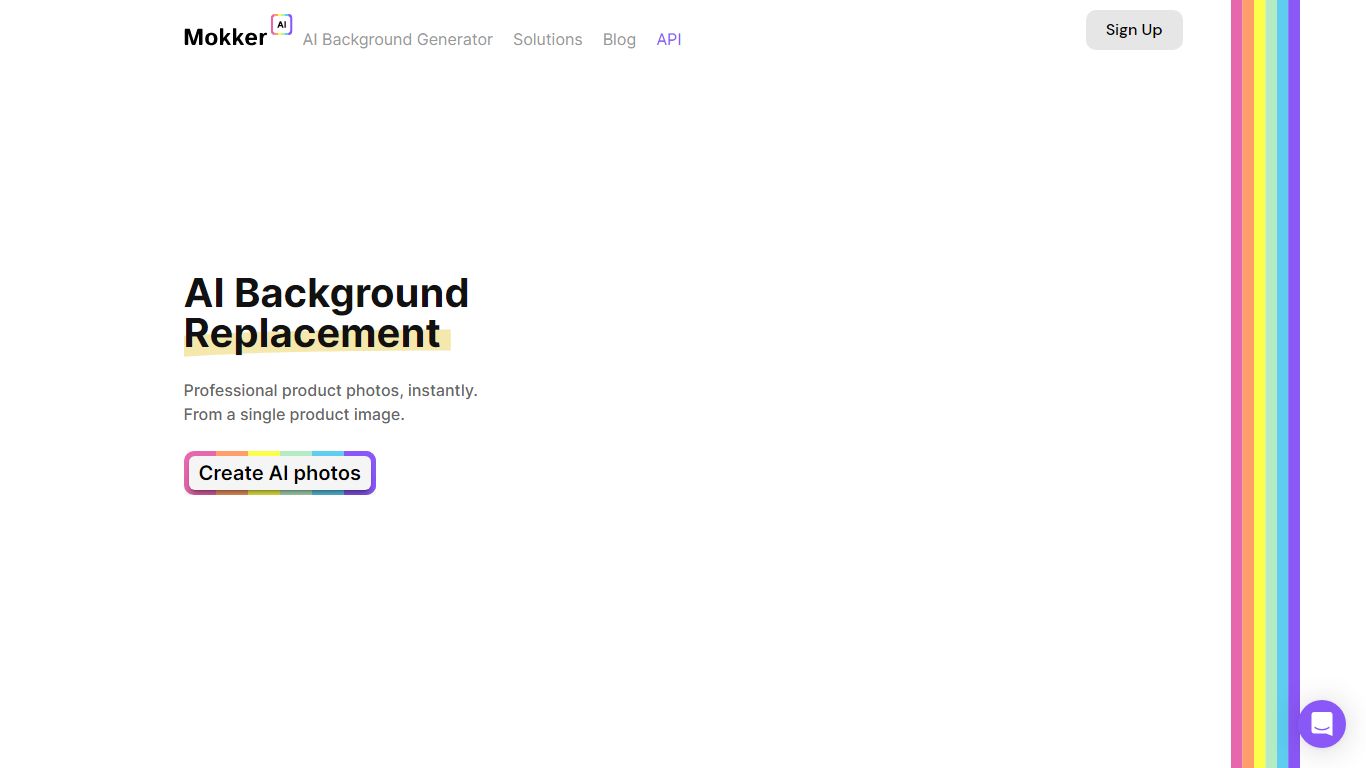
Upload one product photo and Mokker Instant generates studio-style shots with new AI backgrounds, no manual masking required. The workflow is upload, pick from 100+ templates, and export catalog-ready images in seconds from app.mokker.ai.
Traditional product shoots mean booking a set for every SKU variant. Mokker Instant removes the background automatically, then composites your item into lifestyle or studio scenes so you can batch out furniture, cosmetics, jewelry, or electronics listings from a single capture. A developer API endpoint for background replacement is listed as coming soon with free integration credits.
E-commerce sellers, catalog managers, and small brand teams are the core audience, with mokker.ai citing 249,961+ professionals on the homepage. Mokker is joining forces with soona, so support links now route to soona.co while the Mokker studio remains live.
ThumbnailCreator Upvotes
Mokker Instant Upvotes
ThumbnailCreator Top Features
Paste a YouTube URL and get multiple thumbnail concepts in about 30 seconds
1 credit equals 1 AI thumbnail; Lite plan starts at $8 per month after a 7-day trial
Creator plan at $33 per month includes Advanced Face Training and person swap
Auto-Optimize and variation generator on Starter ($17/mo) and higher tiers
Export at YouTube-optimized resolution or upload directly to your channel
AI Viral Clips finds hook moments in long videos for Shorts, TikTok, and Reels
Mokker Instant Top Features
Free tier includes 20 photos once with full studio access and all templates per the pricing page
Starter plan at $13 per month includes 500 photos and high quality export
Team plan at $29 per user per month offers unlimited photos and a 3-seat team account
100+ templates for furniture, cosmetics, jewelry, and electronics use cases
Automatic background removal from a single uploaded product image
API endpoint at api.mokker.ai/v2/replace-background listed for developer early access
ThumbnailCreator Category
- Image Generation
Mokker Instant Category
- Image Generation
ThumbnailCreator Pricing Type
- Freemium
Mokker Instant Pricing Type
- Freemium