ThumbnailCreator vs Texture Lab
In the battle of ThumbnailCreator vs Texture Lab, which AI Image Generation tool comes out on top? We compare reviews, pricing, alternatives, upvotes, features, and more.
Between ThumbnailCreator and Texture Lab, which one is superior?
Upon comparing ThumbnailCreator with Texture Lab, which are both AI-powered image generation tools, In the race for upvotes, ThumbnailCreator takes the trophy. ThumbnailCreator has received 101 upvotes from aitools.fyi users, while Texture Lab has received 6 upvotes.
Not your cup of tea? Upvote your preferred tool and stir things up!
ThumbnailCreator


What is ThumbnailCreator?
ThumbnailCreator turns a YouTube video link or text prompt into click-ready thumbnail images in about 30 seconds. Paste a URL and the tool reads the transcript, scans key frames, and returns multiple layout concepts tuned to your video topic. YouTube creators use it when they need fresh cover art without opening Photoshop or hiring a designer for every upload.
Unlike template editors like Canva, ThumbnailCreator starts from your actual video content rather than blank canvases. It also bundles face swap, expression morphing, and an AI Viral Clips workflow that cuts long uploads into Shorts and Reels hooks, features most general design tools do not ship in one subscription.
Solo creators posting one or two videos a week can stay on the Starter plan at $17 per month, while agencies managing multiple channels move to Teams for batch variations and API access. The site lists 15,000+ active creators and a 7-day trial with 10 free credits, no credit card required on signup.
Texture Lab
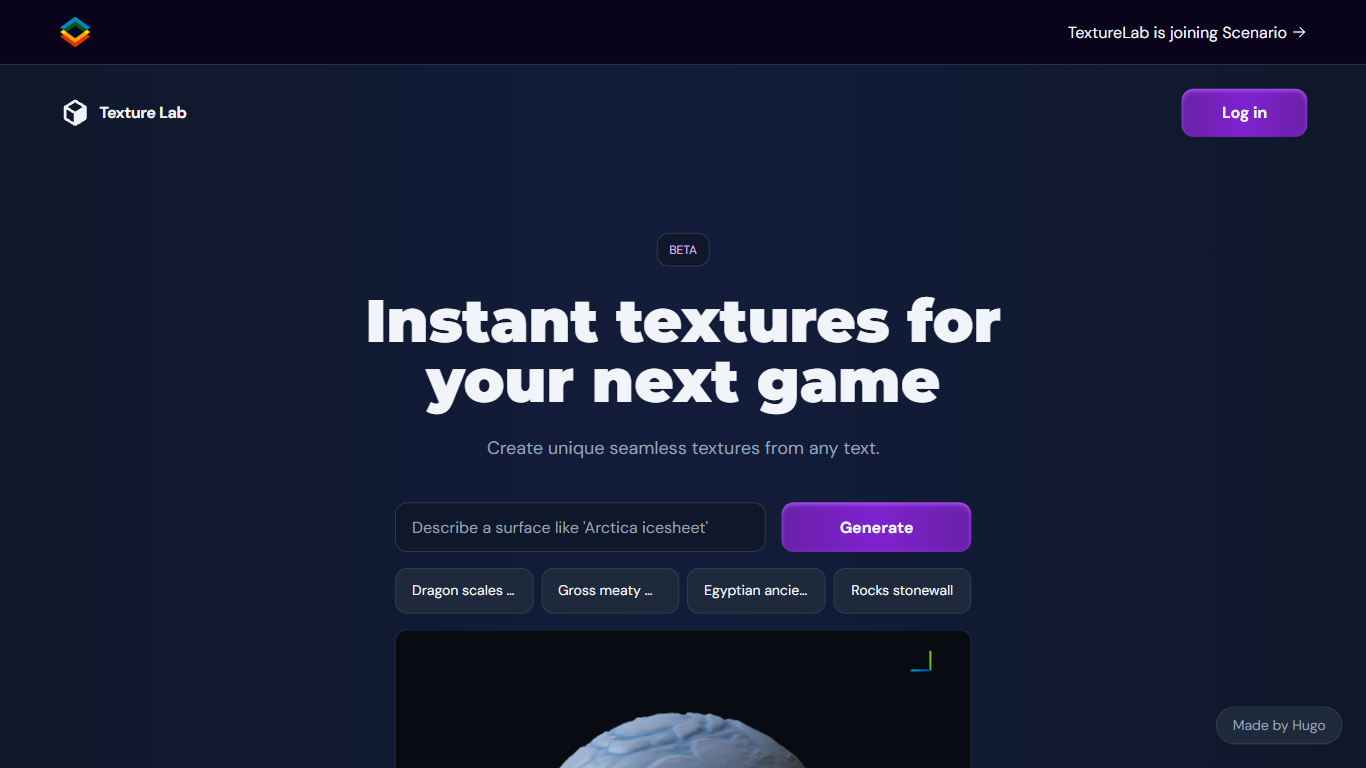
What is Texture Lab?
Texture Lab now lives inside Scenario as a seamless PBR texture generator that turns text prompts or reference images into tileable game-ready materials. You pick a texture model like Realistic Textures 2.0, generate an albedo map, preview it on a 3D object, and export full PBR sets with height, normal, metallic, edge, and ambient occlusion maps up to 8K resolution.
Standalone texture sites usually hand you diffuse images only. Scenario's Textures workflow adds specialized material models, custom model training on your art style, Prompt Spark prompt expansion, and one-click 8K upscaling inside the same creative platform used for images and 3D. The trade-off is that Texture Lab is no longer a separate product; it requires a Scenario account and credits.
Game environment artists, architectural visualizers, and AR/VR builders use Texture Lab to produce wood, stone, terracotta, and fantasy surfaces without hand-painting maps. Scenario offers 50 free daily credits with paid plans from $10 per month on annual billing for higher volume production.
ThumbnailCreator Upvotes
Texture Lab Upvotes
ThumbnailCreator Top Features
Paste a YouTube URL and get multiple thumbnail concepts in about 30 seconds
1 credit equals 1 AI thumbnail; Lite plan starts at $8 per month after a 7-day trial
Creator plan at $33 per month includes Advanced Face Training and person swap
Auto-Optimize and variation generator on Starter ($17/mo) and higher tiers
Export at YouTube-optimized resolution or upload directly to your channel
AI Viral Clips finds hook moments in long videos for Shorts, TikTok, and Reels
Texture Lab Top Features
Generates tileable albedo, height, normal, metallic, edge, and ambient occlusion maps from text or images
Specialized models for wood, stone, terracotta, and other material categories
Train custom texture models on Scenario to match your project's art style
3D viewer previews tiling, geometry shape, and material properties before export
One-click 8K upscaling for high-resolution environment work
Unity integration imports generated textures directly into game projects
50 free daily Scenario credits with no credit card required to start
ThumbnailCreator Category
- Image Generation
Texture Lab Category
- Image Generation
ThumbnailCreator Pricing Type
- Freemium
Texture Lab Pricing Type
- Freemium